Trusted by leading brands worldwide














Easy recording. Right where your videos live.
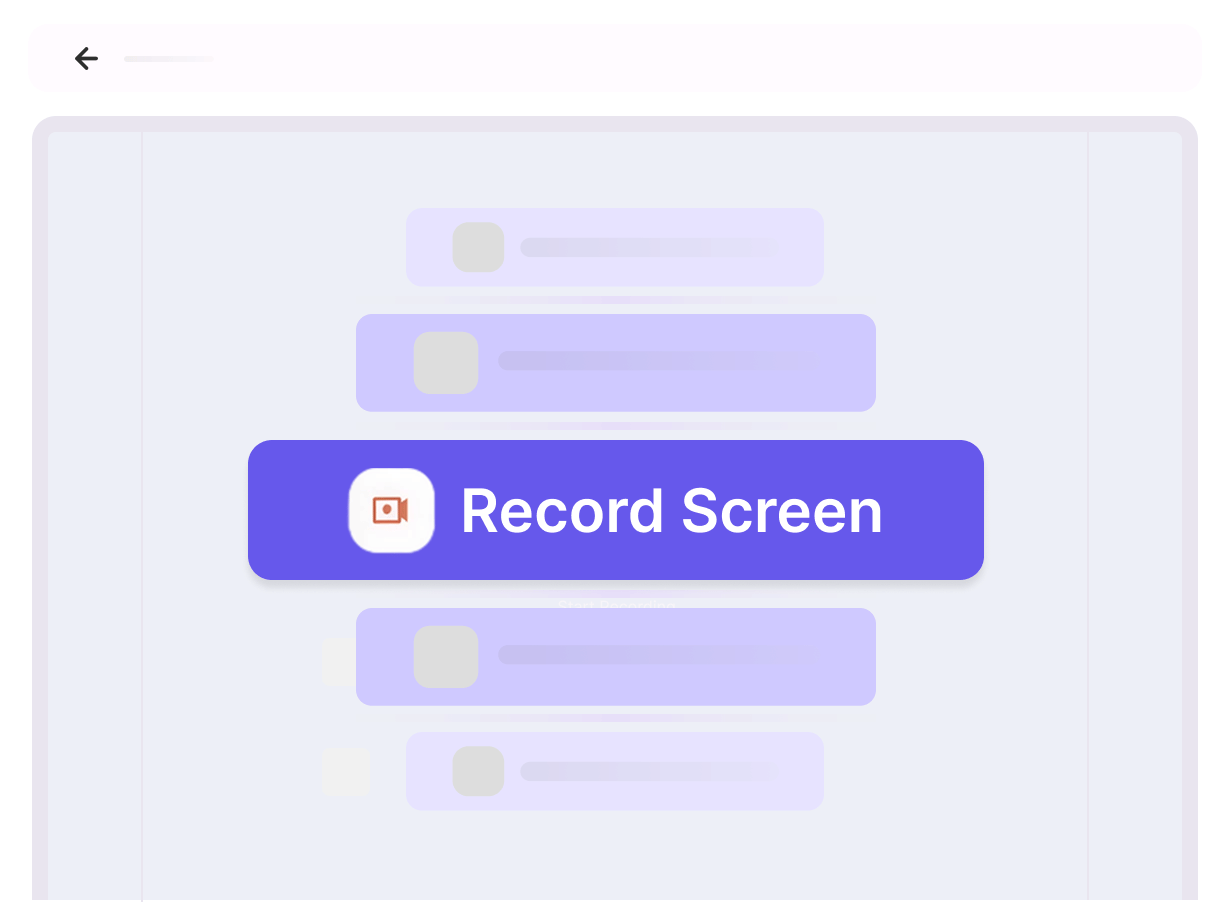
Record without leaving Gumlet
Start a recording from your dashboard, add camera + mic, and keep everything in one flow. When you’re done, review your take and upload straight into your Gumlet library.
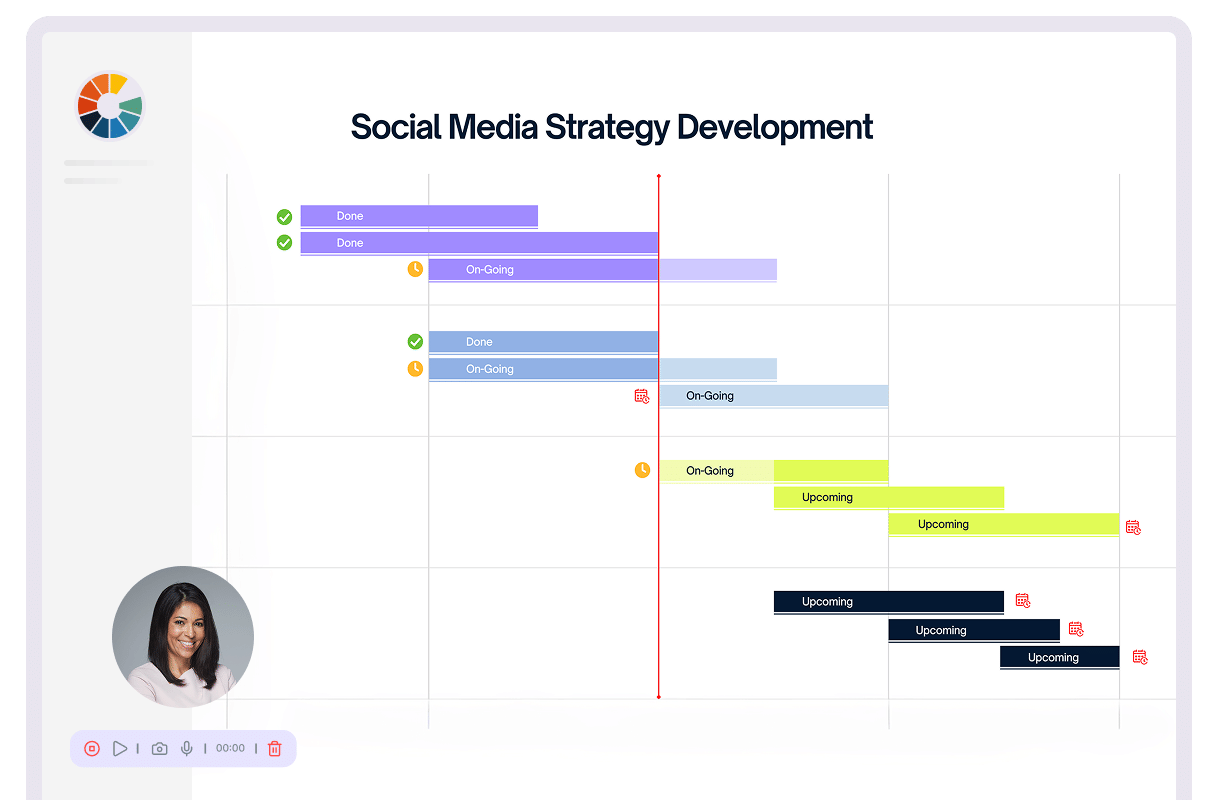
Make it personal
Add your face and voice to the recording with a camera overlay you can drag anywhere. It’s a simple way to make walkthroughs, updates, and feedback feel more human.
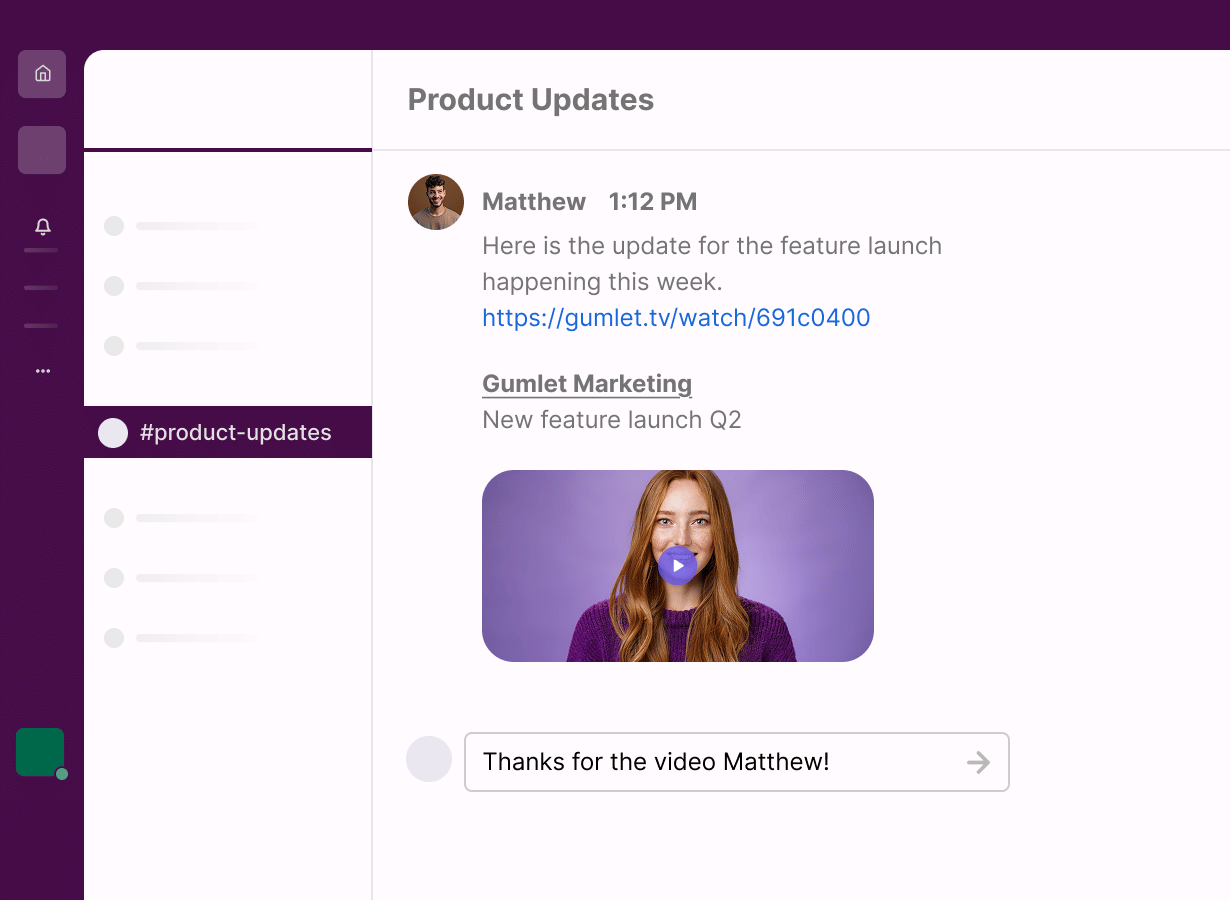
Share it anywhere, instantly
Once it’s in Gumlet, your recording becomes a real video you can share far and wide. Embed it on your site, drop it in an email, or send a link, so your updates travel across teams, clients, and devices fast.
Record in minutes - Step-by-step guide

Start recording
Go to Upload Video in your dashboard and choose Record Screen. You’ll be ready to capture in seconds.

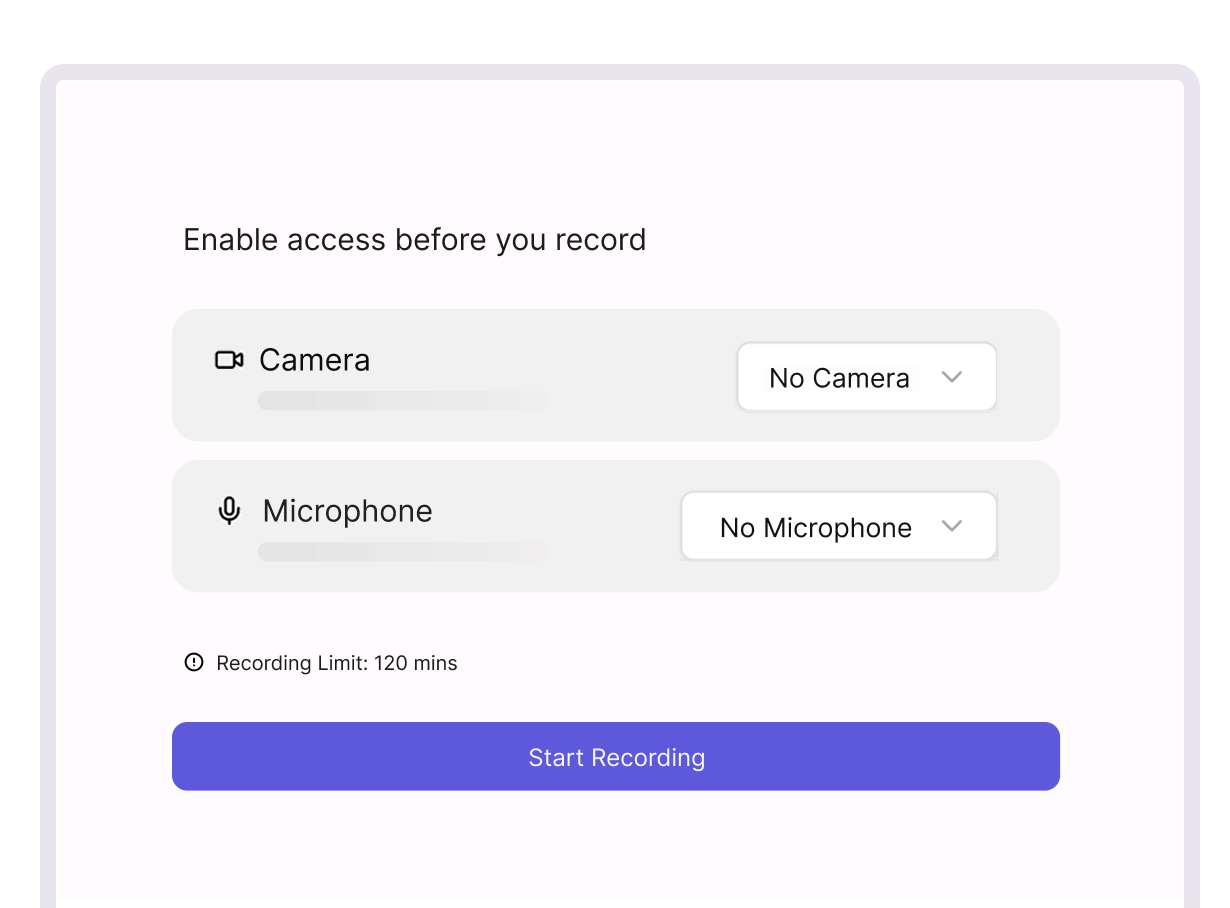
Set up camera & mic
Allow camera and microphone permissions, then pick the right devices. Place the camera bubble wherever it looks best on screen.

Choose what to capture
Select what you want to record: a browser tab, a window, or your full screen. Keep it focused or go big, your call.

Stop, review, upload
Stop when you’re done, review the recording, and upload it to your library. Re-record if required before it ever goes live.
Record once. Share everywhere.
Because screenshots don’t tell the full story.
From feature demos to bug reports, screen recordings make collaboration faster. Capture your screen with camera + voice, review, then upload directly into Gumlet.
Training & Onboarding
Create repeatable onboarding videos for new hires, customers, or partners, without redoing the same walkthrough.
E-commerce and Businesses
Show, don’t explain. Record product walkthroughs, catalog updates, and launch notes your team can review anytime.
Agencies & Consultants
Deliver smoother handoffs. Record audits, walkthroughs, and client updates that show exactly what changed, and why.
Customer Support
Solve tickets in one take. Record step-by-step fixes and troubleshooting clips that customers can follow without confusion.
Meet Gumlet: Built for the video first internet.
Built to scale
Scale effortlessly as your needs grow. Gumlet handles large volumes of content and viewers with ease, ensuring reliable video delivery no matter the size of your audience.