Picture this: you built a 12-week fitness program. You spent months filming, editing, and pricing it. Then a student sends you a screenshot of a Telegram group where your entire course is being shared for free. Every lesson. Every routine. All of it.
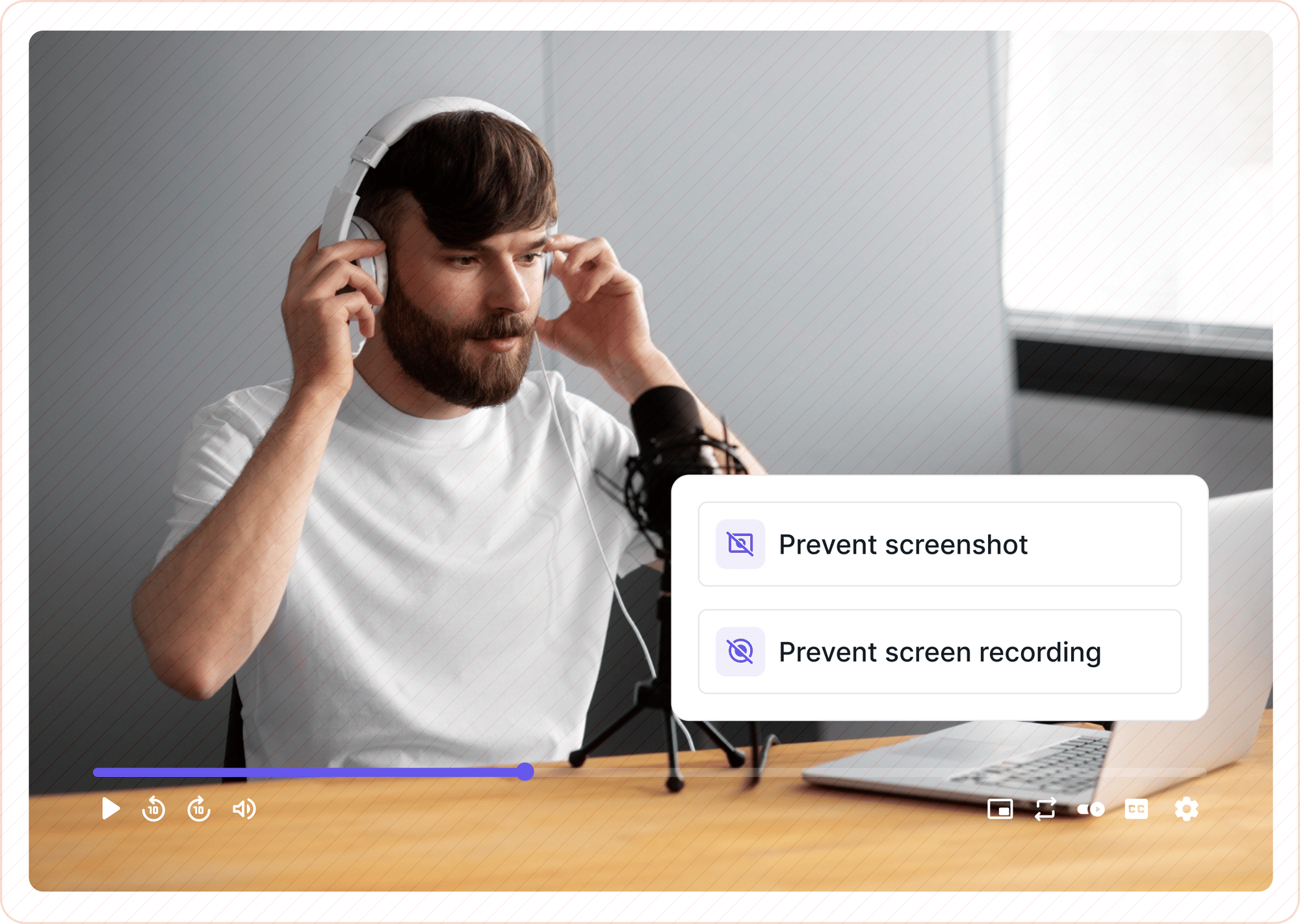
You start searching for a way to prevent screen recording of your videos. Every article you find promises a fix. Most of them don't actually deliver one.
Here is the honest truth: no publicly available technology can guarantee zero screen recordings of a video delivered over the open web.
If a screen can display it, something can capture it. That is not a reason to give up. It is the starting point for building a protection strategy that actually works, one that makes piracy impractical for most people and traceable for everyone.
This article breaks down exactly what works, what doesn't, and how to build a layered defense that puts the odds back in your favor.
Key Takeaways
- Complete screen recording prevention is not technically achievable on the open web. Any device that can render video visually can, in theory, capture it.
- Hardware-enforced DRM (specifically Widevine L1 and Apple FairPlay) comes closest to blocking screen capture on supported devices by processing decryption inside hardware-isolated chip memory.
- Widevine L3, which is what most budget DRM setups and desktop browsers use, is a software-only implementation and does NOT prevent screen recording.
- Dynamic watermarking does not block recording. It embeds viewer-specific data into the video frames in real-time, making every leaked copy traceable back to the exact viewer who recorded it.
- Browser-only tricks like right-click disabling or JavaScript-based capture detection do not work and should not be treated as security layers.
- The most resilient approach, called the Four-Layer Video Protection Model, combines hardware DRM, dynamic watermarking, tokenized access controls, and quality throttling into a single stack.
Why You Can't Fully Block Screen Recording
This is the part most vendors skip because it doesn't sell software. But understanding it is what separates a real protection strategy from one that just looks good on a pricing page.
The fundamental problem is called the analog hole. It refers to the point in any content delivery pipeline where digital signals must be converted into something a human can perceive: light on a screen, sound through a speaker.
At that conversion point, the content is, by definition, capturable. Encrypt the stream perfectly, and someone can still point an external camera at the monitor. Or use a hardware capture card. Or, in most web browser environments, simply open OBS Studio and hit record.
Browsers compound this. A web browser is designed by its nature to display content to the user. No web application has full control over what the operating system's screen capture pipeline does. When Chrome renders a video, that video passes through layers of the OS that a JavaScript file on your webpage simply cannot reach or restrict.
This does not mean protection is pointless. It means the goal needs to be reframed. The question is not "how do I make recording technically impossible?" The right question is "how do I make recording impractical for the average viewer and traceable for everyone else?" That shift in thinking is what a layered protection model is built around.
The Four-Layer Video Protection Model
Effective screen recording protection is not a single tool. It is a stack of complementary layers, each addressing a different threat vector.
Think of it the way a bank thinks about physical security: the vault is the primary defense, but there are also guards, cameras, access logs, and silent alarms. Each layer handles what the others can't.
The Four-Layer Video Protection Model works the same way. The goal shifts from "block all recording" to "make recording impractical, identifiable, and legally actionable."
Layer 1: Encryption (DRM)
Digital Rights Management, or DRM, is the only protection layer that can genuinely restrict screen capture on supported devices. It does this by tying video decryption to a licensed playback environment and, at the hardware level, performing that decryption inside a chip area that the operating system cannot touch.
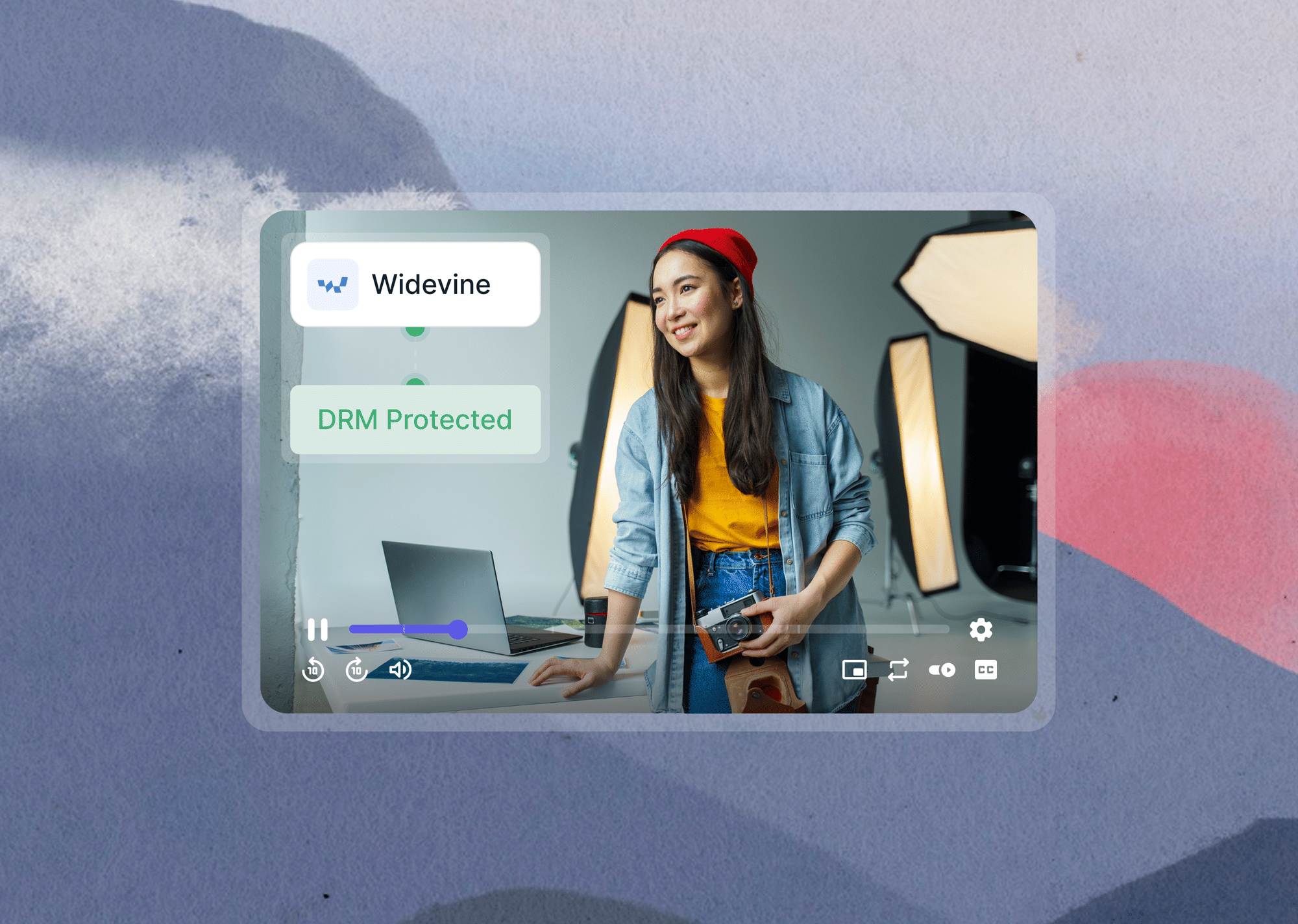
The three major DRM systems in use today are Google's Widevine (which covers Chrome and Android), Apple's FairPlay (which covers Safari and iOS), and Microsoft's PlayReady (which covers Windows environments via Edge). Together, these cover the vast majority of consumer devices.
Layer 2: Dynamic Watermarking (Traceability)
Dynamic watermarking does not block recording. Let that be clear upfront.
What it does is embed viewer-specific information, such as user ID, email address, session timestamp, or IP address, directly into the video frames during playback. That watermark travels with any recording.
If a viewer records your video and shares it on a piracy site, the embedded data identifies exactly who the source was. This turns piracy from an anonymous act into a forensic trail.
Layer 3: Access Restriction (The Gate)
Tokenized URLs, domain restrictions, geo-blocking, and IP limits don't stop a determined recorder on their own. But they prevent unauthorized people from reaching the video in the first place.
A signed URL expires after a set window. Domain restrictions prevent someone from embedding your video player on a third-party site. These forms of video access controls act as the gate before the other layers ever come into play.
Layer 4: Quality Deterrence
Delivering lower-resolution streams to unverified sessions, or enabling quality throttling as a default, reduces the value of any recording. A leaked 360p copy is far less damaging than a 1080p one. This is a supplementary layer, not a primary defense, but it earns its place in the stack.
What Actually Blocks Screen Capture on Streaming Video
Some of these controls genuinely suppress recording on most consumer devices. Others reduce its value without blocking it. Knowing the difference helps you prioritize where to spend your setup time and budget.
Online video piracy alone accounts for an estimated $75 billion in annual losses, growing at roughly 11% per year, according to ScoreDetect's 2025 industry analysis. For solo course creators and small fitness businesses, even a fraction of that exposure is devastating.
Here is what genuinely stands between your content and the people trying to take it.
1. Hardware-Enforced DRM: Widevine L1 and Apple FairPlay
This is the most important distinction in this entire article, and it is the one most DRM vendors bury in their documentation.
Widevine L1 (Level 1)
At this security level, all video decryption, decoding, and rendering happen entirely within the device's Trusted Execution Environment, or TEE. The TEE is a hardware-isolated area of the processor, separate from the main operating system.
Screen capture tools running at the OS level cannot intercept the video because the decrypted frames never pass through the accessible OS render pipeline.
Platforms like Netflix and Amazon Prime Video require Widevine L1 certification to stream HD content. This is precisely why taking a screenshot or recording Netflix on a certified Android device produces a blank black frame instead of captured video.
Widevine L3 (Level 3)
This is a software-only implementation. Decryption happens in a software Content Decryption Module, or CDM, without any hardware protection.
The decrypted video passes through the regular OS pipeline. Standard screen recording software, including OBS Studio and most built-in OS recorders, can capture L3-protected streams without difficulty.
This distinction explains something that confuses a lot of creators. Many platforms advertise "DRM-protected" video without specifying the security level.
A creator enables DRM, still gets their content screen-recorded, and concludes that DRM doesn't work. The problem isn't DRM. The problem is L3 specifically. Desktop Chrome and Firefox, for example, typically implement Widevine at L3. In those environments, hardware-enforced blocking is not available via the browser. On recent Android flagships, L1 is standard, and screen capture is genuinely blocked on most recording apps.
Apple FairPlay
Apple FairPlay uses the Secure Enclave on iOS and Safari to provide hardware-enforced protection comparable to Widevine L1. For Apple device users, it offers reliable screen capture prevention when implemented correctly.
Microsoft PlayReady SL3000
Microsoft PlayReady SL3000 on Windows through Edge activates the Windows Protected Media Path for equivalent hardware-level protection on that platform.
2. Dynamic Watermarking as the Enforcement Layer
When hardware DRM is paired with dynamic watermarking, you have both a blocking mechanism and a forensic fallback. For recordings that do get through, on desktop browsers at L3 or via external devices pointed at a screen, the watermark identifies the source. You can revoke access, pursue takedowns with evidence, or take legal action with a named account attached to the leak.
The key word is "dynamic." A static logo in the corner is easily cropped out. A dynamic watermark moves, rotates, changes opacity, and embeds data that is invisible to the naked eye but readable by forensic tools.
Removing it without visibly destroying the video quality is not practical for the average pirate. See how dynamic watermarking works at the frame level for a deeper look at the implementation.
3. Anti-Capture SDKs in Native Apps
This is an angle almost no article on this topic covers, and it is one of the most effective tools available to creators with a native mobile app.
iOS and Android both provide OS-level APIs that allow apps to declare their window content as non-recordable.
On iOS, marking a UIWindow as secure causes the screen to go black during any recording attempt at the OS level. The recording software doesn't error out; it just captures a blank screen. On Android, the FLAG_SECURE window flag achieves the same effect.
These APIs work because the app controls the playback environment entirely, unlike a web browser. If your video content lives inside a native iOS or Android app and you have developer access, this is one of the most reliable blocking mechanisms currently available anywhere in the video security stack.
What Doesn't Work (Common Myths)
Plenty of tools are marketed as screen recording prevention. Most of them stop casual users at best and offer nothing against anyone with moderate technical skill.
The challenge for creators is that these myths circulate constantly. A quick search surfaces dozens of tutorials recommending the same ineffective techniques, often with confident language.
Being clear about what doesn't work saves time and prevents false confidence from leaving your content exposed.
1. Right-Click Disable and Download Button Removal
This removes a UI element. It does nothing to the video stream itself. Any user can open browser DevTools in under 10 seconds and locate the stream URL directly from the Network tab. Right-click disable is cosmetic. Using it as a security measure is like putting a "Do Not Enter" sign on a door with no lock.
2. JavaScript-Based Screen Capture Detection
Some libraries and scripts claim to detect active screen recording through browser-side heuristics. These approaches rely on signals like performance timing anomalies or window focus events.
Screen capture software does not announce itself to the browser. These detection methods produce inconsistent results, generate false positives, and are bypassed by virtually all mainstream recording tools. At best, this is an unreliable deterrence layer that creates more problems than it solves. It should not be listed as a security control in any serious protection setup.
3. Overlay Divs and "Secure" Embed Codes
Placing an invisible div layer on top of a video player, or wrapping embeds in restrictive iframe parameters, does nothing to the media stream. Any developer-savvy user can remove DOM elements in seconds using browser inspector tools. The video stream URL remains fully accessible through the Network tab regardless of what the visual layer looks like.
4. Widevine L3 as a Screen Recording Barrier
To repeat the point from the "what works" section, because it matters enough to say twice: if your DRM implementation is delivering Widevine L3, which is typical for most browser-based setups, screen recording tools can and do capture your content.
L3 provides no hardware-level protection. Before assuming DRM is working as an anti-recording measure, confirm whether your setup is delivering L1 or L3. Most video infrastructure platforms will document this in their DRM settings.
What Works vs. What Doesn't: A Side-by-Side View
Here is the practical summary in one place.
Choosing the Right Protection for Your Situation
The right combination of tools depends on where your video lives and who your viewers are. There is no single setup that fits every creator or platform.
For Web-based Course Creators and Fitness Coaches
Web-based course creators and fitness coaches face the widest exposure surface. Hardware DRM is your primary defense against most screen capture software. Pair it with dynamic watermarking so every session carries a viewer identity, and use tokenized URLs to prevent access links from being forwarded outside your platform.
This stack won't stop someone holding a second phone up to their monitor, but it identifies any digital leak with a traceable record attached. For a practical mapping of this by content type, how creators can protect their course videos walks through the decision points in detail.
For OTT and Streaming Platforms
OTT and streaming platforms with a native app can combine hardware DRM with OS-level anti-capture SDK calls for the highest blocking coverage currently available. Dynamic watermarking serves as the forensic fallback for anything that gets through. If you are evaluating platforms at this level, DRM video hosting platforms compare the major options across security depth and price.
For Corporate or Internal Training Teams
Corporate or internal training video teams often don't need full hardware DRM. Domain restrictions, tokenized links, and a visible dynamic watermark are typically sufficient to deter internal leaks without the overhead of a full DRM licensing setup.
For Creators on Public Platforms
Creators distributing on YouTube, social platforms, or public embeds should assume their content is essentially unprotectable against screen recording in those environments. DRM is not available on YouTube or most social platforms. The focus here shifts entirely to watermarking for attribution and DMCA enforcement after the fact.
How Gumlet Handles the Full Protection Stack
Building this stack from scratch typically requires integrating a DRM license server, a watermarking service, a tokenization layer, and an access control system.
For most creators and product teams, that is months of engineering work before a single video is protected.
Gumlet is an online video hosting platform that implements the Four-Layer Video Protection Model through a no-code setup. DRM encryption via Widevine and Apple FairPlay, dynamic watermarking, tokenized URLs, and domain and IP restrictions are all configurable without requiring developer intervention.
The protection stack described throughout this article is available as a single, unified solution from a platform built specifically for this use case.
You can read more about video encryption to understand how the encryption layer works before enabling it, or explore Gumlet's video protection features to see the full configuration options.
For creators who want to compare solutions before committing, the existing Gumlet guide on how to prevent screen recording on hosted videos covers the platform-level setup in step-by-step detail.
Frequently Asked Questions
1. Can DRM completely prevent screen recording?
No technology can guarantee 100% prevention across every device and environment. Hardware DRM with Widevine L1 or Apple FairPlay blocks screen capture on supported devices by enforcing decryption inside the device's hardware security layer. That hardware layer cannot be accessed by OS-level screen capture tools. But the web browser environment is a different story.
Desktop browsers typically operate at Widevine L3, a software-only implementation, where hardware protection is not available. The correct framing: hardware DRM makes screen recording practically very difficult on supported mobile and TV devices, and dynamic watermarking ensures that any recording that does occur is traceable back to the specific viewer responsible for it.
2. What is the difference between Widevine L1 and Widevine L3?
Widevine L1 processes all video decryption and rendering inside the device's Trusted Execution Environment, a hardware-isolated area of the processor that OS-level software cannot access. Screen recording tools running in the operating system cannot intercept the video stream because it never enters the accessible OS pipeline.
Netflix requires Widevine L1 to stream HD content, which is why capturing Netflix on a certified Android device produces a black frame in the recording. Widevine L3 is a software-only fallback with no hardware protection.
Decryption happens in the browser's CDM at the software level, which means standard screen recorders can capture the stream. If you have implemented "DRM" and are still seeing recordings, the first thing to verify is whether your setup is delivering L1 or L3.
3. Does dynamic watermarking actually prevent screen recording?
No. Dynamic watermarking does not block recording at the technical level. Its purpose is different and equally important: it embeds viewer-specific data directly into the video frames during playback, so that data survives in any recording. If a viewer captures your video and distributes it, the watermark identifies exactly which account the leak originated from. This turns every unauthorized recording into a traceable forensic artifact rather than an anonymous act of piracy.
4. My course videos are being shared on Telegram. What should I do?
The most practical response combines three controls. First, implement hardware DRM to block automated download tools and most screen recording software. Second, add dynamic watermarking to identify exactly which viewer is the source of each leak. Third, use tokenized URLs with short expiry windows to prevent access links from being passed around outside your platform.
This combination addresses the most common piracy vectors and gives you the evidence to revoke account access or support DMCA takedowns when a leak occurs. The problem is real, and a reactive approach of reporting individual links is not sustainable without a forensic trail to work from.
5. Can a browser-based video player be fully protected against screen recording?
Not completely. Browsers do not give web applications control over the OS-level screen capture pipeline. DRM implemented via Encrypted Media Extensions, or EME, restricts capture on hardware-capable devices, but desktop Chrome and Firefox typically operate at Widevine L3, which provides no hardware-level blocking.
A determined viewer can also use an external device, a second screen, or a hardware capture card regardless of the DRM level. The most reliable approach for web is hardware DRM for devices that support it, combined with visible dynamic watermarking.
Any recording that gets through carries a traceable identity, which is often more effective as a deterrent than a technical block that a motivated pirate can work around.
No protection layer is perfect. Anyone who tells you otherwise is either misinformed or selling something. The goal is not perfection.
It is making piracy painful enough that most people won't bother and traceable enough that those who do can be identified.
A layered stack combining hardware DRM, dynamic watermarking, and tokenized access controls gets you there without requiring an engineering team or a Hollywood-scale budget. Gumlet brings all three together in a single platform built for creators, course businesses, and streaming teams.
Protect your videos with Gumlet's DRM and dynamic watermarking. Start your free trial today.