A prospect clicks play on your product demo and sits through a pre-roll ad before they ever see your software. An online ad-free video player removes that risk: you host the video, embed it on your own site, and control everything from branding to analytics, with zero ads and no "up next" carousel steering viewers to a competitor. Every interruption has a cost: distracted viewers, leaked attention, and a brand that suddenly looks cheaper than it is.
This article compares the 10 best online ad-free video players for business in 2026 across branding, embedding, security, and pricing, so you can shortlist fast. You get a comparison table, then a short overview with pros, cons, and indicative pricing for each tool, and finally, a look at how businesses put these players to work. It's a practical, vendor-neutral read built to help you pick the right ad-free video player for business, nothing more.
TL;DR: quick picksBest for branded, high-performance hosting: Gumlet. Fast adaptive streaming with DRM and full player branding.Best for marketing & lead-gen: Wistia. Branded player with in-video CTAs and lead capture.Best for sales outreach: Vidyard. Personalized video messaging wired into your CRM.Best for content protection: VdoCipher. Hollywood-grade DRM and dynamic watermarking.Best budget white-label: SproutVideo. White-label branding and privacy controls from ~$10/mo.Best for WordPress: Presto Player. Native, ad-free player built for the block editor.
The 10 Best Online Ad-Free Video Players for Business in 2026 (Compared)
To compile this list, we assessed more than 30 ad-free video players and narrowed them down using a fixed set of criteria, scoring each one consistently to ensure the comparison is like-for-like. First, every tool had to pass a baseline check: it plays video with no ads, no pre-roll, and no "up next" carousel. We then rated each player on four factors: customization and branding, ease of embedding, security and DRM, and pricing. We also noted which use case each tool is built around, since several are clearly specialized rather than general-purpose. The 10 players below are the ones who scored consistently across those criteria; each entry outlines what the tool does, what it handles well, and where it falls short, so you can match it to your own situation. Prices are starting points and change often, so verify current tiers with each vendor before buying.
| Player | Best for | Ad-free | Customization & branding | Security / DRM | Starting price* |
|---|---|---|---|---|---|
| Gumlet | Performance + security | Yes | Custom player (colors, logo, controls) | Widevine + FairPlay DRM, watermarking, domain lock | Free plan; paid from ~$10/mo (DRM add-on ~$99/mo) |
| Wistia | Marketing & lead-gen | Yes | Strong, branded player + CTAs | Password, domain control | Free; Plus ~$19/mo |
| SproutVideo | Privacy & branding on a budget | Yes | White-label, custom colors/logo | Password, IP, SSO, domain privacy | Seed ~$10/mo (no free plan) |
| Vidyard | Sales teams | Yes | Branded player + personalization | Privacy settings | Free; Pro ~$19/mo |
| Vimeo | All-rounder / creators | Yes | Highly customizable, branded embed | Password, privacy | Free; paid tiers vary |
| Dacast | Live + white-label | Yes | Full white-label (no Dacast marks) | HTTPS, password, DRM options | Starter ~$39/mo |
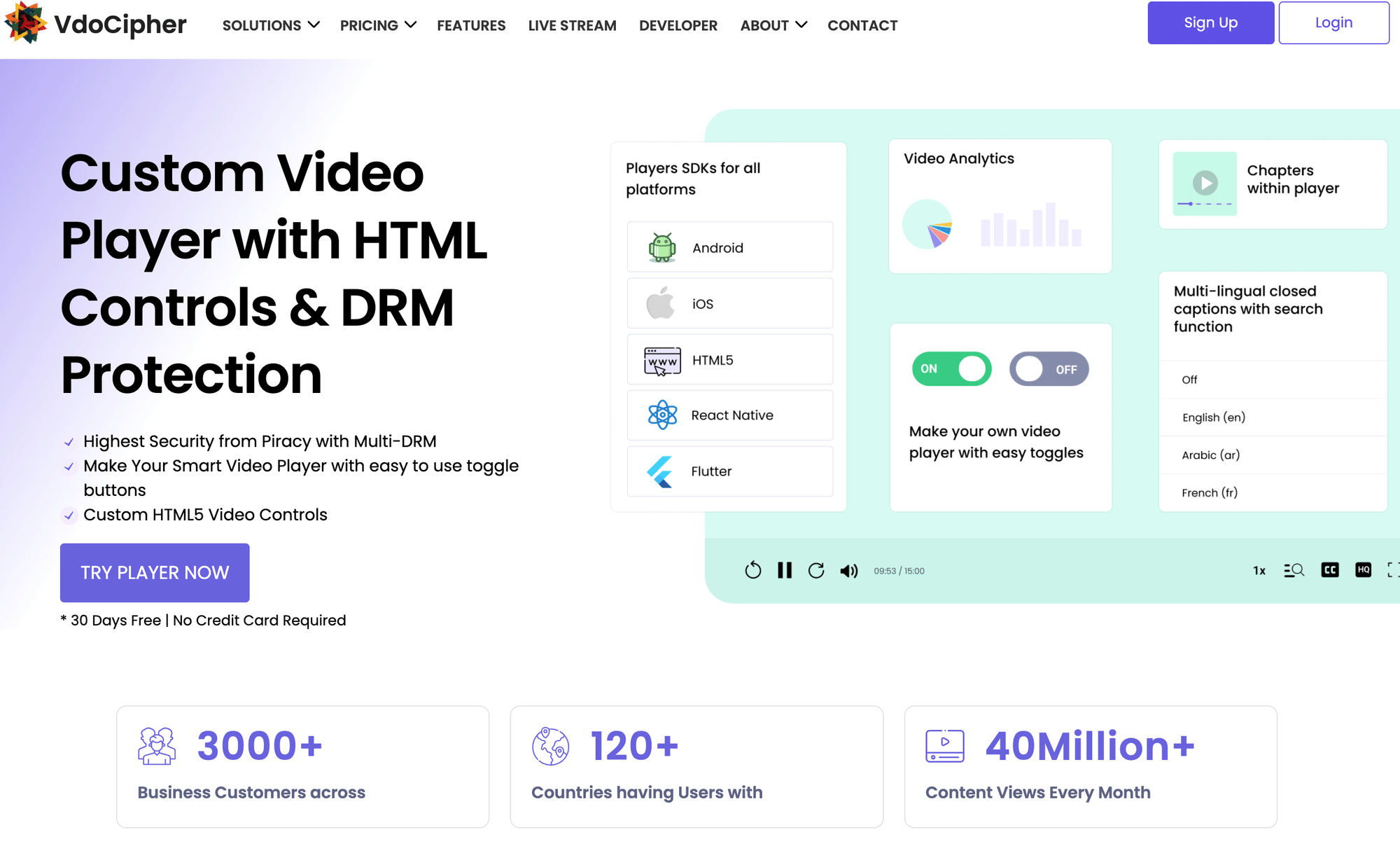
| VdoCipher | DRM / security | Yes | Customizable player | Hollywood-grade DRM, watermarking | From ~$99/mo |
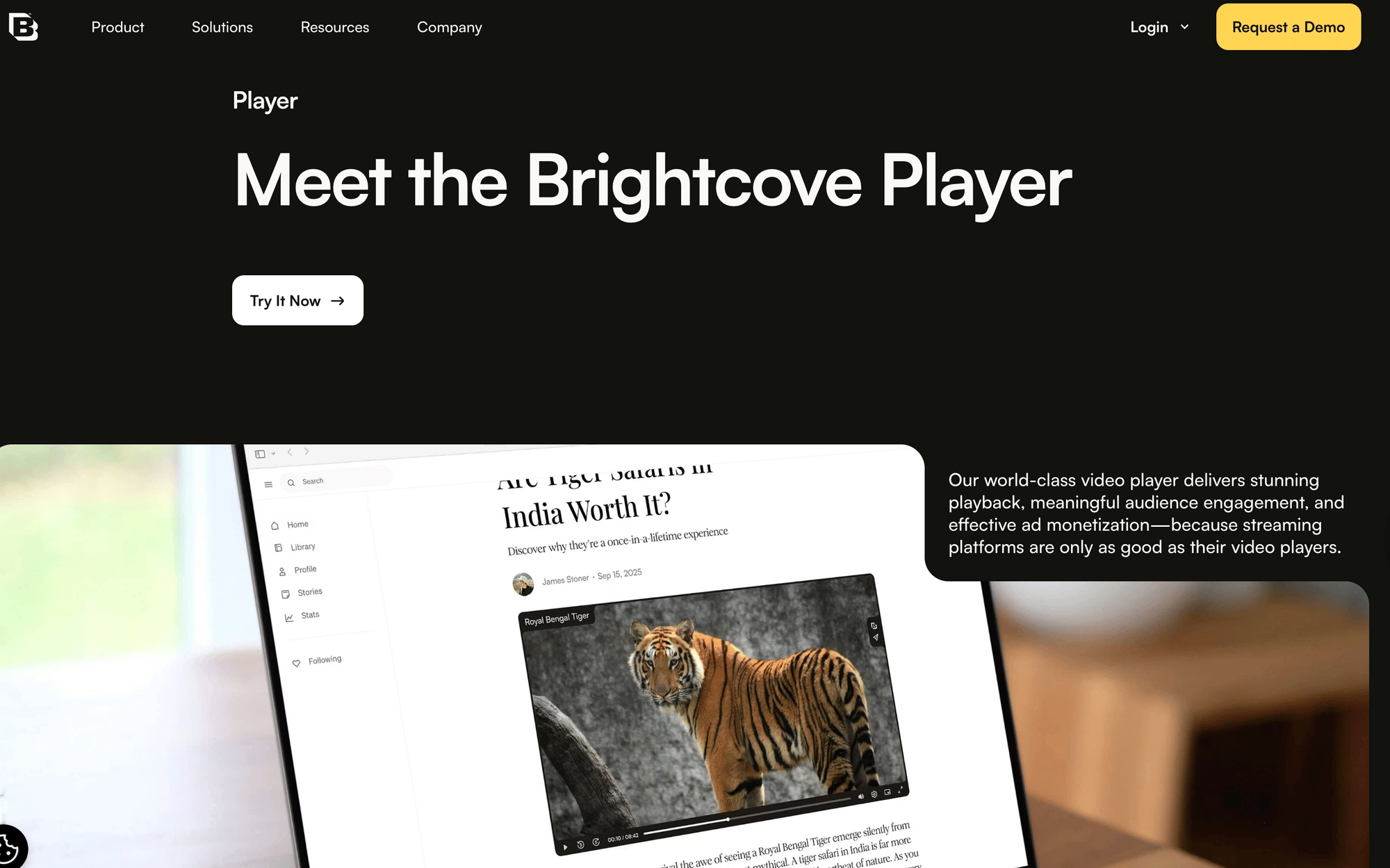
| Brightcove | Enterprise | Yes | Highly customizable | Enterprise security, DRM | Custom pricing |
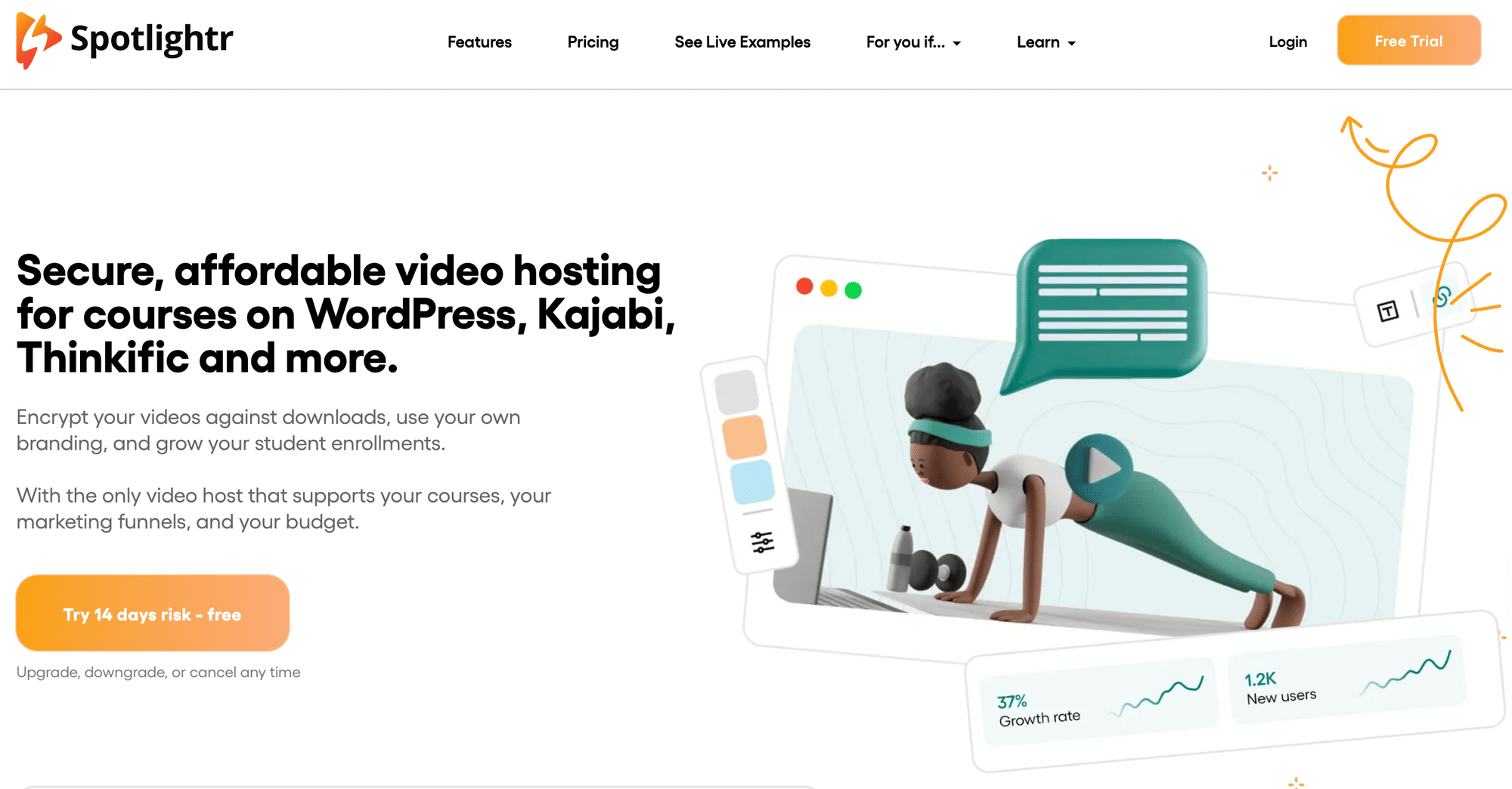
| Spotlightr | Affordable all-in-one | Yes | Customizable player + marketing tools | Domain/embed restrictions | Free; low-cost paid tiers |
| Presto Player | WordPress | Yes | WP-native branded player | Per-source controls | Free; Pro plan |
- Indicative starting prices; verify current plans with each vendor.
Gumlet
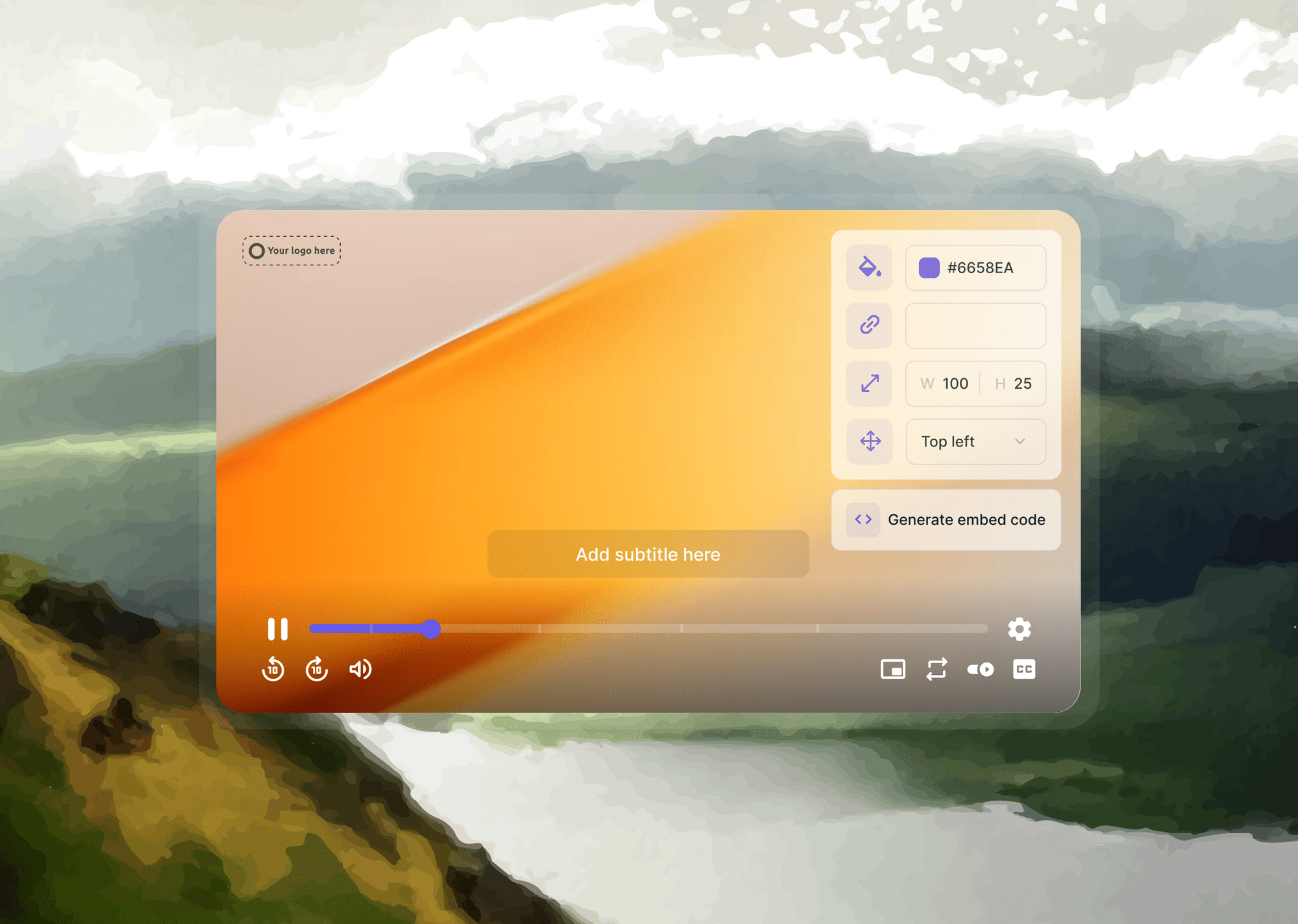
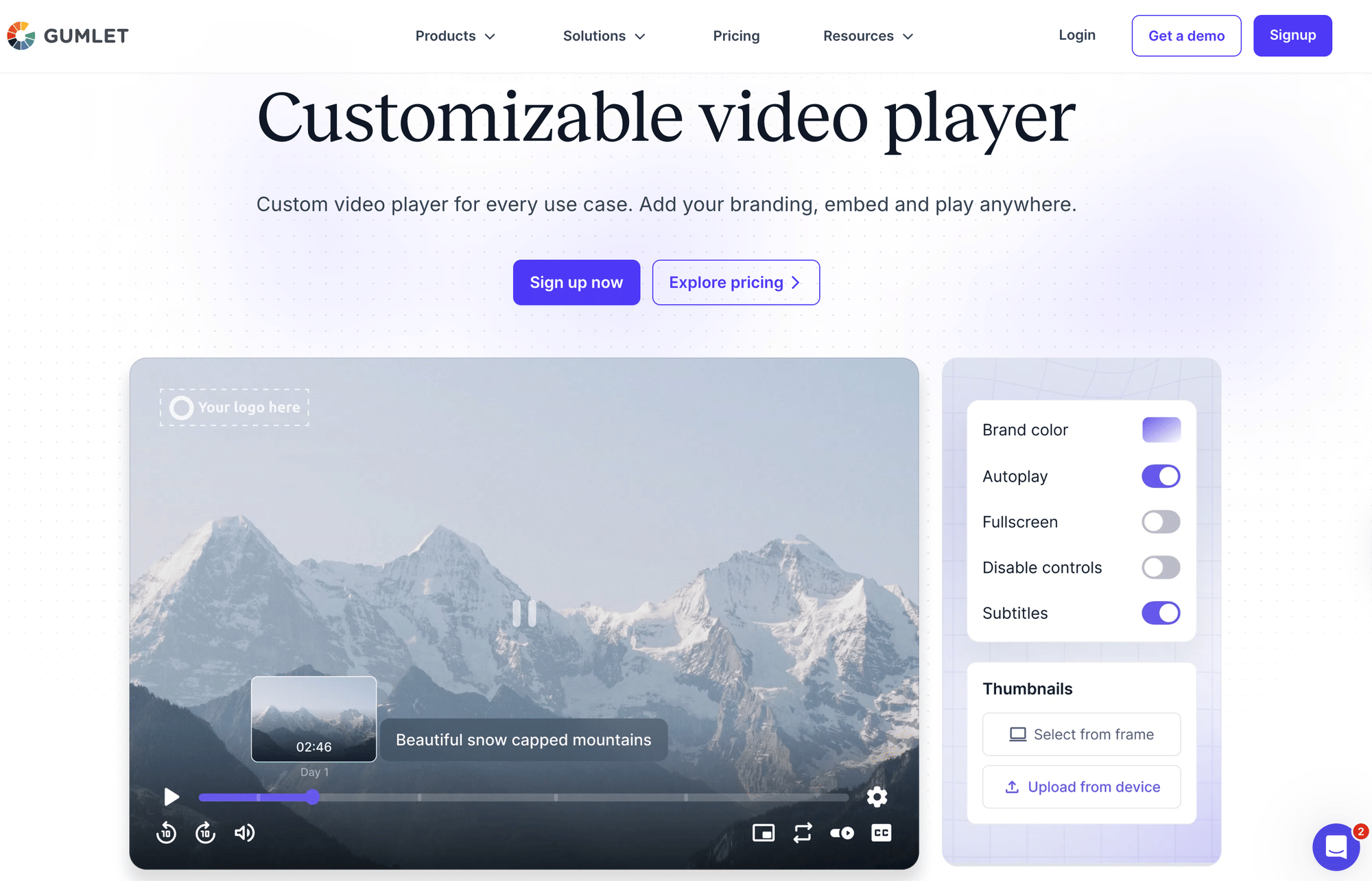
Gumlet is a video hosting and delivery platform with an engineering pedigree in media optimization, and that shapes what its player does best: getting video to viewers quickly and keeping it protected. It suits product, education, and media teams who treat video as core infrastructure rather than a marketing add-on, and who care as much about how fast a clip starts as about whether it can be ripped. The customization options let the player sit naturally on your own site rather than look like a third-party embed. Among the tools here, it asks for slightly more technical comfort in return for the strongest all-round mix of speed, branding, and protection.
Pros
- Adaptive bitrate streaming keeps playback fast and smooth across devices and connections.
- You can brand the player with your own colors, logo, and control layout.
- Content protection is robust, combining Widevine and FairPlay DRM with watermarking and domain lock.
- A free plan lets you start without committing to a budget.
Cons
- DRM is a paid add-on, so full protection raises the overall cost.
- The setup leans more technical than the no-code tools on this list.
Pricing: Free plan; paid from ~$6/mo; DRM add-on ~$99/mo.
Wistia
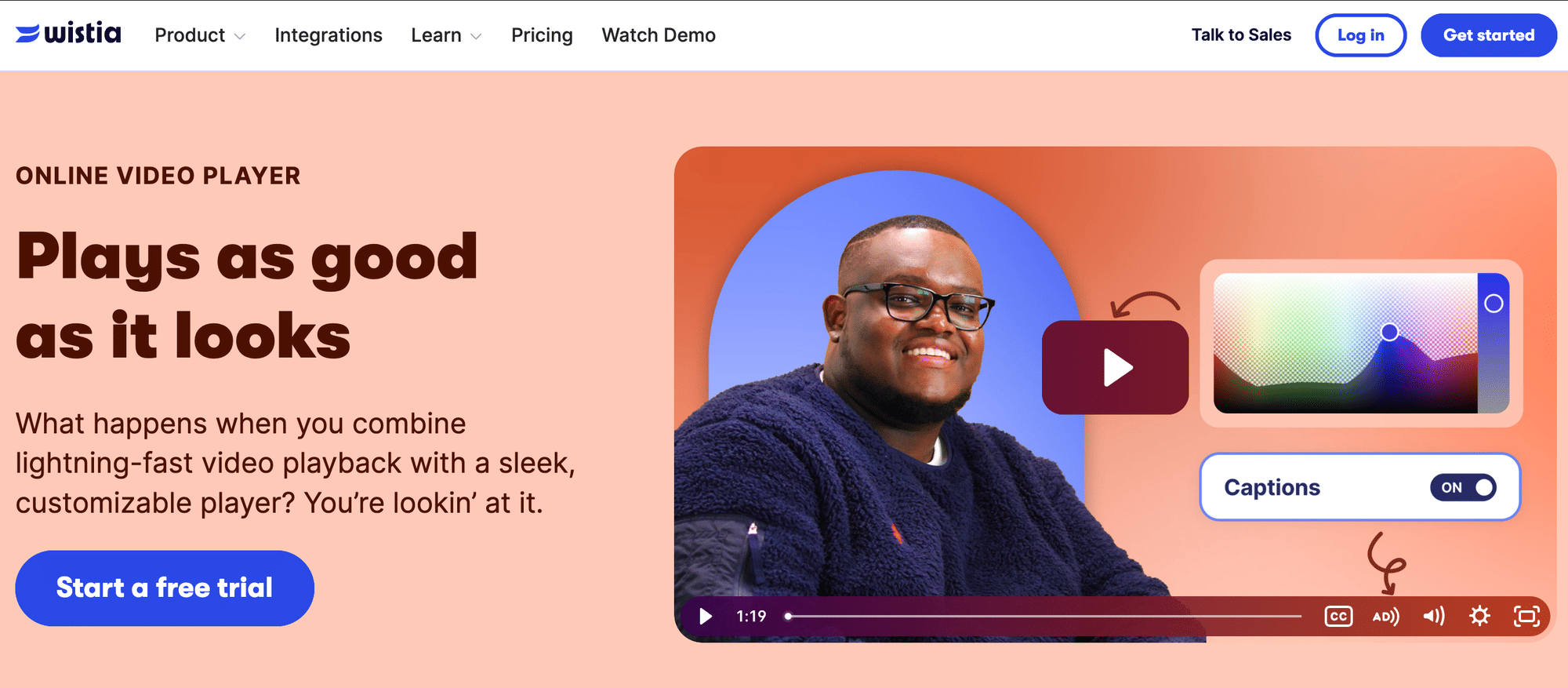
Wistia is built around a single idea: video should produce marketing results, not just sit on a page. Rather than acting as a general media host, it wraps hosting in tools that turn anonymous views into known contacts and feed them into your wider campaigns. That focus is why content, demand-gen, and brand teams favor it, and because it's designed for marketers rather than engineers, most of the work happens in a clean interface without developer help. It's the pick when video is part of how you generate and nurture leads, and less so when you simply need somewhere to store and embed a large library of videos.
Pros
- The branded player supports in-video CTAs and lead-capture forms.
- It integrates with email and marketing automation platforms.
- Detailed engagement analytics show how viewers interact with each video.
- The interface is easy for non-technical teams to pick up.
Cons
- Costs climb as your video library and bandwidth grow.
- The free tier limits the number of videos you can host.
Pricing: Free; Plus from ~$19/mo.
SproutVideo
SproutVideo sits at the value end of the white-label market, offering the kind of fully branded, privacy-controlled hosting that usually carries a far larger bill. The draw is keeping every trace of a third-party platform off your videos while still controlling exactly who can watch and from where, at a price a small team can absorb. It fits agencies and small businesses that care about presentation and access control but don't need a heavy marketing or analytics suite layered on top. Think of it as branded, secure hosting stripped to the essentials and priced accordingly.
Pros
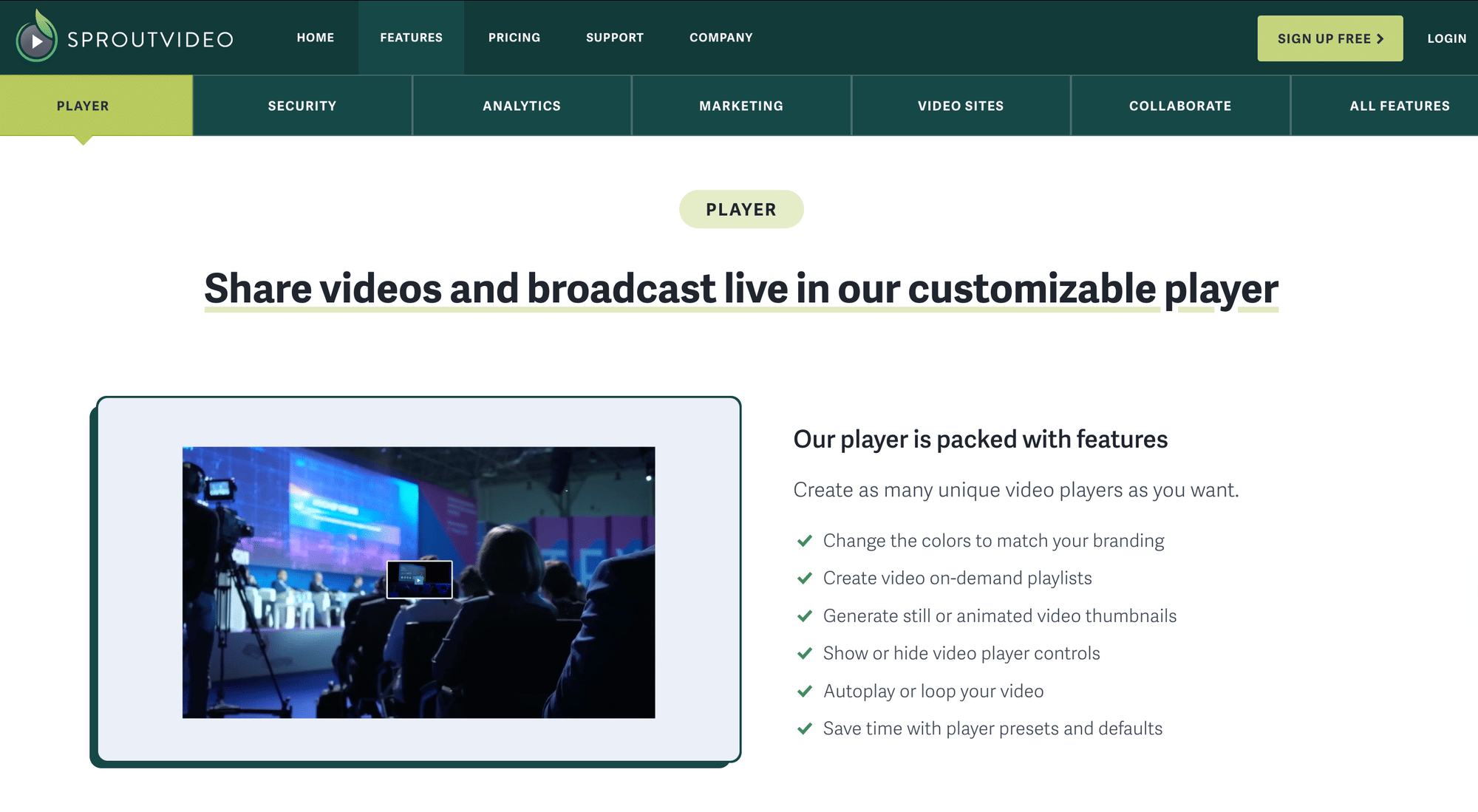
- White-label branding lets you set custom colors and a logo with no platform marks.
- Security is layered, covering passwords, IP and geo restrictions, SSO, and domain privacy.
- The entry price is affordable for small businesses.
- Analytics are clean and easy to read.
Cons
- There's no free plan, so you pay from day one.
- It offers fewer third-party integrations than larger platforms.
Pricing: Seed plan from ~$10/mo.
Vidyard
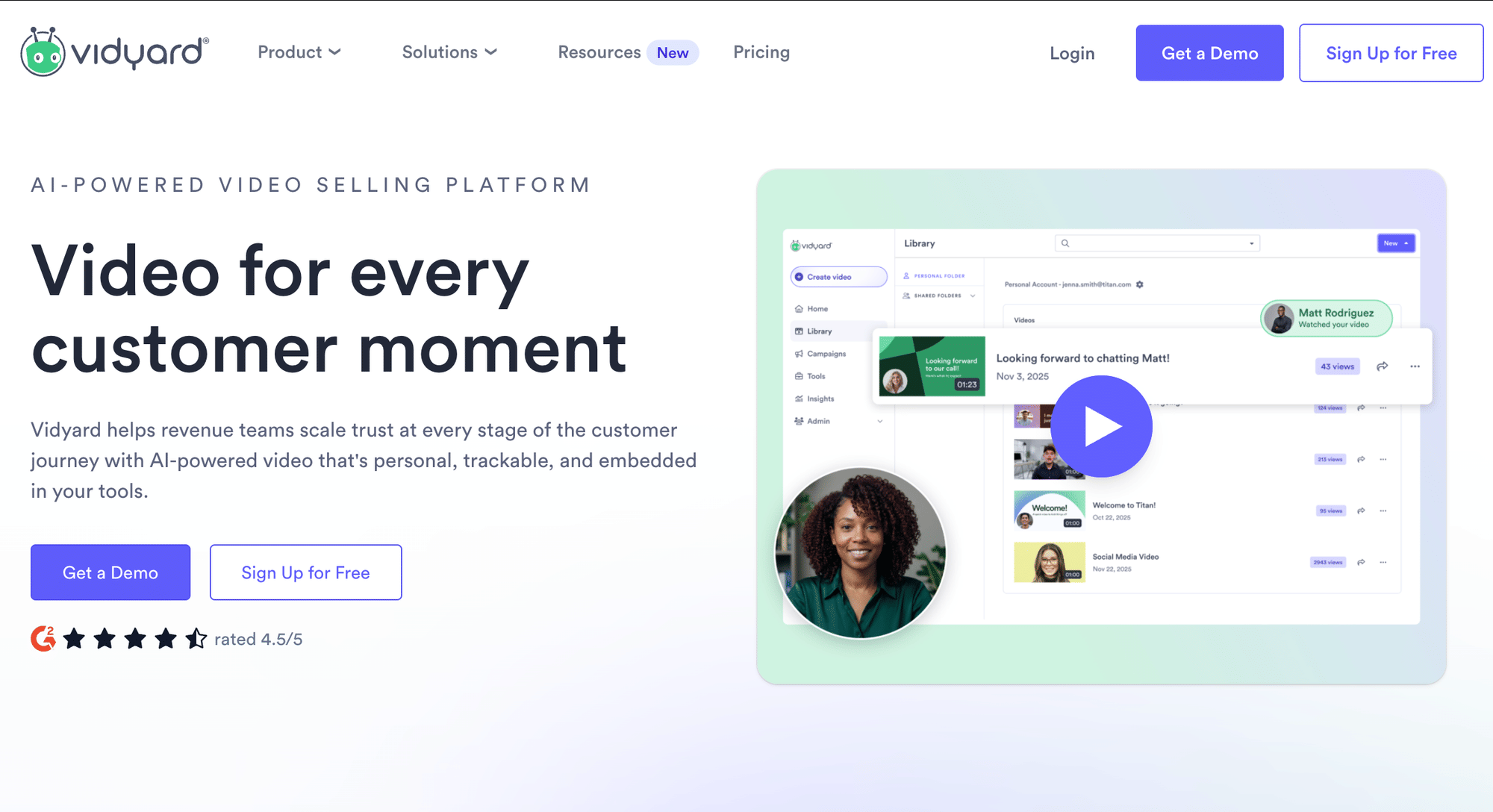
Vidyard approaches video as one-to-one communication rather than website publishing. Its core motion is a rep recording a short, personalized clip, sending it via email or a sequence, and seeing precisely how the recipient engaged, all without leaving the sales stack. That makes it a natural fit for sales development, account management, and customer success teams who use video to warm up outreach and follow-ups. It's the outlier here in that its home is the inbox and the CRM, not the marketing site.
Pros
- The branded player supports personalized videos for individual recipients.
- Built-in recording and video messaging let reps create clips on the spot.
- It integrates with CRMs and other sales tools.
- A free tier lets you start without committing to a budget.
Cons
- Its sales focus makes it less suited to general website embedding.
- Advanced features sit behind the paid tiers.
Pricing: Free; Pro from ~$19/mo.
Vimeo
Vimeo is the broad, familiar option that sits comfortably between a creator tool and a business platform. Years as a creator-first service gave it one of the most polished and configurable players available, and it has steadily added hosting, light marketing, and collaboration features for teams. That breadth makes it a safe choice when you want flexibility and a recognizable, well-supported platform rather than a specialist in any single area. It's the all-rounder you reach for when no single requirement dominates, and you'd rather not bet on a niche tool.
Pros
- Player customization is extensive, with clean branded embeds.
- The feature set spans hosting, light marketing, and team collaboration.
- The platform is widely trusted and well-documented.
Cons
- The free tier carries Vimeo branding and usage limits.
- Advanced business controls require the higher-priced tiers.
Pricing: Free; paid tiers vary by plan.
Dacast
Dacast comes from the live-streaming world and brings broadcast-grade delivery to businesses that need more than simple on-demand hosting. Running live events, webinars, and recorded videos from one fully white-labeled platform means viewers never see another company's name on your stream. That suits event teams, training providers, and media businesses that broadcast regularly and need the reliability and security required by live delivery. It earns its place when live videos are central to what you do, rather than an occasional extra.
Pros
- White-label branding is complete, using your logo and colors with no Dacast marks.
- Live streaming and video-on-demand run on a single platform.
- DRM and other security options protect your content.
- Delivery stays reliable for live events and on-demand playback alike.
Cons
- The entry price is higher than basic hosting tools.
- Its live-first focus can be more than simple on-site video needs require.
Pricing: Starter from ~$39/mo.
VdoCipher
VdoCipher is a specialist with a single priority: stopping your video from being copied or redistributed. Where most players treat protection as one feature among many, it builds the entire product around encrypted, DRM-backed playback and watermarking that can trace a leak back to the individual viewer. That focus makes it the obvious choice when the video itself is the revenue, as it is for paid course creators, training companies, and media sellers. It trades breadth for depth on purpose, so it's the wrong tool if you want a bundle of marketing extras, and the right one when protection is non-negotiable.
Pros
- DRM is Hollywood-grade, using Widevine and FairPlay.
- Dynamic watermarking deters piracy by tying playback to the viewer.
- Playback stays secure and free of ads.
- It's a strong fit for paid or premium content.
Cons
- The starting price is higher than that of general-purpose hosts.
- Its security focus means fewer marketing and engagement extras.
Pricing: From $129/year
Brightcove
Brightcove is the enterprise heavyweight of the group, built for organizations whose video needs come with real scale and governance behind them. It's designed to handle large libraries, big audiences, and the security, compliance, and integration requirements that come with running video across a sizable company. Advanced analytics and monetization options round out the offerings for media businesses and large marketing operations that treat video as a revenue line. It's the platform you choose when the question is how to manage video at an organizational scale, not whether a small team can get a player live this afternoon.
Pros
- The ad-free enterprise player is highly customizable.
- Security and DRM are built to enterprise standards.
- It scales to large libraries and big audiences.
- Analytics and monetization tools are advanced.
Cons
- Pricing is custom and premium, and it runs through a sales process.
- Setup is complex and overkill for small businesses.
Pricing: Custom, quote-based.
Spotlightr
Spotlightr packs an unusual amount into a low-cost package, bringing together player customization, marketing features, and access controls that you'd normally assemble from several separate tools. It targets budget-conscious businesses and creators who still want interactivity and gating without paying enterprise rates, and its ability to host directly or pull from external sources gives it the flexibility most inexpensive tools lack. That combination suits course sellers and marketers running lean operations. The value comes from breadth at a low price, which is its whole reason for being on this list.
Pros
- The customizable player comes with built-in marketing tools.
- Domain and embed restrictions give you control over where videos play.
- It's affordable and includes a free option.
- Hosting is flexible and can pull from external sources.
Cons
- Its brand and community are smaller than the major platforms.
- The interface takes some time to learn.
Pricing: Free; low-cost paid tiers.
Presto Player
Presto Player is the natural choice when your site already runs on WordPress, as it integrates directly into the block editor rather than requiring you to manage a separate platform. It turns ordinary WordPress pages and course lessons into a branded, ad-free viewing experience, and it can pull videos from YouTube, Vimeo, or Bunny and strip away their ads and branding on the way in. That makes it especially useful for WordPress-based course creators and site owners who want a polished player without leaving a familiar setup. Its entire value proposition is to meet you where your site already lives.
Pros
- It integrates natively with WordPress and the Gutenberg block editor.
- The player is branded and ad-free.
- Privacy controls can be set per source.
- It can serve external sources like YouTube, Vimeo, and Bunny without their ads or branding.
Cons
- It works only within WordPress.
- Some sources still rely on external hosting and bandwidth.
Pricing: Free; Pro plan.
How Businesses Use Online Ad-Free Video Players
The same ad-free player solves very different problems depending on the team holding it. Here's where businesses get the most value:
- Marketing and demand generation: A branded player on your landing pages holds attention on your offer rather than handing it off to a recommendations sidebar, and engagement data shows which assets actually push prospects toward a demo or trial.
- Online courses and paid content: When the video is the product, an ad-free, access-controlled player protects both the revenue (content can't be casually copied or re-shared) and the learning experience, with no ads breaking concentration mid-lesson.
- Internal training and communications: Onboarding clips, SOPs, and all-hands recordings live behind access controls on your own domain: private to staff, consistent with your brand, and never publicly exposed or interrupted by ads.
- Sales outreach: A personalized clip that plays in your own branded frame, plus a record of who watched and how far, turns a cold follow-up into a timed, informed conversation.
- Customer support and onboarding: Setup and troubleshooting videos embedded directly in help centers and product screens keep users in-flow, deflecting tickets instead of bouncing them to a distraction-filled tab.
Frequently Asked Questions
Can I embed Gumlet's video player on my website?
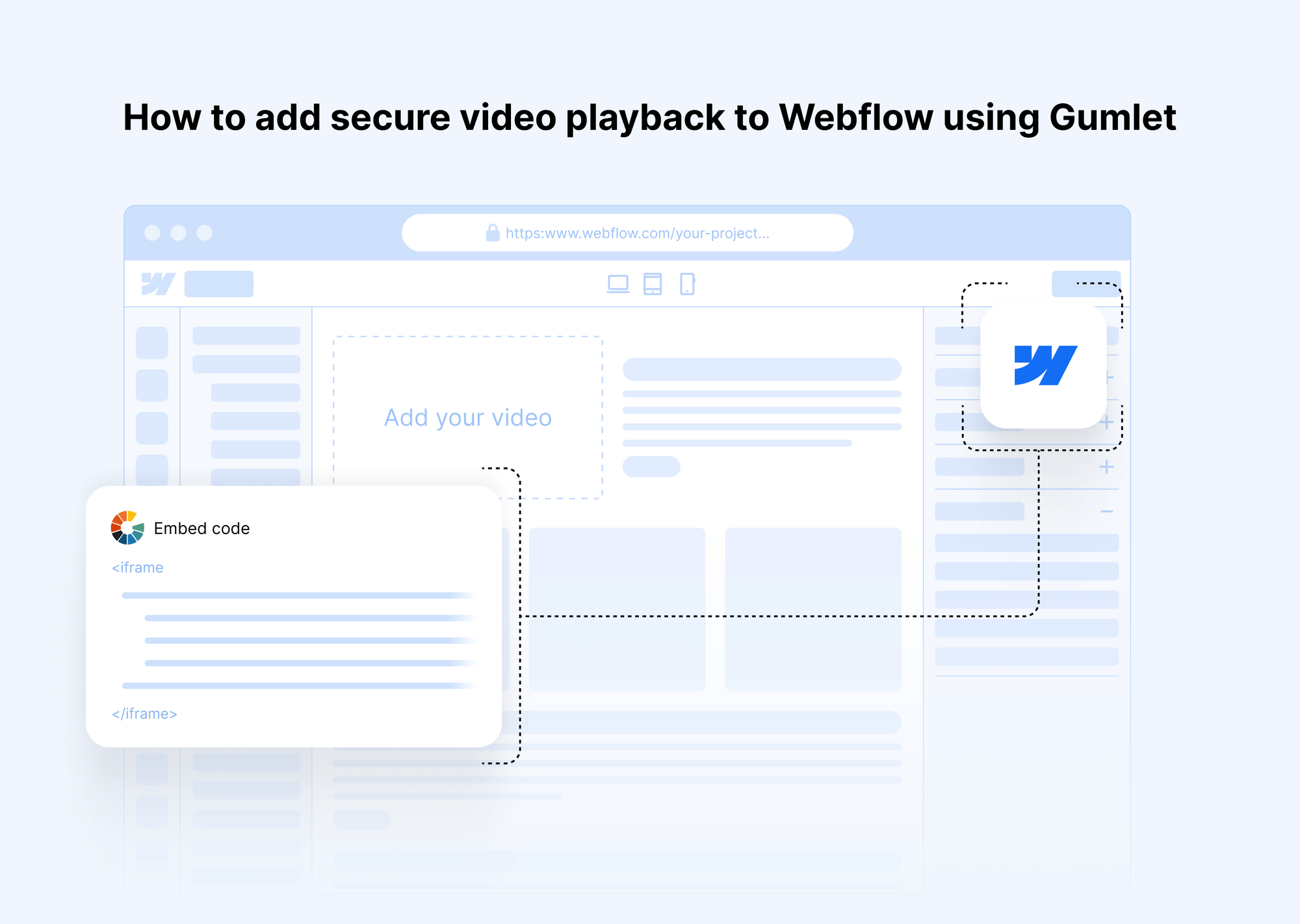
Yes. Upload your video to Gumlet, customize the player, and paste the generated embed code into any site or CMS, whether WordPress, Webflow, or a custom build. The player carries your branding and shows no ads.
What is the best online ad-free video player for business?
There's no single winner; it depends on the job. Gumlet is the strongest all-round choice for fast, branded, secure hosting, while teams with narrower needs (lead gen, sales, DRM, or WordPress) are often better served by a specialist, as the quick picks above show.
How is an ad-free video player different from a free YouTube embed?
A YouTube embed can surface ads, show recommended (often competitor) videos, and keep YouTube's branding and viewer data. A dedicated ad-free player gives you a clean, branded frame, keeps viewers on your site, and provides analytics and access controls.
Do ad-free video players support DRM and content protection?
Some do. Gumlet, VdoCipher, Dacast, and Brightcove offer DRM (often Widevine and FairPlay) plus extras like watermarking and domain locking; lighter tools instead rely on passwords, domain restrictions, and privacy settings. If you sell or distribute premium video, prioritize a DRM-capable player.