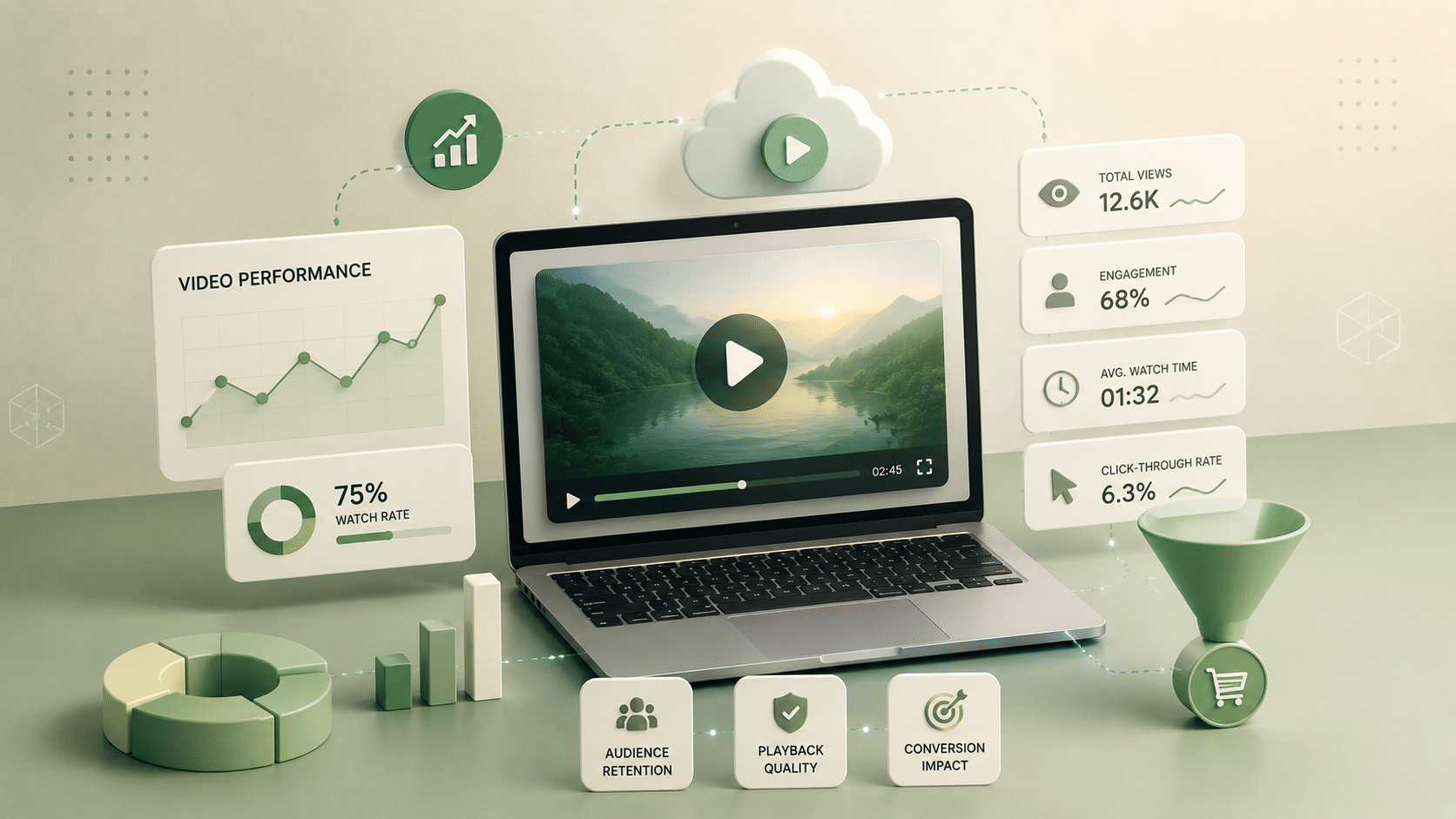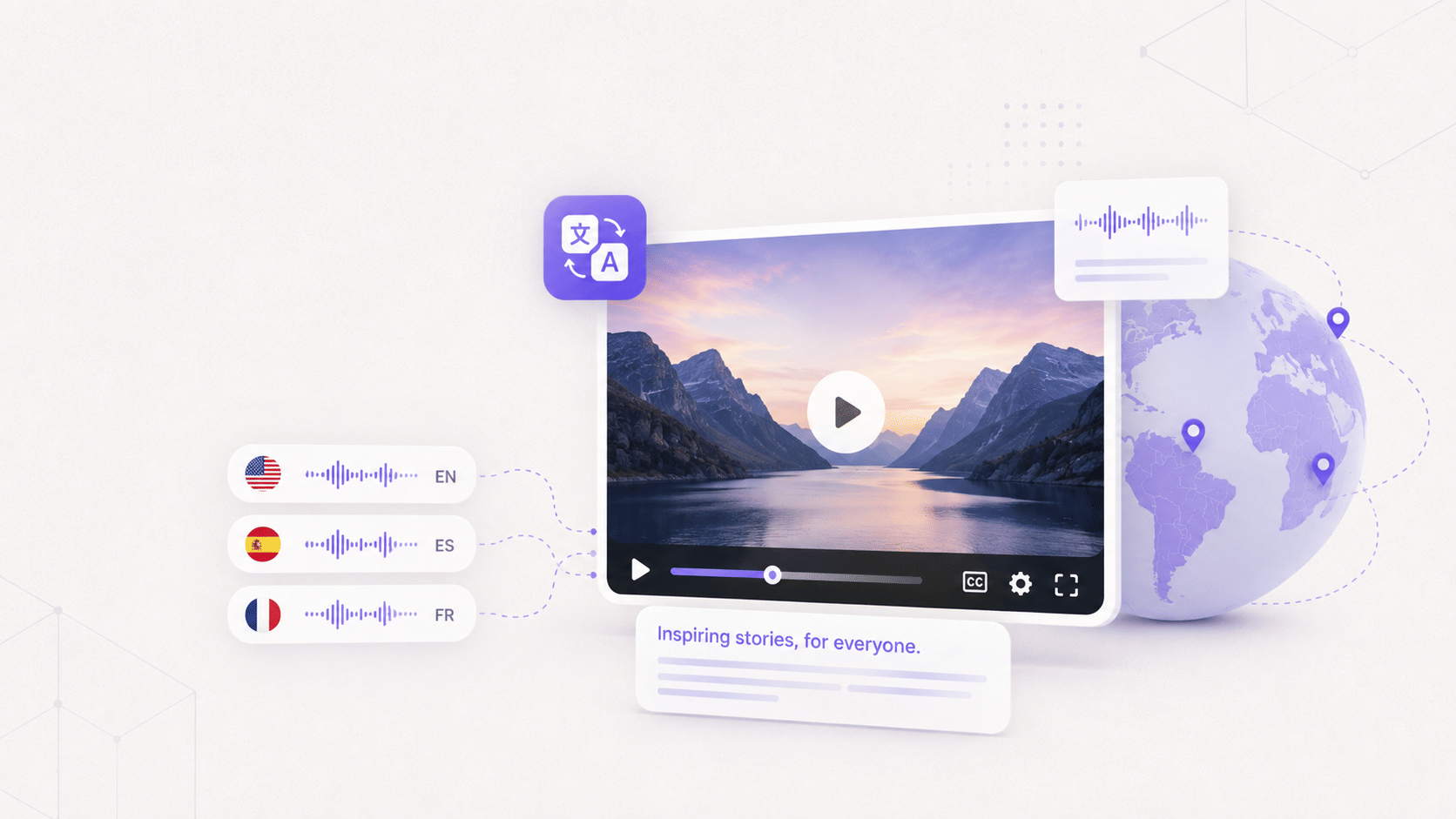


Video SEO is the practice of getting videos discovered, indexed, and ranked in Google's video results, and separately, getting them found inside your own website's search once a visitor is already there.
Most guides stop at the first half. A video watch page can rank cleanly in Google Video results and still be completely invisible the moment a visitor types a query into your own site's search bar.
That gap exists because on-site search runs on a different index than Google's crawler does.
Google reads your watch page and decides whether the video earns a thumbnail, a Key Moments panel, or a spot in the video carousel. Your own site search reads whatever your CMS or search plugin ingested from that same page, and if it only ingested the title, the video is unsearchable the second a visitor uses a word that isn't in that title.
This article covers nine steps, ordered from easiest to most technical, each tied to the exact Google requirement or schema property that unlocks a specific search feature. It closes with the on-site search half and how to measure whether any of this is actually working.
The article treats "rank in Google" and "get found on your own site" as two separate jobs, because Google's documentation treats them that way too.
Key Takeaways
- This article is built around Google's documented schema requirements and the one step most video SEO content skips entirely: making a video library searchable inside your own site, not just Google.
- Video SEO rests on three things Google needs from every watch page: a crawlable page that's already indexed and performing, VideoObject structured data, and a machine-readable transcript.
- Google won't consider a video for indexing until its watch page is indexed and performing well in Search on its own. The video itself is a second, separate hurdle.
- The single highest-leverage move for both Google and AI engines is a full, clean transcript published as on-page text. It's what search bots and large language models actually read.
- Key Moments (the chapter deep-links you see in some search results) come from Clip markup you write by hand or SeekToAction markup that lets Google auto-detect segments. Either way, the video needs to run at least 30 seconds and support a timestamp URL.
- Hosting on your own domain, instead of relying on YouTube alone, keeps the ranking page and the resulting traffic attributed to you.
- On-site search is the part almost every video SEO guide skips: a video only shows up in your own site's search results if its transcript and metadata are indexed by whatever search system runs your site.
How Video SEO Actually Works
Search engines can't watch a video the way a person can. They rank it based on signals around it: the watch page, the structured data, the thumbnail, and the transcript.
Google's own crawling and indexing process for video breaks into three stages, and skipping any one of them stalls the whole pipeline.
- Crawling happens when Googlebot finds the video through a supported HTML element, a video sitemap, or structured data.
- Indexing happens once Google reads the title, description, thumbnail, transcript, and structured data on the watch page itself.
- Ranking happens last, driven by relevance, page performance, and engagement signals.
Here's the distinction that most video SEO content blurs: YouTube SEO and website video SEO are not the same job. YouTube SEO gets a video ranked inside YouTube's own results.
Website SEO gets your domain into Google's video results and keeps the click on your page instead of sending it to a platform you don't control. The technical requirements for that (structured data, transcripts, sitemaps) are what the rest of this article covers in detail.
At Gumlet, this is the first conversation with almost every new customer moving off a bare YouTube embed: the video was already getting views, but none of that traffic or ranking equity ever touched their own domain.
Google doesn't rank your video. It ranks everything you put around your video. The table below maps every major video search feature to the exact requirement that unlocks it, verified against Google Search Central's current documentation.
| Google video feature | What it looks like | What you must add | Hard spec or rule |
|---|---|---|---|
| Thumbnail in results | Video thumbnail beside the result | Valid thumbnail at a stable URL | Minimum 60x30 pixels, larger preferred; served over HTTPS |
| Key Moments | Clickable chapter timestamps | Clip markup (manual) or SeekToAction (auto) in VideoObject | Video at least 30 seconds; must deep-link to a timestamp other than the start |
| LIVE badge | Red "LIVE" label | BroadcastEvent structured data plus the Indexing API | Livestream content only |
| Video carousel | Row of video results | VideoObject structured data | Watch page must already be indexed and performing in Search |
| AI Overview or LLM citation | Video referenced in an AI-generated answer | On-page transcript, captions, and VideoObject together | Transcript must be crawlable text, not locked in an image or a separate app |
9 Steps to Rank Your Videos in Search
These steps come from two places: what Google Search Central documents as hard requirements, and patterns observed across customer video libraries that range from single-page product demos to 1,000-video content hubs.
They're ordered from the easiest change to the most technical one, so you can start today and layer on complexity as you go.
Step 1: Host Videos So They Stay on Your Domain
Where a video lives determines who gets the ranking authority and the click. A YouTube upload can drive views, but YouTube keeps the search equity. A self-hosted embed on your own watch page keeps both.
For traffic and lead-generation pages, embed a hosted player on your own domain. Keep YouTube for reach and discovery, but treat your website as the canonical home for any page you actually want to rank.
Google needs the video referenced by a <video>, <embed>, <iframe>, or <object> element, and it must appear in the page's rendered HTML, not just injected after the fact in a way the crawler can't see. Check this with the URL Inspection tool in Search Console before assuming it's fine.
Video hosting platforms that embed under your own domain rather than theirs keep indexing and attribution on your page. Gumlet supports custom-domain embedding, sometimes called white-label video hosting or branded video hosting, where the watch page, the player, and the video URL all resolve under your domain instead of the platform's.
Gumlet's implementation of this covers custom domain mapping, branded player controls, and CNAME-based setup, so the embed carries no visible trace of the underlying host. YouTube does not offer this for standard embeds.
Step 2: Give Every Important Video its Own Dedicated Watch Page
A watch page is a page where watching one specific video is the main reason a visitor is there.
Google's own guidance draws a clear line: a page listing five videos of equal prominence is not a watch page, but a page built around one primary video, even if other content sits alongside it, qualifies.
Build one focused page per video that matters to your traffic goals. Place the video prominently, ideally above the fold, so both crawlers and visitors read it as the main content. Write a distinct title, description, and surrounding copy for that specific page rather than reusing boilerplate across a video library.
A video CMS that supports per-video landing pages, like Gumlet's, makes this straightforward at scale: each video gets its own watch page, title, and description by default, rather than every video funneling into one shared gallery template.
The watch page itself must be indexed and performing well in Search before Google will even consider the video for indexing. A perfectly optimized video embedded on a page nobody visits doesn't get a second look.
One page, one clear primary video. Don't make the crawler guess which one you want to rank.
Step 3: Add VideoObject Structured Data
Structured data is how you tell Google what a video actually is. Without it, a video forfeits eligibility for thumbnails, carousels, and Key Moments entirely.
Add VideoObject JSON-LD in the page's <head> or <body>. The required properties are name, thumbnailUrl, and uploadDate. Recommended properties that strengthen eligibility include description, duration, contentUrl, and embedUrl. Validate the finished markup with Google's Rich Results Test before publishing.
Put the schema on a page where the video is actually watchable. Structured data pointing at a video the visitor can't play creates conflicting signals and wastes the markup entirely.
Some hosting platforms auto-inject VideoObject structured data and the indexifembedded meta tag on the embed without any development work, eliminating manual JSON-LD schema markup, structured data markup, and video metadata tagging as a recurring engineering task.
Gumlet does this automatically on its platform, generating the required name, thumbnailUrl, and uploadDate properties, along with the recommended description, duration, contentUrl, and embedUrl fields, at the time of upload.
Teams without that kind of automation hand-code and maintain JSON-LD per page, which becomes a real maintenance burden once a video library passes a few dozen entries.
No VideoObject, no video result. Schema is the price of admission to Google's video features.
Step 4: Turn On Key Moments With Clip or SeekToAction Markup
Key Moments turn a single video result into several clickable chapter deep-links, which lifts click-through rate and lets AI-generated answers jump straight to the relevant segment instead of the video's start.
There are two ways to turn it on. Clip markup lets you nest manually defined segments, each with a name, a start offset, and an end offset. SeekToAction markup instead tells Google how your URL's timestamp structure works, so Google can auto-detect segments on its own.
If both are present on the same video, Google prioritizes the manual Clip segments over its own detection.
The video must run at least 30 seconds and support a deep link to a point other than the start, something like ?t=30 in the URL. The VideoObject markup also has to sit on a page where the video is actually watchable.
A platform with built-in AI chapter generation, automatic video chaptering, or scene detection, different vendors use different names for essentially the same capability, gives you the timestamped segments and deep-linkable URLs that Clip and SeekToAction markup both depend on.
Gumlet generates chapter timestamps automatically as part of its video processing pipeline. Whether that chapter data gets emitted as a search-facing schema or stays limited to the player's own navigation UI is worth confirming with whatever platform generates them before you assume the search feature is live.
Chapters are a UX feature on your player and a ranking feature in Google. Mark them up correctly and you get both from the same work.
Step 5: Put a Full Transcript and Accurate Captions on the Page
This is the highest-leverage single step in this entire list. Bots and large language models can't watch a video. The transcript is the text they actually read to understand, rank, and cite it.
Publish the complete transcript as crawlable on-page text, not locked inside an image, a PDF, or a separate app the crawler never touches. Add accurate closed captions in .vtt format to the player itself. Let your target keywords appear naturally across both, since forcing them in reads as thin and adds nothing.
The transcript has to exist as crawlable HTML text on the watch page itself. Captions should be genuinely accurate, not raw, unedited auto-generated output full of misheard names and dropped punctuation.
AI transcription tools, also called AI subtitle generators, automatic captioning tools, or speech-to-text transcription software, now generate captions and transcripts automatically at a level of accuracy that would have needed a human editor two years ago.
Gumlet's version of this generates both the .vtt caption file for the player and a text transcript in the same pass, covering multiple languages.
The open question worth checking on any platform: does that transcript land on the page as text a crawler can read, or does it stay inside the player as a caption track only?
A video without a transcript is invisible to the machines deciding whether to rank it.
Step 6: Optimize the Thumbnail
The thumbnail is both an eligibility requirement and the single biggest click-through lever inside a video search result.
Use a high-quality, descriptive custom thumbnail hosted at a stable, permanent URL. Serve it over HTTPS. Give the file a descriptive name and matching alt text, and prefer WebP where your workflow supports it.
According to Google’s Video SEO guide, a valid thumbnail at a stable URL is required for video features to trigger at all, with a minimum size of 60x30 pixels and larger strongly preferred. Google also requires that at least 80% of the thumbnail's pixels carry an alpha transparency value above 250, which rules out thumbnails built with heavy overlay graphics or watermark-style transparency effects.
Most hosting platforms, Gumlet and Vimeo included, let you set a custom video thumbnail, also called a poster image or preview image, served from a stable CDN URL. Gumlet serves thumbnails from its own content delivery network by default, so the URL doesn't shift between deployments or redeploys.
Avoid any setup where the thumbnail's URL changes on every deployment, since that breaks the stability requirement outright.
A broken or unstable thumbnail URL quietly disqualifies a video from every rich result Google offers, and most teams don't find out until they're troubleshooting a video that simply never appears.
Step 7: Get it Indexed With a Video Sitemap and a Crawlable Embed
Even a perfectly built watch page won't rank if Google never discovers and crawls the video in the first place.
Submit a video sitemap, either standalone or with video entries added to your existing sitemap, including the required fields. Confirm the video isn't loaded only through a URL fragment, since Google generally doesn't support fragment-loaded video at all.
If the video embeds from another domain, add the indexifembedded tag so the video indexes under your domain instead of the source platform's. Any gated video needs paywall structured data, or Google simply won't index it.
Don't load video through fragment identifiers. Make sure it renders in the page's actual HTML rather than only after a user interaction. Gated content without paywall structured data stays outside Google's index entirely, no matter how good the video is.
The indexifembedded tag can be added automatically by a hosting platform so that embedded videos index under your own domain rather than the platform's, removing one more manual step from the launch checklist. Gumlet adds this tag automatically on embedded videos, alongside automatic video sitemap generation, so both the indexing signal and the sitemap entry are handled without a separate development task.
If it's not in a sitemap and it's not in the rendered HTML, it doesn't exist to Google.
Step 8: Make the Watch Page Fast and Built for Every Device
Page performance is a documented ranking factor, and a slow or janky video tanks Core Web Vitals along with actual watch time.
Use adaptive bitrate streaming, also known as ABR streaming or adaptive streaming, so playback quality matches whatever device and connection the viewer actually has. Compress with modern codecs like H.265 (HEVC) or AV1. Lazy-load any video sitting below the fold.
Serve everything from a global CDN. Keep the poster image itself lightweight so it doesn't become the thing that wrecks your load time.
As of August 2026, Google's Core Web Vitals thresholds for a "good" rating are Largest Contentful Paint under 2.5 seconds, Interaction to Next Paint under 200 milliseconds, and Cumulative Layout Shift under 0.1, each measured at the 75th percentile of real visitor traffic.
A heavy, autoplaying video positioned above the fold is one of the most common ways a page blows its LCP budget before a single line of body text even loads.
Adaptive bitrate streaming, AI-driven compression, and a global CDN are exactly what dedicated video platforms are built to provide. Gumlet's AI-powered compression optimizes file size by up to 57% on average as of this writing, a figure the platform publishes and updates directly. A raw, self-hosted MP4 file gets none of that optimization by default.
Buffering is a ranking problem. Core Web Vitals doesn't care how good the video is if the page can't paint in time.
Step 9: Make Videos Rank Inside Your Own On-Site Search
This is the step almost every video SEO guide skips entirely. Ranking in Google is close to worthless for on-site engagement if a visitor lands on the page and still can't find the second video they were actually looking for.
Index each video's transcript, title, tags, and chapters in your site search, not just the page title. Give every video consistent metadata and assign it to a category or collection. Use a video CMS so the whole library stays searchable, filterable, and archivable as it grows past a handful of entries.
An internal search index has to ingest the transcript and metadata, not just the page title. A search system that only matches on titles turns every other video in a library into dead weight the moment a visitor's query uses different words than the title does.
A video content management system, or video CMS, that supports organizing, publishing, searching, and archiving an entire library end-to-end, sometimes described as video library management or video asset management, is what makes internal discovery actually work at scale.
Gumlet's video CMS supports search, organization, and archiving with per-collection settings, and platforms on the DAM and CMS side offer comparable capability worth evaluating against your own library size and structure.
Google can send a visitor to the page. Only your own search index decides whether they ever find video number two.
How to Tell If Any of This Is Working
Most video SEO work fails quietly. The markup validates, the sitemap submits, and nothing changes, because nobody checked which specific gate the video is still stuck behind.
Search Console has three reports that answer that directly. The Video indexing report tells you how many of your indexed watch pages actually contain an indexed video, and for the ones that don't, it names the reason.
The Video rich result report surfaces errors in your VideoObject markup after deployment, which is where most schema problems actually show up rather than in the Rich Results Test. And the Performance report has a Videos search appearance filter that separates video impressions from your regular text results, so you can see whether the video is earning clicks or the page is.
Check those three in that order. Indexing first, because a video that isn't indexed cannot have a markup problem worth fixing yet.
For the on-site half, the metric nobody tracks is zero-result internal searches. If visitors are typing queries into your site search and getting nothing back, that is usually a transcript that never made it into the index, not a library that lacks the video.
Google's reports tell you if the machines can find your video. Your own zero-result log tells you if your visitors can.
Common Mistakes That Kill Video SEO
Most of these show up as some version of "my video won't rank," or "my videos rank but nobody can find the rest of my library," when the actual cause is one specific missing piece rather than a mysterious algorithm problem.
- Hosting exclusively on YouTube, then wondering why the video never shows up under the site's own domain.
- Stacking several videos on one page with no clear primary video, so the crawler can't tell which one to rank.
- Shipping an embed with no VideoObject schema at all.
- Skipping the transcript, which makes the video invisible to both search bots and AI engines.
- Running an unstable or broken thumbnail URL that quietly disqualifies the video from every rich result.
- Gating video content without adding the required paywall structured data.
- Running a heavy, autoplaying video that wrecks Core Web Vitals before the rest of the page even loads.
- Ignoring on-site search entirely, so Google sends traffic to a page that can't help visitors find anything else.
Most "my video won't rank" problems are really "my video has no schema and no transcript" problems.
How to Start This
Pick your two or three most important videos first. Give each one a dedicated watch page, with the video placed above the fold. Add VideoObject structured data and a full transcript before touching anything else on this list.
The sequence that works: choose 2 to 3 high-value videos, build one watch page for each, add VideoObject markup plus a complete transcript, add a stable thumbnail, submit a video sitemap, then layer on Key Moments, speed optimization, and on-site search once the foundation holds.
Teams that don't want to hand-code and maintain schema markup per page can use a hosting platform that auto-injects VideoObject and indexifembedded and generates the transcript automatically. Gumlet offers this, with a free plan available to test the workflow before scaling to a full video library.
Frequently Asked Questions
1. What is video SEO?
Video SEO is the practice of getting videos discovered, indexed, and ranked, both in Google's search results and inside a website's own internal search. It depends on three things: a crawlable watch page, VideoObject structured data, and a machine-readable transcript.
Skip any one of the three and a video's ranking potential drops sharply, regardless of how good the content itself is.
2. How do you rank a video on Google?
Build a dedicated watch page for the video, add VideoObject structured data with the required properties, publish a full transcript as crawlable page text, and use a valid thumbnail at a stable URL. Submit a video sitemap so Google can discover the video reliably. Each piece unlocks a different part of eligibility, and missing one usually blocks the others from mattering.
3. Is it better to host videos on YouTube or my own site for SEO?
YouTube is strong for reach and discovery, since it puts a video in front of YouTube's own search and recommendation traffic. Self-hosting or embedding on your own domain is the better choice when the ranking page and the resulting click matter more than raw view count.
Many teams run both: YouTube for audience reach, a self-hosted watch page for the pages they actually want to rank.
4. What is video schema markup?
Video schema markup is structured data, primarily VideoObject, that tells Google what a video contains, including its title, thumbnail, and upload date. Additional types layer on top for specific features: Clip or SeekToAction for Key Moments chapter navigation, and BroadcastEvent for the red LIVE badge on livestream content.
Without the required VideoObject properties, a video isn't eligible for any of Google's video-specific search features.
5. Do transcripts help video SEO?
Yes, and it's the single highest-leverage step available. Search bots and AI models can't watch a video, so the transcript is the text they read to understand, rank, and potentially cite it. A transcript published as crawlable on-page text, not locked in a caption file alone, gives both traditional search and generative AI engines something concrete to extract and reference.
6. How do I get chapter timestamps, or "Key Moments," in search results?
Add Clip structured data to manually define each segment's start and end points, or use SeekToAction markup to let Google automatically detect segments based on your URL's timestamp structure. The video needs to run at least 30 seconds and support a deep link to a specific timestamp. If both markup types are present, Google prioritizes the manually defined Clip segments.
7. How do I make videos show up in my own website's search?
Index each video's transcript, title, tags, and chapter data in your site search system, not just the page title. A search index that only matches against titles will miss most of what a visitor actually types when looking for a specific video. A video CMS built around search, categorization, and archiving makes this manageable once a library grows past a handful of videos.
8. Does video slow down my page and hurt SEO?
Only if it's unoptimized. Adaptive bitrate streaming, modern codecs, lazy-loading for anything below the fold, and CDN delivery all prevent video from becoming the reason a page fails Core Web Vitals. A heavy, autoplaying video placed above the fold with no optimization is one of the most common ways a page blows its loading budget before it even finishes rendering.
The Bottom Line
Video SEO isn't a mystery algorithm problem. It's a sequence: a crawlable watch page, VideoObject structured data, a full transcript, and only then the layer of rich results, speed work, and on-site search that most guides treat as the whole story.
Get the first three right and the rest becomes tuning rather than triage. Skip any one of them and every other optimization on this list runs into a ceiling it can't get past.
Teams that would rather not hand-code and maintain VideoObject markup and transcript pipelines per video can start with a free-tier trial of a platform like Gumlet that automates schema and transcription by default, or schedule a demo to see these functionalities in action before committing to a long-term decision.