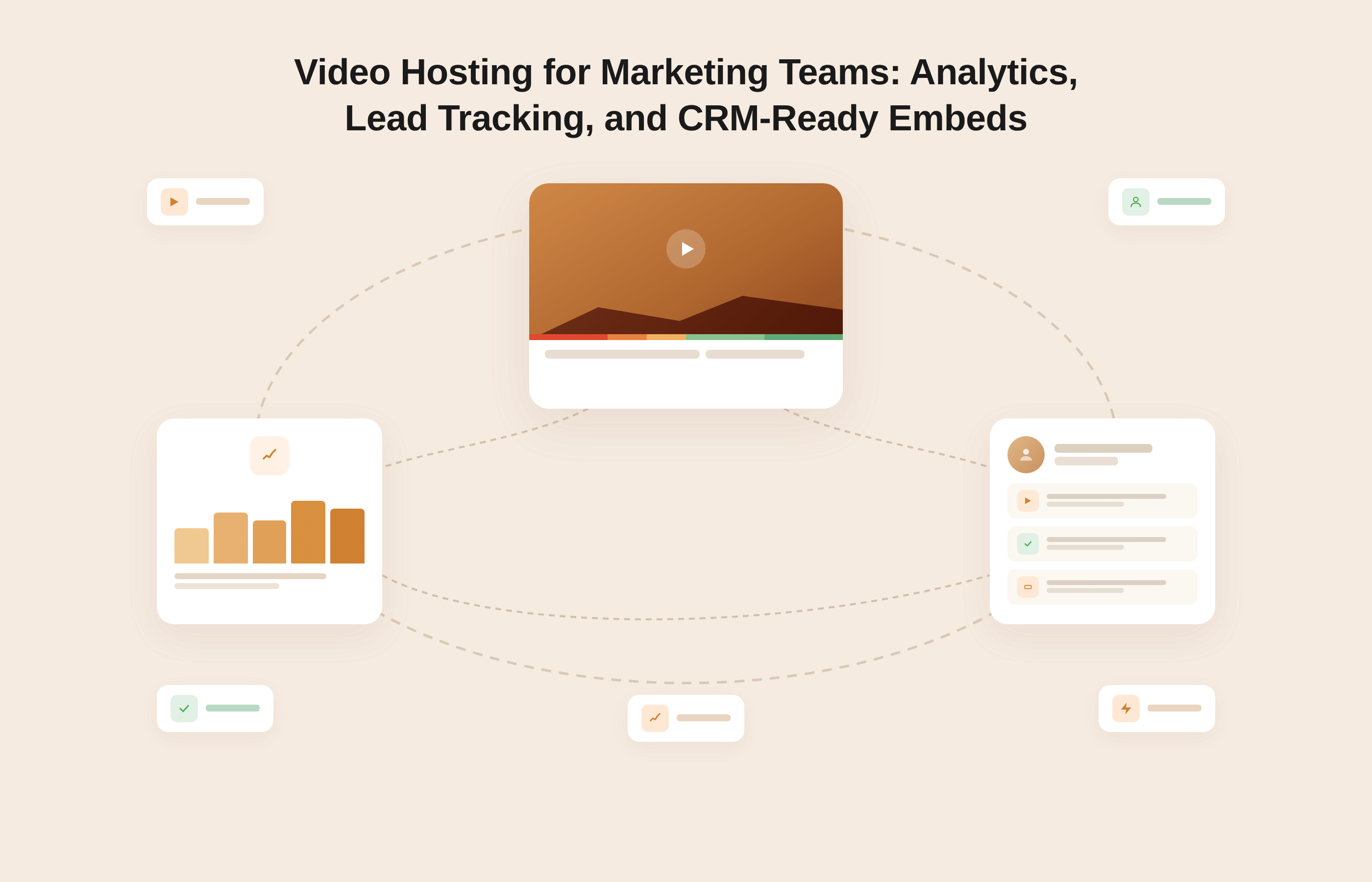
Video hosting for marketing teams refers to a dedicated video infrastructure that goes beyond storage and playback. It tracks viewer engagement at the session level, captures leads inside the video player, and streams watch-event data into CRM platforms like HubSpot, Salesforce, and Marketo.
Unlike general-purpose platforms such as YouTube or Google Drive, a marketing-grade video hosting solution treats video engagement as a pipeline signal: it tells you who watched, how much they watched, at what point they dropped off, and what your CRM or ad platform should do with that information.
Key capabilities include per-video heatmaps, video-qualified lead (VQL) identification, in-player lead forms, retargeting pixel integration, and native CRM event streaming.
Marketing teams today produce more video than ever.
Explainer videos, product demos, webinar recordings, personalized outreach clips, and landing page embeds have become standard parts of the B2B demand generation playbook. According to Wyzowl's 2026 State of Video Marketing report, 91% of businesses now use video as a marketing tool, a figure that has remained near an all-time high for 3 consecutive years.
Yet most of those teams are hosting their videos on platforms that were never designed to support the work they are actually trying to do. They have view counts. They have play rates.
They have no idea which specific contacts watched the pricing walkthrough for 6 minutes before going dark, and they have no mechanism to trigger a sales follow-up based on that engagement.
That gap between producing video and measuring video as a revenue channel is not a content problem. It is an infrastructure problem. And it starts with where and how the video is hosted.
This article is written for: marketing managers, demand generation leads, and marketing ops professionals at B2B SaaS and mid-market companies who are already using video in their campaigns and are looking to replace a passive hosting setup with one that connects video engagement to real pipeline data.
If you are still deciding whether video is worth investing in, this is not the right starting point. This is for teams who have crossed that threshold and want their video stack to behave like the rest of their marketing infrastructure.
Key Takeaways
- Marketing teams need video hosting that tracks viewer-level engagement, not just aggregate plays and impressions.
- Generic platforms like YouTube withhold first-party viewer data, making CRM attribution impossible without heavy custom development.
- Marketing-grade video hosting includes per-video heatmaps, in-player lead forms, watch-depth-based CRM triggers, and retargeting pixel support.
- A video-qualified lead (VQL) is a contact whose watch behavior meets a threshold that justifies a sales follow-up or sequence enrollment.
- Gumlet provides the full stack: heatmaps, in-player lead capture, CRM event streaming to HubSpot, Salesforce, Marketo, and Iterable, and retargeting pixels for Google, Meta, and LinkedIn.
What Marketing Teams Actually Need from a Video Hosting Platform
The phrase "video hosting" undersells the actual requirement. Storing and playing back a video file is the minimum. What a marketing team needs is a video engagement layer that sits on top of delivery and makes every watch event usable data.
That distinction matters because most tools on the market solve only the first half. They accept uploads, transcode files, generate embed codes, and serve video reliably.
For a creator, a developer, or an internal communications team, that is often enough. For a B2B marketing team running demand generation, attribution experiments, and lead nurture sequences, it is not even close.
There are 3 specific capabilities that separate a marketing video platform from a general hosting tool:
- The first is granularity of engagement data: not how many times a video was played, but who played it, how far they got, and which sections they rewatched.
- The second is an in-player conversion mechanism: the ability to capture lead data and trigger actions from inside the video experience without requiring the viewer to navigate away.
- The third is connectivity to existing marketing infrastructure: native event streaming to CRM, marketing automation, and ad platforms so that video engagement data lives where the rest of the team's data already lives.
1. Beyond Views: The Engagement Metrics That Drive Revenue Decisions
A view count tells you that a video was started. It tells you nothing about whether the content landed, whether the viewer qualified themselves through sustained video engagement, or whether they are worth a follow-up. The metrics that actually inform revenue decisions are different in kind.
Watch completion rate by segment (25%, 50%, 75%, 100% viewed) tells a demand generation team which contacts have demonstrated meaningful intent.
Average watch duration per video identifies content quality problems before they compound. Per-viewer session data, specifically knowing that a named contact in your CRM watched a specific video for 4 minutes and 12 seconds before clicking away at the pricing section, is the difference between cold outreach and a genuinely informed sales conversation.
Engagement heatmaps add another layer. A heatmap visualizes which specific seconds of a video received full attention, which sections were rewatched, and where viewers consistently dropped off.
When a 5-minute product demo shows a consistent drop-off at the 90-second mark across 200 sessions, the content team now knows exactly where to investigate. That kind of signal does not exist in a view count, and it does not exist on YouTube.
2. In-player Lead Capture and CRM Pipeline Contribution
A video-qualified lead (VQL) is a contact whose engagement with a specific video, measured by watch depth and CTA interaction, meets a threshold that the marketing team has defined as qualifying them for a sales touchpoint or automated sequence enrollment. This concept does not exist in platforms that only report aggregate metrics.
In-player lead forms make VQL identification possible without requiring the viewer to leave the video. A form appears inside the player at a pre-configured moment, typically mid-playback after the viewer has demonstrated engagement.
The viewer submits their information; the data passes directly to the connected CRM or marketing automation platform, and the contact record is created or updated in real time. The lead is captured at the highest point of engagement rather than after the fact, consistently producing higher-quality contact data than pre-play gates that require information before any content is consumed.
The VQL Threshold Framework
A video-qualified lead threshold has three components: the asset (which specific video), the depth (what watch percentage constitutes qualifying intent), and the action (what the CRM or automation platform does when that threshold is crossed). For a five-minute product demo, 75% watch depth is a common qualifying threshold. For a two-minute brand overview, 90% may be more appropriate. The threshold is not universal; it is defined per asset and per campaign goal, and set once within the connected marketing automation platform as an enrollment trigger. Every subsequent viewer who crosses it is processed automatically, without manual review.
Teams can explore Gumlet's interactive video tools to see how in-player forms, CTA overlays, and watch-depth triggers work together inside a single embed.
Why Generic Video Hosting Fails B2B Marketing Teams
YouTube embeds offer reach, not attribution. Vimeo provides branding control but limited CRM connectivity. File-based sharing through Google Drive or Dropbox provides teams with neither engagement data nor a lead-capture mechanism.
For a B2B marketing team trying to connect video engagement to a qualified pipeline, these tools create a measurement gap that cannot be bridged with third-party patches or workaround workflows.
This is not a criticism of what those platforms were designed to do. YouTube is built to maximize time spent on YouTube. Vimeo is built for creators and agencies who want a polished, ad-free viewing experience.
The structural issue is that general-purpose video platforms do not share viewer-level data with the pages they are embedded on, cannot fire CRM events based on individual watch behavior, and were never designed to participate in a marketing attribution model.
When you embed a YouTube video on a B2B landing page, you typically know how many times that page was visited. You do not know that 3 of those visitors spent more than 4 minutes watching the product demo. That specific signal is what a purpose-built marketing video platform is built to surface.
The Attribution Problem with YouTube Embeds on Marketing Pages
When a YouTube video is embedded on a third-party website, YouTube retains all first-party viewer engagement data.
The embedding website receives no viewer-level watch data from YouTube's embed API unless the team has implemented custom JavaScript event tracking, connected that to a session identity resolution layer, and built a pipeline to route those events into their CRM. Very few marketing teams have this infrastructure. None of the teams using a standard YouTube embed without custom development are getting it.
The practical result is a specific attribution failure. A prospect visits a landing page, watches 80% of a product comparison video, and navigates directly to the pricing page.
In the CRM, that contact shows a landing page visit. The video engagement is invisible. The sales rep who follows up has no idea that this prospect already self-qualified through video before anyone reached out. They start from scratch, burning time that better data would have saved.
What Disappears When Your Video Platform Has No CRM Connection
The downstream consequences of a disconnected video workflow compound throughout the marketing and sales motion.
Lead scoring becomes incomplete because video watch depth is not factored into the score. Sales reps receive no notification when a known prospect returns to watch a key asset. Retargeting campaigns treat everyone who visited a landing page the same, regardless of whether they watched 10% or 90% of the video on that page. A/B testing on video variants produces no closed-loop measurement because conversion data lives in a separate system.
According to Wistia's State of Video research, only 28% of marketers track performance using engagement graphs and heatmaps, meaning nearly 3 in 4 marketing teams are making content and campaign decisions without the most granular data their video generates.
That gap reflects a platform problem as much as a strategy problem: teams cannot use data that their hosting infrastructure does not produce.
Video Analytics That Go Beyond Play Rate
Marketing-grade video analytics track engagement at the session level, surface per-video heatmaps that show where viewers drop off or rewatch, and stream engagement events directly into analytics platforms and CRM tools.
The practical difference between a view count and a heatmap is the difference between knowing a video was started and knowing that prospects consistently rewatch the pricing section three times before going silent. One of those data points informs a content revision. The other informs a sales conversation.
Most teams start measuring video performance with whatever their current platform provides: total plays, average watch time, and a rough play rate. Those metrics are useful for initial content quality assessment.
They are not sufficient for marketing attribution, campaign optimization, or sales enablement. The next layer of measurement, where video engagement becomes genuinely useful, requires viewer- and session-level data tied to identifiable contacts in the CRM.
1. Engagement Heatmaps and What They Tell You About Campaign Performance
A video heatmap is a per-second visualization of viewer engagement that shows exactly which moments in a video were watched, rewatched, or skipped across all viewing sessions. It is the closest thing to a content audit conducted by the audience rather than the team that created the content.
The practical applications for a marketing team are direct. If a product demo shows a consistent 40% drop-off at the 90-second mark, that is a signal about the hook or the topic transition, not just a data point to log.
If a competitor comparison video shows heavy rewatching of the pricing segment, that tells the team which part of the message is generating the most friction and which is worth expanding. If a webinar replay shows that viewers who completed 75% of the session converted to a demo request at twice the rate of viewers who watched less than 30%, that watch-depth threshold becomes the definition of a VQL for that asset.
Watch depth segments, specifically the share of viewers who completed 25%, 50%, 75%, and 100% of a video, serve as campaign performance signals that view counts simply cannot replicate.
A video with 500 plays and a 12% completion rate is telling a different story than one with 200 plays and a 74% completion rate. Without heatmap and depth analytics, those two assets look almost identical.
2. Retargeting Pixels: Turning Watch Events into Qualified Ad Audiences
One of the most underused capabilities in B2B marketing video strategy is integrating a retargeting pixel at the watch-depth level.
When a video hosting platform supports pixel integration with LinkedIn, Meta, and Google, it becomes possible to build ad audiences based not on who visited a page but on who watched a meaningful portion of a specific video.
A viewer who completes 75% of a product demo has demonstrated substantially stronger purchase intent than a viewer who landed on the same page and bounced without pressing play.
With watch-depth-based pixel firing, the first viewer can be added automatically to a LinkedIn Campaign Manager audience for retargeting with a case study or a trial offer, while the second is served a brand awareness ad. Meanwhile, viewers who completed 90% of the demo but have not converted can be excluded from TOFU campaigns entirely and escalated directly to bottom-of-funnel creative.
This is a materially different capability from relying on page-visit pixels, which treat every session on a landing page as equivalent, regardless of engagement. The gap in audience quality is significant, and it compounds over the lifetime of a campaign.
Lead Tracking: Knowing Which Contacts Watched and For How Long
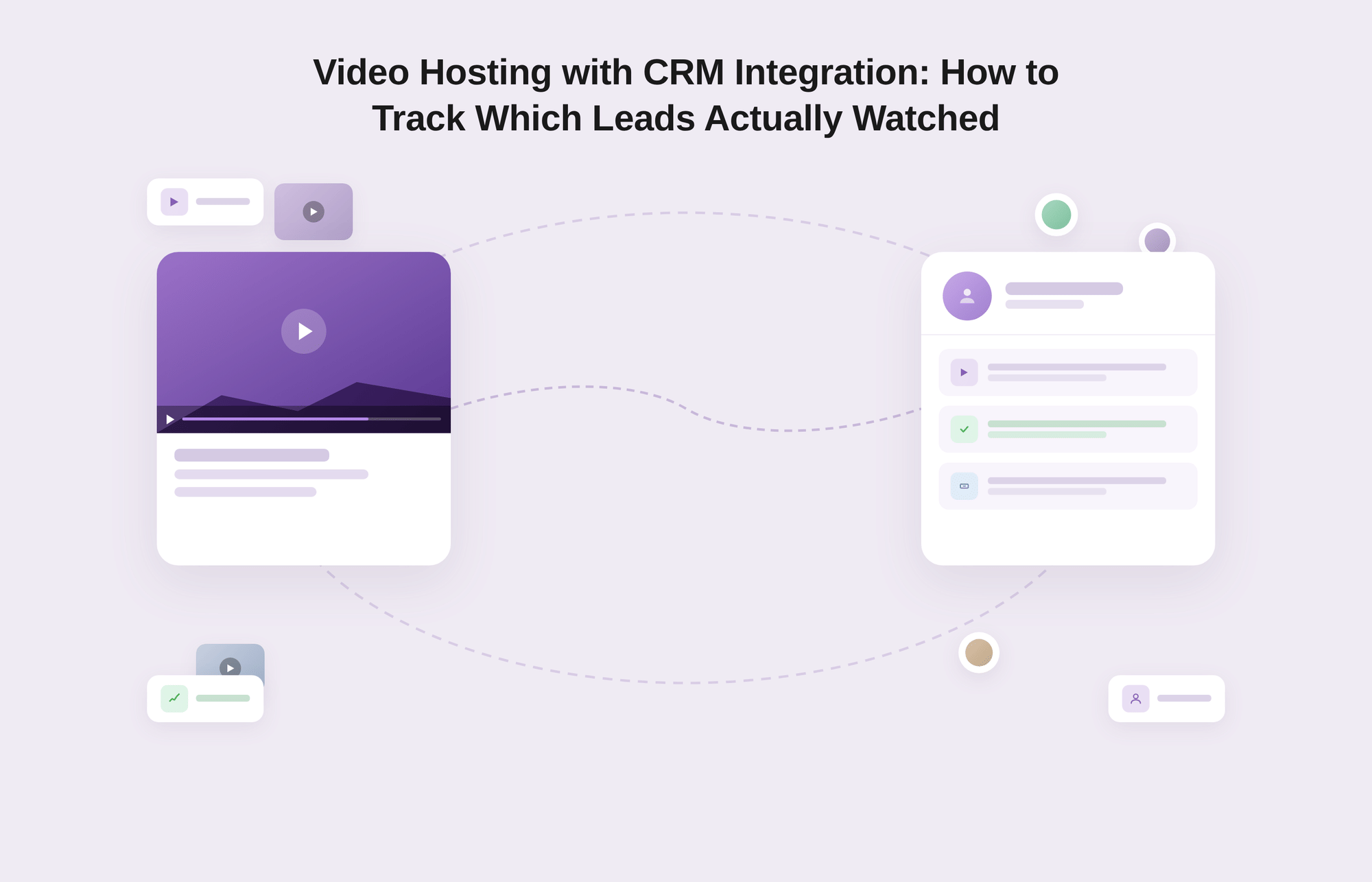
Lead tracking in video requires the platform to identify individual viewers, record their session-level watch behavior, and surface that data inside the CRM alongside other contact activity.
A platform that only reports aggregate metrics cannot tell a sales rep that a specific named contact watched a competitor comparison video for 4 minutes and rewatched the pricing section twice before going dark. That individual-level data, tied to a contact record with full context, is what video lead tracking actually means in practice.
There are two mechanisms for identifying video viewers in a lead tracking workflow:
- The first uses known contact data: the viewer is already identified in the CRM, and the video platform matches their session to an existing record when the embed loads on a page where the contact is cookied or authenticated.
- The second uses in-player lead capture to create a new record at the point of engagement, converting an anonymous viewer into an identifiable contact mid-playback.
A properly built video marketing platform supports both mechanisms and routes the resulting data to the same destination: the CRM contact record, updated in real time.
In-Player Lead Forms vs. Pre-Play Gates
The decision between an in-player lead form and a pre-play gate is a funnel stage decision, not a preference. A pre-play gate requires the viewer to submit their information before any content plays, which reduces play rates but ensures every viewer who gets through is identified.
An in-player form appears during playback at a configured watch percentage, typically between 40% and 75%, capturing lead data from viewers who have already demonstrated intent through sustained engagement.
For ungated demand generation content, the in-player form is the stronger mechanism. The viewer has already consumed enough of the video to self-qualify. Their decision to fill out a form mid-video is a stronger signal of intent than a pre-play submission from someone who has not yet seen anything.
The resulting data is also richer in context: the CRM record shows not just who they are but which video they engaged with, how far they watched, and at what moment they converted.
For high-value gated assets where audience quality matters more than play volume, a pre-play gate is appropriate. The optimal approach is to match the mechanism to the goal: pre-play gates for premium research, checklists, or event replays; in-player forms for product demos, explainers, and consideration-stage content where watch depth is the most meaningful signal.
Triggering CRM Sequences Based on Watch Depth
Here is what a connected video workflow looks like in practice:
- A prospect visits a landing page for a B2B software product and watches 82% of the embedded product demo.
- That watch event fires automatically into the connected HubSpot account, where a workflow has been configured to: update the contact's lead score by 25 points, add a "high-intent video engagement" tag, enroll the contact in a sales development sequence, and create a task notification for the account owner with the specific video name, watch percentage, and timestamp.
- The account owner opens HubSpot the next morning and sees a task: "Contact watched 82% of the [Product Demo] video at 11:43pm. Follow up with pricing context."
- They reach out the same morning with a reference to the video and a specific next step.
- The conversation starts from a position of informed context rather than cold outreach.
Without a video platform that streams watch events to the CRM in real-time, none of that workflow exists. The prospect watches the demo, nothing fires, the lead scores stay flat, no sequence enrolls, and the account owner has no idea the contact returned to the site at midnight to watch a product video. That is not a sales problem. It is a video infrastructure problem.
CRM-ready Video Embeds: What the Term Actually Means
A CRM-ready video embed is one that fires structured data events into a CRM or marketing automation platform based on viewer behavior, and does so without requiring custom JavaScript development for each integration.
The embed does not just display the video. It participates in the marketing data layer, contributing engagement signals that the rest of the stack can act on.
The phrase "CRM-ready" is used loosely across the video platform market. A minimal version means the platform has a Zapier connection that can forward an event when a video is completed.
A proper version means the platform natively streams structured events, specifically: video started, 25% watched, 50% watched, 75% watched, 100% watched, CTA clicked, and form submitted, into CRM contact records in real-time with no data loss, no latency beyond a few seconds, and no dependency on a third-party automation tool that can break silently when either platform updates its API.
The downstream requirement is that those events appear on the contact's activity timeline in the CRM, where sales reps can see them without switching tools, and where automation workflows can act on them without manual intervention.
Native Integrations vs. Webhook-based Connections
Native CRM integrations, meaning integrations built directly into the video platform and maintained by its engineering team, are structurally more reliable than webhook-based connections for marketing team use cases.
A native integration sends pre-structured events in the format the CRM expects, handles authentication and re-authentication without manual intervention, and typically surfaces richer event metadata than a generic webhook payload routed through Zapier.
Webhook-based connections are more flexible and can theoretically connect any video platform to any CRM. In practice, they require ongoing maintenance, break silently when either platform changes an endpoint, and often require a dedicated marketing operations resource to configure and monitor.
For a marketing team without a dedicated MOps engineer, a native integration is not a preference. It is a prerequisite for a reliable workflow.
When evaluating any video platform's CRM connectivity, the right question is not "does it integrate with HubSpot?" but "is the integration native, does it stream individual events at the watch-depth level, and does it map those events to existing contact records rather than creating duplicates?"
How Marketing Video Embeds Should Work Across HubSpot, Salesforce, and Marketo
In HubSpot, video engagement events should appear on the individual contact's activity timeline alongside emails, form submissions, and page visits.
Watch depth events, specifically percentage completion milestones, should be available as workflow enrollment triggers and list segmentation criteria. A contact who reaches 75% watch completion on a product video should be enrollable in a mid-funnel sequence with a single workflow rule, without any external tooling.
In Salesforce, the equivalent experience means video engagement events appear as activity records on the lead or contact, visible to the sales rep in the Activity timeline within the contact or opportunity record. The rep should be able to see which video was watched, the watch percentage, and the timestamp without leaving Salesforce or pulling a separate report.
In Marketo, video engagement events should trigger smart campaign flows. A contact reaching a watch depth threshold should be eligible for a lead score adjustment, a segment reassignment, or a nurture program enrollment based on the specific video and completion percentage. This turns the Marketo smart list from a passive segmentation tool into an active response mechanism for video behavior.
How Gumlet is Built for Marketing Team Workflows
For marketing teams working through the evaluation criteria above, Gumlet's video hosting platform is built specifically to cover the analytics, lead capture, and CRM connectivity requirements that separate a marketing-grade video solution from a generic hosting tool.
Rather than assembling these capabilities from separate platforms or third-party integrations, Gumlet delivers them as a unified stack from a single dashboard.
Gumlet currently holds a 4.7/5 rating on G2 from 356 verified reviews, the highest rating among the four platforms compared in the table below. Gumlet’s capabilities include:
1. Video Heatmaps, Session Analytics, and Engagement Reporting
Gumlet provides per-video engagement heatmaps that show, at the session level, exactly where viewers watched, rewatched, and dropped off.
Heatmaps are available for individual videos and can be filtered by date range, making it possible to compare engagement patterns before and after a content change.
Session analytics surface startup time, buffering events, and exit points alongside engagement data. This means a marketing team can distinguish between a completion problem caused by poor content (viewers drop off at the 90-second mark consistently) and one caused by a delivery failure (viewers exit in the first 5 seconds across a specific device type or geography).
These two diagnoses require different responses, and mixing them up wastes content production resources.
Gumlet streams engagement events natively to GA4, Segment, Amplitude, RudderStack, and Mixpanel, in addition to its own analytics dashboard. This means video engagement does not live in a silo. It becomes part of the unified data layer that the rest of the marketing and product team uses to make decisions.
2. In-Player Lead Forms, CTA Overlays, and Retargeting Pixel Support
Gumlet supports in-player lead forms that appear at configured watch-depth moments, mid-playback, without interrupting the viewing experience.
Submitted lead data is passed directly to the connected CRM or marketing automation platform as a contact event, not a delayed batch export. For teams running demand generation campaigns at scale, this removes the latency between lead capture and follow-up that degrades response rates.
CTA overlays can be configured to appear at specific timestamps, allowing marketing teams to surface a trial signup, a demo request, or a content upgrade at the exact moment in the video where intent is highest.
For player customization and CTA overlay configuration, Gumlet provides a no-code interface that does not require developer involvement for each new campaign or asset.
Retargeting pixel integration with Google, Meta, and LinkedIn allows marketing teams to build watch-depth-based ad audiences automatically.
A viewer who completes 75% of a product demo is added to a qualified retargeting audience without any manual export, list upload, or campaign manager intervention. This workflow runs continuously as long as the video is embedded and the pixel is active.
3. CRM Event Streaming and Native Integrations
Gumlet streams video engagement events natively to HubSpot, Salesforce, Marketo, Iterable, and Customer.io.
Each major watch-depth milestone, along with CTA clicks and form submissions, is fired as a structured event to the connected CRM contact record in real time. This means the HubSpot workflow, the Salesforce activity log, and the Marketo smart campaign can all respond to video behavior without requiring a Zapier bridge or custom webhook configuration.
For marketing teams ready to move from a passive video host to one that connects directly to the pipeline, Gumlet's video hosting platform supports the full workflow from upload to a CRM event, with a free plan to get started.
How Gumlet Compares to Other Marketing Video Platforms
The video platform market broadly divides into tools built for marketing analytics and lead capture, and tools built for general hosting or sales-specific use cases. The table below compares Gumlet, Wistia, Vidyard, and Brightcove across the capabilities most relevant to B2B marketing teams.
| Feature | Gumlet | Wistia | Vidyard | Brightcove |
|---|---|---|---|---|
| Per-video engagement heatmaps | Yes | Yes | Limited | Yes |
| In-player lead forms | Yes | Yes | No (sales video focus) | Via add-on |
| Watch-depth CRM triggers | Yes | Yes (HubSpot, Marketo) | Yes (sales-focused) | Yes (enterprise) |
| Native HubSpot integration | Yes | Yes | Yes | Yes |
| Native Salesforce integration | Yes | Limited | Yes | Yes |
| Retargeting pixel support (Google, Meta, LinkedIn) | Yes | Limited | No | Yes |
| Video analytics streaming to GA4, Segment, Amplitude | Yes | Limited | No | Limited |
| Branded, customizable player | Yes | Yes | Limited | Yes |
| DRM content protection | Yes | No | No | Yes |
| Free plan available | Yes | Yes (10-video cap) | Yes (messaging only) | No |
| G2 rating (2026) | 4.7/5 (355 reviews) | 4.6/5 (1051 reviews) | 4.5/5 (832 reviews) | 4.0/5 (53 reviews) |
| Primary use case fit | Marketing + infrastructure | Marketing analytics | Sales outreach | Enterprise broadcasting |
Key differences by use case:
Wistia is a strong marketing video platform with mature heatmap and lead capture features and deep HubSpot integration. It is particularly well-suited for content-first marketing teams building a video hub strategy. Its pricing scales steeply with video count and bandwidth, which makes it expensive for teams managing large libraries.
Vidyard has pivoted significantly toward AI video messaging and one-to-one sales outreach. G2 reviewers consistently note that its core hosting and marketing analytics features receive less development attention than its sales communication tools. For demand generation teams whose primary use case is campaign video on landing pages and in email sequences, Vidyard's feature emphasis is a mismatch.
Brightcove is an enterprise infrastructure built for broadcast-scale content operations. It has every capability on the list above, but at a price point and implementation complexity that is only justified for organizations with dedicated video engineering teams and six-figure content budgets.
Gumlet occupies the position of a full marketing-and-infrastructure stack at a cost model that works for mid-market teams. Its combination of marketing analytics, CRM event streaming, retargeting pixel support, and DRM protection in a single platform is the differentiator that separates it from tools that cover only one side of the requirement.
Checklist: Questions to Ask Any Video Platform Before You Commit
A marketing team evaluating video hosting platforms should be able to answer all of the following before signing a contract or beginning a migration:
- Does the platform provide per-viewer session data and heatmaps, or only aggregate metrics?
- Can video watch events trigger workflows natively in HubSpot, Salesforce, or Marketo without relying on Zapier?
- Does the in-player lead form sync directly to existing CRM contact records, or does it create duplicates?
- Is retargeting pixel integration available at the watch-depth level for LinkedIn, Meta, and Google?
- Can you distinguish between a delivery failure and a content engagement problem in the analytics dashboard?
- Is the CRM integration native (maintained by the platform team) or webhook-based (maintained by you)?
If the answer to any of those questions is "we'd need to build that" or "that would require a Zapier workflow," that is important information about the real cost of operating that platform at the marketing team level.
Marketing teams that have already committed to video as a channel deserve a platform that treats video engagement as first-class pipeline data.
According to Wyzowl's 2026 State of Video Marketing report, 85% of people have been convinced to buy a product or service after watching a brand's video. That intent signal exists inside every play event on your marketing pages. The question is whether your hosting infrastructure captures it and routes it to the people and systems that can act on it.
For teams ready to see what a fully connected video marketing workflow looks like in practice, schedule a demo with Gumlet to walk through the analytics, lead capture, and CRM integration layer with your specific stack in mind.
Frequently Asked Questions
1. What is video hosting for marketing teams, and how is it different from YouTube?
Video hosting for marketing teams is infrastructure that combines reliable delivery with engagement analytics, in-player lead capture, and CRM connectivity. YouTube is designed to maximize time spent on YouTube's own platform.
It retains all viewer-level engagement data, shows competitor ads alongside your content, and provides no mechanism for connecting a specific viewer's watch behavior to a CRM contact record. A dedicated marketing video platform puts that engagement data inside your marketing stack rather than in a third-party dashboard you cannot act on.
2. Can a video hosting platform track which specific leads watched a video?
Yes, but only if two conditions are met: the platform must have a CRM integration that maps video sessions to contact records, and there must be a mechanism to identify the viewer. This works through two approaches. If the viewer is already cookied as a known contact on the page, the platform matches their session to the existing CRM record automatically.
If they are anonymous, an in-player lead form converts them into an identifiable contact mid-playback. Both mechanisms require a platform with native CRM integration, not just aggregate analytics.
3. What is a video-qualified lead (VQL), and how is the threshold set?
A video-qualified lead is a contact whose video engagement, measured by watch depth and CTA interactions, meets a threshold set by the marketing team as sufficient to justify a sales follow-up or enrollment in an automated sequence. The threshold is specific to the video and the campaign goal. For a five-minute product demo, a 75% watch depth might constitute a VQL.
For a two-minute brand overview, 90% completion might be the appropriate threshold. The definition is set in the marketing automation platform as the enrollment criterion for the relevant sequence or workflow, and the video platform's CRM integration fires the watch-depth event, triggering it.
4. How do retargeting pixels work with video hosting for B2B marketing?
When a video hosting platform supports retargeting pixel integration, it fires a tracking event to the configured ad platform (Google, Meta, LinkedIn) when a viewer reaches a specified watch-depth threshold. A viewer who completes 75% of a product demo can be automatically added to a LinkedIn Campaign Manager retargeting audience without any manual export or CSV upload.
This creates a more qualified ad audience than a standard page-visit pixel, because watch completion correlates with purchase intent in a way that page visits alone do not.
5. Which CRM platforms integrate natively with a marketing video hosting platform?
The most commonly integrated CRM and marketing automation platforms are HubSpot, Salesforce, and Marketo. Gumlet additionally supports native integrations with Iterable and Customer.io. Native integration means the platform's engineering team maintains the connection directly, sends structured event data at the watch-depth level, and maps events to existing contact records rather than creating duplicates.
For marketing teams without a dedicated marketing operations engineer, native integrations are strongly preferable to webhook-based connections that require ongoing manual maintenance.
6. Is it worth switching from YouTube or Vimeo if we only host a few videos?
The answer depends on what those videos are doing in the marketing funnel. If the content is brand awareness on social channels, YouTube remains appropriate because distribution reach is the primary goal. If they are product demos, comparison videos, webinar replays, or any content embedded on pages where conversion is the goal, the case for a dedicated marketing video platform is clear even for small libraries.
The engagement data and CRM connectivity from a single high-intent demo video can justify the platform investment if it enables even one better-timed sales conversation per month.