








How to generate Audio Optimization Report?
Here's a step-by-step guide on how to use this audio tool.
Step-1
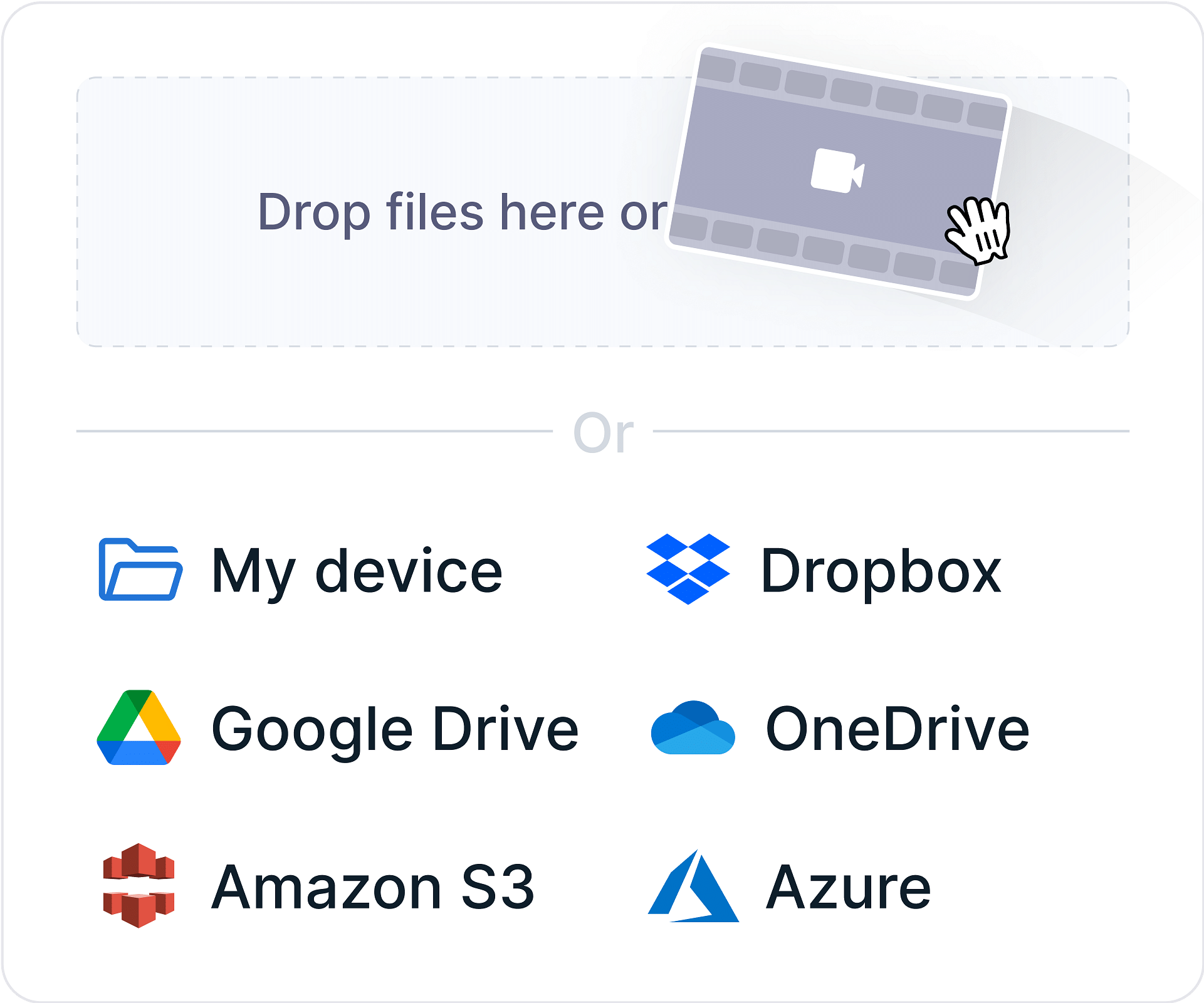
Click on "Upload Audio File" and upload your audio file. You will need to upload an audio file that is less than 1000MB in size. You can sign up and increase the size limit.
Step-2
Once you have uploaded your file, the tool will analyze the audio stream with Gumlet's transcoding engine and generate a report.
Step-3
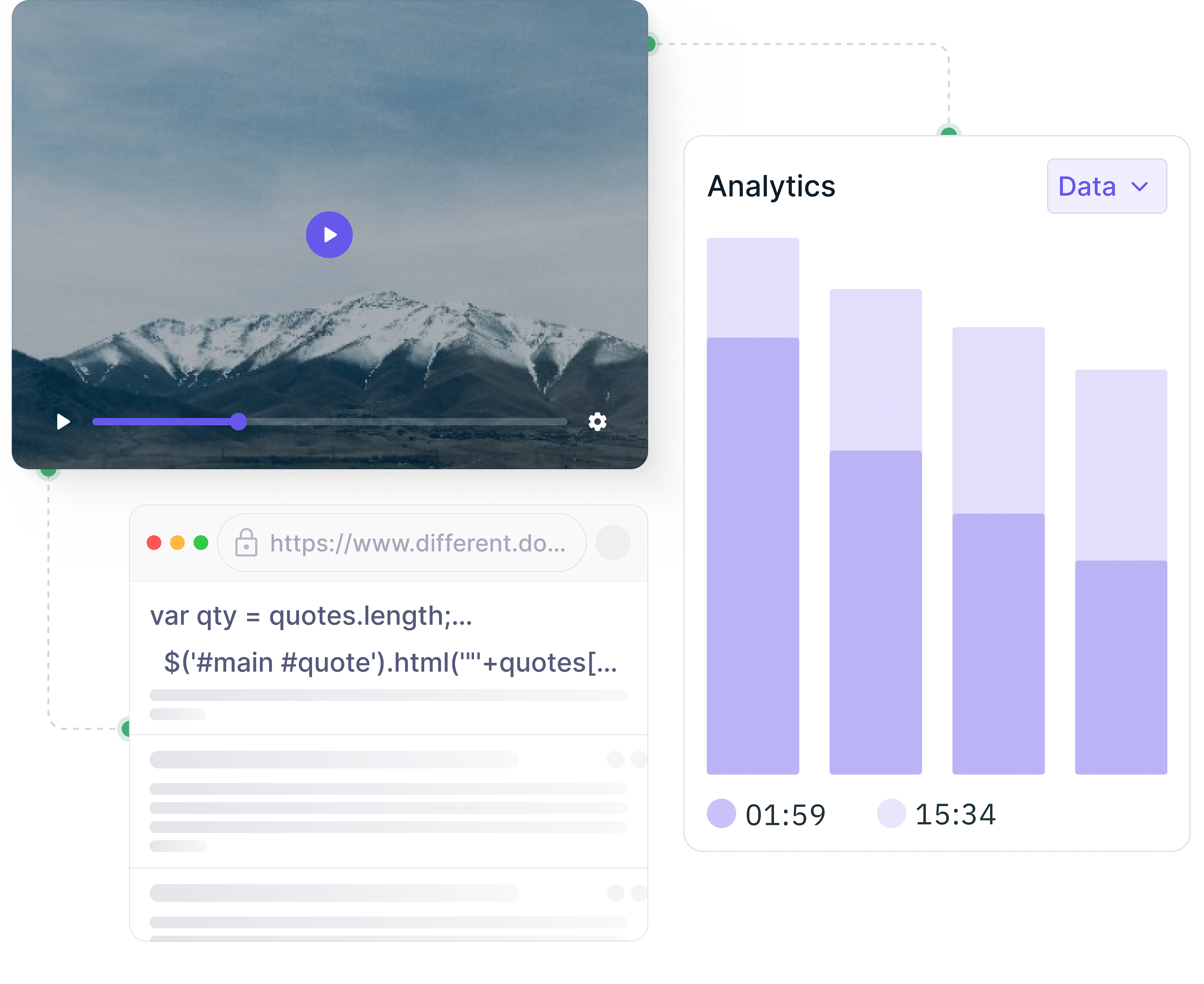
The Report will show you a side-by-side comparison of your current audio stream and the Gumlet transcoded audio stream, as well as the technical parameters of both streams.
How does this Audio Optimization Report help you?
Using the Audio Optimization tool offers several advantages:
Informed Optimization
The tool provides detailed insights into your audio's performance, allowing you to make data-driven decisions for optimization.
Improved Quality
By comparing your audio to the Gumlet transcoded version, you can identify opportunities to enhance audio quality while maintaining or reducing file size.
Enhanced Delivery
Optimized audio can lead to faster loading times and smoother playback experiences for your listeners.

Cost Savings
By reducing file sizes and improving delivery efficiency, you can potentially save on bandwidth costs.
How is this Audio Optimization Report Generated?
The audio optimization report utilizes advanced audio processing techniques to analyze and compare your uploaded audio file with a Gumlet-optimized version. Here's a breakdown of the key steps
Audio Analysis
The tool extracts essential audio parameters from both the original and transcoded files, including bitrate, sample rate, codec, and audio quality metrics.
Comparison
The tool then compares these parameters to identify differences in quality, file size, and overall performance.
Report Generation
Based on the comparison results, the tool generates a comprehensive report that highlights the key findings and provides recommendations for optimizing your audio.
What will this Audio Report tell you?
The Audio Compare tool will provide you with valuable insights into your audio's performance, including:
Bitrate
The amount of data transmitted per second, affecting audio quality and file size.
File Size
The size of the audio file, indicating its storage requirements and potential impact on loading times.
Audio Codec
The algorithm used to compress and decompress audio data, impacting quality and compatibility.
Sample Rate
The number of samples per second, influencing audio fidelity.
Who should use this Audio Optimization Report?
This Audio Optimization tool is a valuable for a wide range of individuals and businesses involved in audio production and delivery, including:
Audio Engineers and Producers
Audio engineers and musicians can leverage the tool to improve the quality and efficiency of their audio files.
Content Creators
Those who produce audio content for various platforms, such as videos or online courses, can benefit from the tool's insights to enhance their audio delivery.
Streaming Service Providers
Companies that offer audio streaming services can use the tool to optimize their audio content for efficient distribution and improved user satisfaction.
Podcasters
Those who create and distribute podcasts can use the tool to optimize their audio for better listening experiences and wider reach.
FAQs
Frequently Asked Questions
Clear answers to common questions, so you can get back to hosting your videos.