When an online course grows from a few hundred students to more than ten thousand, the video system breaks long before anyone expects it.
What worked smoothly at a small scale suddenly struggles under real pressure. Videos buffer during peak hours. Playbacks fail on older devices. Storage and bandwidth bills rise faster than user growth. Support tickets are increasing because thousands of learners are now watching in different countries, on other networks, and using various devices.
Most teams assume the fix is to upgrade hosting or switch providers. But in reality, the challenge is deeper.
Large-scale learning platforms need a video infrastructure that behaves like a distributed system. It must upload, transcode, store, secure, deliver, and track thousands of hours of content without slowing down or creating bottlenecks. Platforms designed for education at scale, such as Gumlet, Vimeo, Wistia, and Spotlightr, all approach these requirements differently, and understanding those differences shapes every downstream decision.
This guide explains what it truly takes to support ten thousand or more students watching video lessons simultaneously. It breaks down the core requirements, the architecture behind high-quality delivery, the security layers needed for large content libraries, and the analytics pipelines that help instructors understand how students learn.
The goal is to give you a complete, practical reference you can rely on when building or choosing a video system that can grow without collapsing under its own weight.
Understanding the Core Requirements of a 10,000+ Student Video System
Supporting video learning at scale is not just about choosing a storage provider or embedding a player. Once a platform reaches 10,000 learners, the system must handle volume, variety, and volatility in ways small setups never encounter. Several technical requirements become non-negotiable at this point.
1. High concurrency readiness
The most significant stress point is concurrency. It refers to the number of students who attempt to watch videos simultaneously. Peaks usually occur when a new module is released, when exams approach, or when an institution runs a live class followed by recorded sessions. A platform that works for a few hundred concurrent viewers can slow down significantly when thousands start streaming at once.
This makes concurrency planning a core part of any large education platform. The infrastructure needs to handle sudden spikes, distribute load efficiently, and ensure that students never experience slow start times or repeated buffering.
2. Multi-device and multi-bandwidth delivery
Students use a wide range of devices, often with very different capabilities. Many watch on older phones, low-end laptops, or tablets with limited storage and lower processing power. Network quality varies even more. Some students access content on fast broadband connections while others rely on weak mobile networks or shared Wi-Fi.
Adaptive bitrate streaming becomes essential here. The system must automatically adjust video quality to match the student’s device and connection. Without this, buffer times increase, and students drop out of lessons before they even begin.
3. Global distribution and geographic reach
Large learning platforms often serve students across multiple regions. This introduces new complications because latency and distance significantly impact playback quality. When videos are loaded from a single area, students farther from the source experience slower start times and more frequent buffering.
A global distribution strategy with multiple edge locations and intelligent routing ensures content loads quickly regardless of the student's location.
4. Content security and piracy prevention
As enrollment grows, piracy risks grow with it. Course videos are valuable assets that can be downloaded, screen-recorded, or shared if not adequately protected. Basic password protection or private links are insufficient for platforms with tens of thousands of learners.
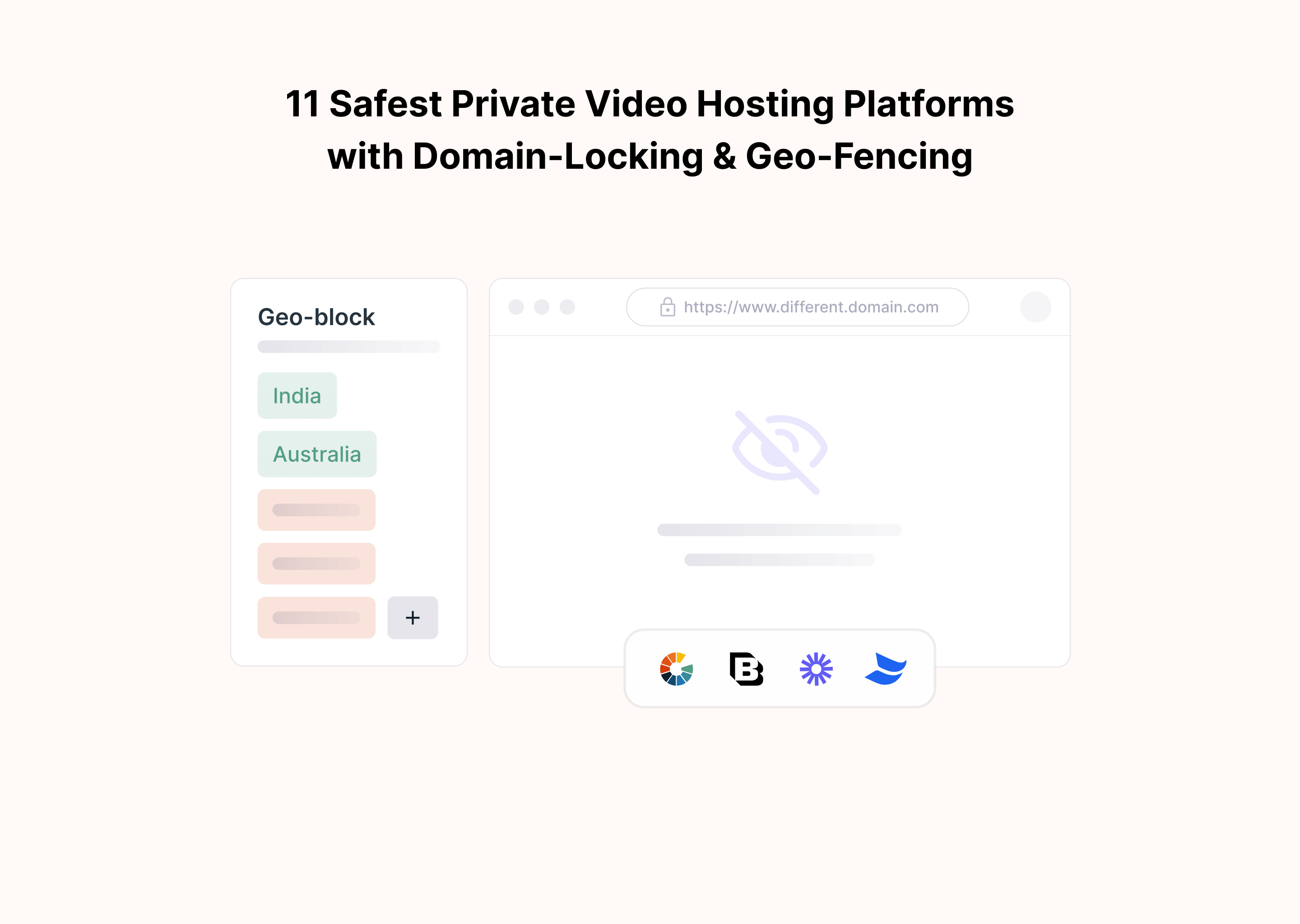
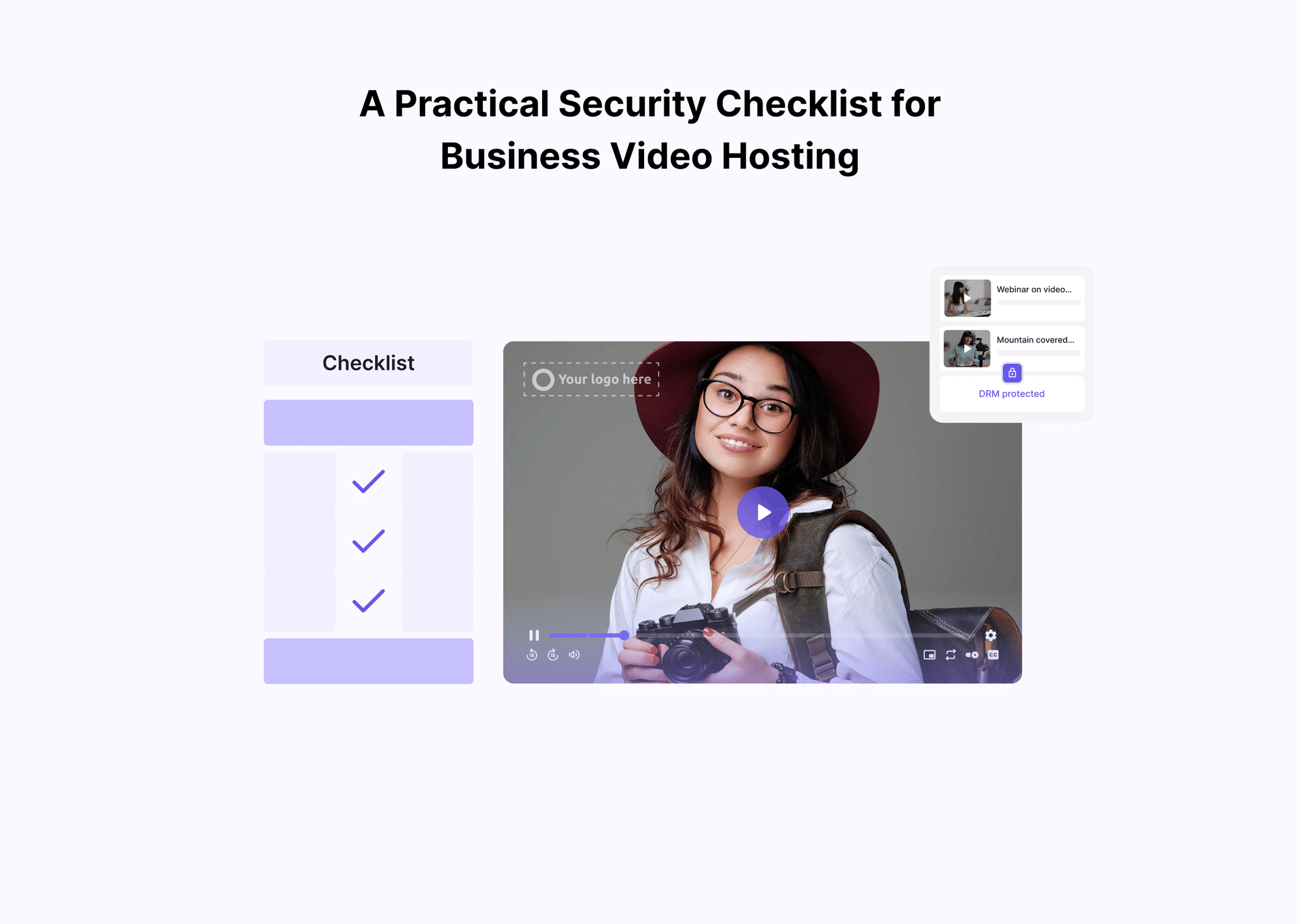
Security needs to be multilayered. This includes technologies like DRM, dynamic watermarking, domain restrictions, and token-based access. Together, they create a controlled environment that protects both intellectual property and student privacy.
5. Analytics that support large-scaletakes learning
Analytics takes on a new role once a platform reaches this size. High-level metrics, such as total views or play rates, no longer provide sufficient insight. Educators need granular data to understand where students struggle, which sections they replay, and where drop-offs occur.
Accurate analytics pipelines allow institutions to make targeted improvements in content and delivery. When handling thousands of students, even minor improvements in understanding learning patterns can create significant outcomes.
The Architecture of a Scalable Education Video Infrastructure
A video system that supports more than ten thousand students is built from multiple layers working together. Each layer has a specific responsibility, and weaknesses in any one of them affect the entire learning experience. Understanding this architecture helps teams make informed decisions instead of relying on assumptions or generic hosting setups.
Real-world situations reveal why accessibility features matter. These scenarios illustrate how different students interact with the platform.
Scenario 1: Low vision learner navigating a long module. A student with low vision opens a lecture using a screen reader. Keyboard navigation lets them move through the player without a mouse, while high-contrast buttons make controls easy to locate. Accurate captions help them follow along without missing context.
Scenario 2: Student studying on a weak mobile connection. A learner joins the class from a rural area where the network fluctuates between 2G and unstable Wi-Fi. Adaptive bitrate streaming automatically shifts to a lower resolution when the connection slows, preventing buffering that would interrupt the lesson.
Scenario 3: Student revising for exams late at night.to reduce the number of A university student watches recorded sessions after classes. They increase playback speed to 1.5x, enable captions for clarity, and replay specific segments highlighted earlier in the heatmap. The responsive player keeps the experience smooth across both phone and laptop.
1. Video ingestion pipeline
The ingestion stage begins when instructors upload videos to the platform. At a large scale, this process must be fast, reliable, and tolerant of interruptions. Videos often arrive in different formats and resolutions, and the platform needs to normalize them without causing long processing queues.
Efficient ingestion prevents delays in course publishing and allows multiple instructors to upload videos simultaneously without slowing down the system. Recommended practices include using stable upload endpoints, resumable uploads, and preprocessing checks to reduce the number of later failed transcoding jobs.
2. Cloud storage selection and redundancy
Once videos are uploaded to the system, they must be stored securely. This is where storage architecture becomes critical. Education platforms typically store hundreds or thousands of hours of instructional content, which requires durable, redundant object storage.
A multi-region approach reduces the risk of outages and ensures faster access for students in different locations. Single-region storage often becomes a bottleneck because every request travels back to the original server. Redundancy, replication, and tiered storage also help balance speed with long-term cost efficiency.
3. Encoding and transcoding
Transcoding is the backbone of video delivery. It converts an uploaded file into multiple resolutions and bitrates so that each student receives a version optimized for their device and network. Without efficient transcoding, large platforms face long publishing delays and inconsistent playback quality.
Transcoding workloads increase dramatically as content libraries grow. A platform built for high concurrency must process videos quickly and at scale. Resolution ladders for 1080p, 720p, 480p, and 360p are standard, and GPU-based processing often becomes necessary for faster turnaround times.
4. CDN distribution and caching
The delivery layer is where games are won or lost. Content Delivery Networks (CDNs) distribute videos across geographically dispersed edge servers, reducing load times and preventing buffering. A strong CDN setup includes origin shielding, token signing, controlled cache rules, and intelligent routing.
High cache hit ratios are essential for platforms with thousands of students watching simultaneously. When videos load from the nearest edge location, students receive fast, stable performance even during peak hours.
5. Player technologies and device compatibility
The video player is the part students interact with most, and its design affects how easily learners consume content. A modern HTML5 player must support captions, subtitle files, playback speed control, keyboard navigation, and responsive sizing across devices.
Accessibility is a key requirement. Students with varying needs should be able to navigate and consume content without friction. Reliable player behavior on different browsers and operating systems becomes increasingly important at scale.
6. API layer and platform integration
A large learning platform relies on APIs to connect the video system with the LMS, authentication tools, dashboards, and instructor workflows. APIs handle secure URL generation, user access control, upload management, and analytics tracking.
A robust API layer ensures that the video system behaves consistently across the entire platform. It also allows teams to automate repeated tasks, integrate with third-party systems, and support complex instructor or student journeys.
Common Failure Modes in Large eLearning Video Systems
Even well-built platforms start to show cracks when usage grows into the thousands. Most failures are not sudden; they result from small inefficiencies that multiply at scale. These are the issues large institutions face most often.
- Videos get are stuck in long transcoding queues when instructors upload multiple large files during peak hours.
- CDN cache misses are causing slow playback because popular videos are repeatedly pulled from the origin rather than from nearby edge servers.
- Single region storage creating high latency for students located far from the primary data center.
- Bandwidth spikes overwhelm delivery routes during module drops or exam season.
- Player inconsistencies on older browsers or low-end devices are due to limited compatibility testing.
- Slow start times caused by inefficient bitrate ladders or oversized high-resolution layers.
- Analytics gaps due to unoptimized tracking pipelines.
- Token or URL expiry issues leading to legitimate students losing access mid-session, high-concurrency.
These failure patterns help readers immediately recognize where their current systems may be fragile.
Evaluating Video Platforms Capable of Supporting 10,000+ Students
On a large scale, not every video hosting platform behaves the same. Some are designed for marketing use cases, others focus on creator tools, and a few are built with infrastructure suited for high-concurrency learning environments. A straightforward comparison helps institutions understand which platforms match their operational needs.
1. Gumlet
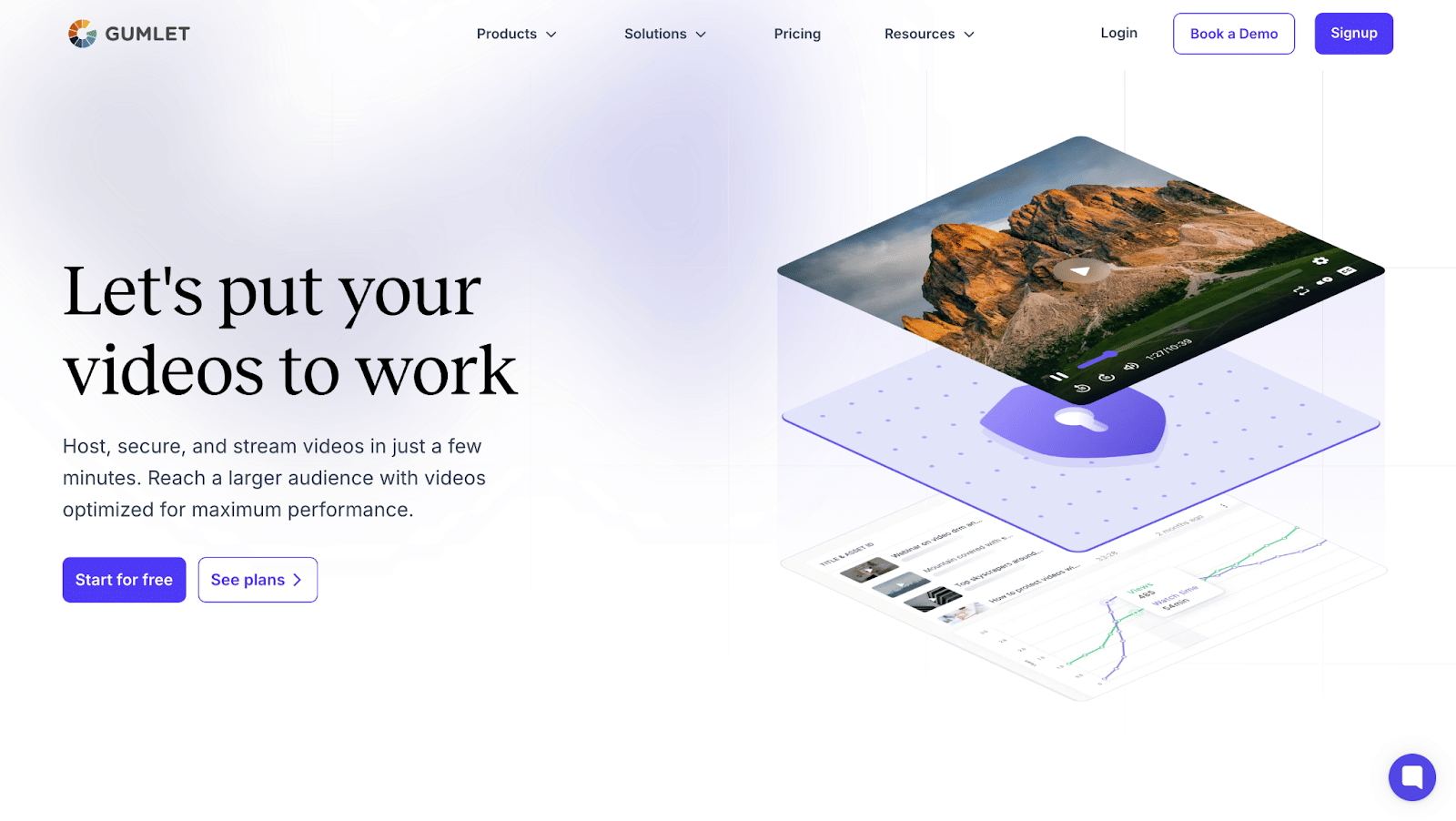
Gumlet is often selected by education platforms that need a streamlined ingestion to delivery pipeline without managing infrastructure internally, while still getting live streaming, a built in video CMS, and a course friendly player out of the box.
Its core strength lies in automated processing and delivery. Videos are encoded to multiple resolutions immediately after upload, and distribution is handled via optimized global routes designed to maintain consistent performance during high-traffic periods. The same pipeline supports live sessions that can be recorded and made available as on-demand lessons without extra manual work.
Security controls such as domain restrictions, signed URLs, DRM support, and optional watermarking help protect course libraries and prevent unauthorized sharing.
Gumlet also provides detailed playback analytics that show device usage, watch time, and performance metrics that support learning insights. On top of this, course teams receive AI-generated subtitles and chapters, reducing manual editing and making long lessons easier for students to navigate.
The video CMS and customizable player allow platforms to organize modules cleanly, match course branding, and add in player CTAs that connect lessons to next steps, such as quizzes, forms, or new modules.
These capabilities make it suitable for large student cohorts without requiring a complex setup.
2. Vimeo
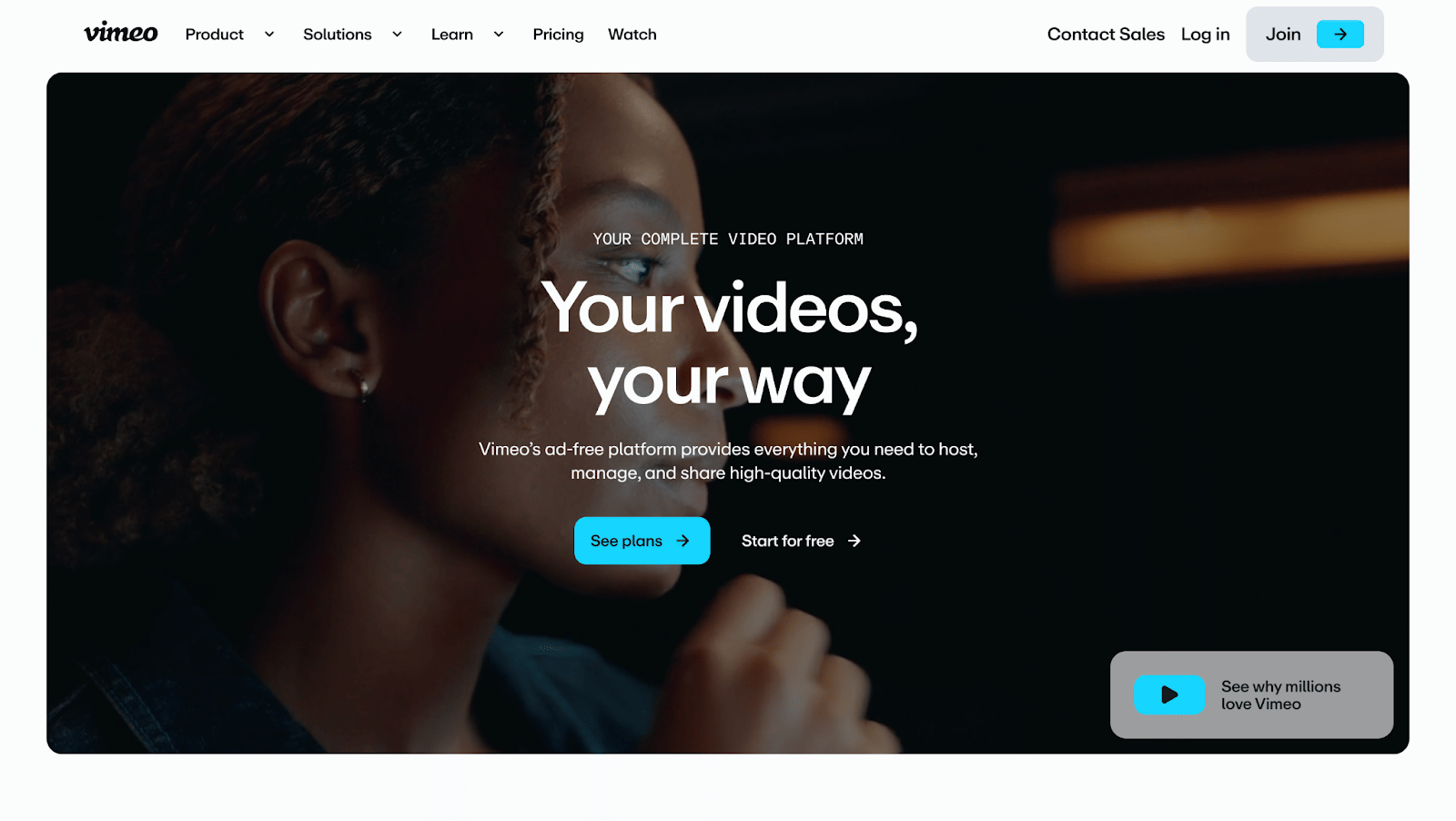
Vimeo offers a wide range of creative tools and is widely known for its user-friendly interface. It provides hosting, basic analytics, password protection, and a clean player.
However, on huge eLearning platforms, performance can vary during high-concurrency periods. Institutions that serve thousands of students often require more advanced delivery optimization than what Vimeo’s standard workflows provide.
It remains a reliable choice for smaller platforms or those prioritizing ease of use over deep technical configuration.
3. Wistia
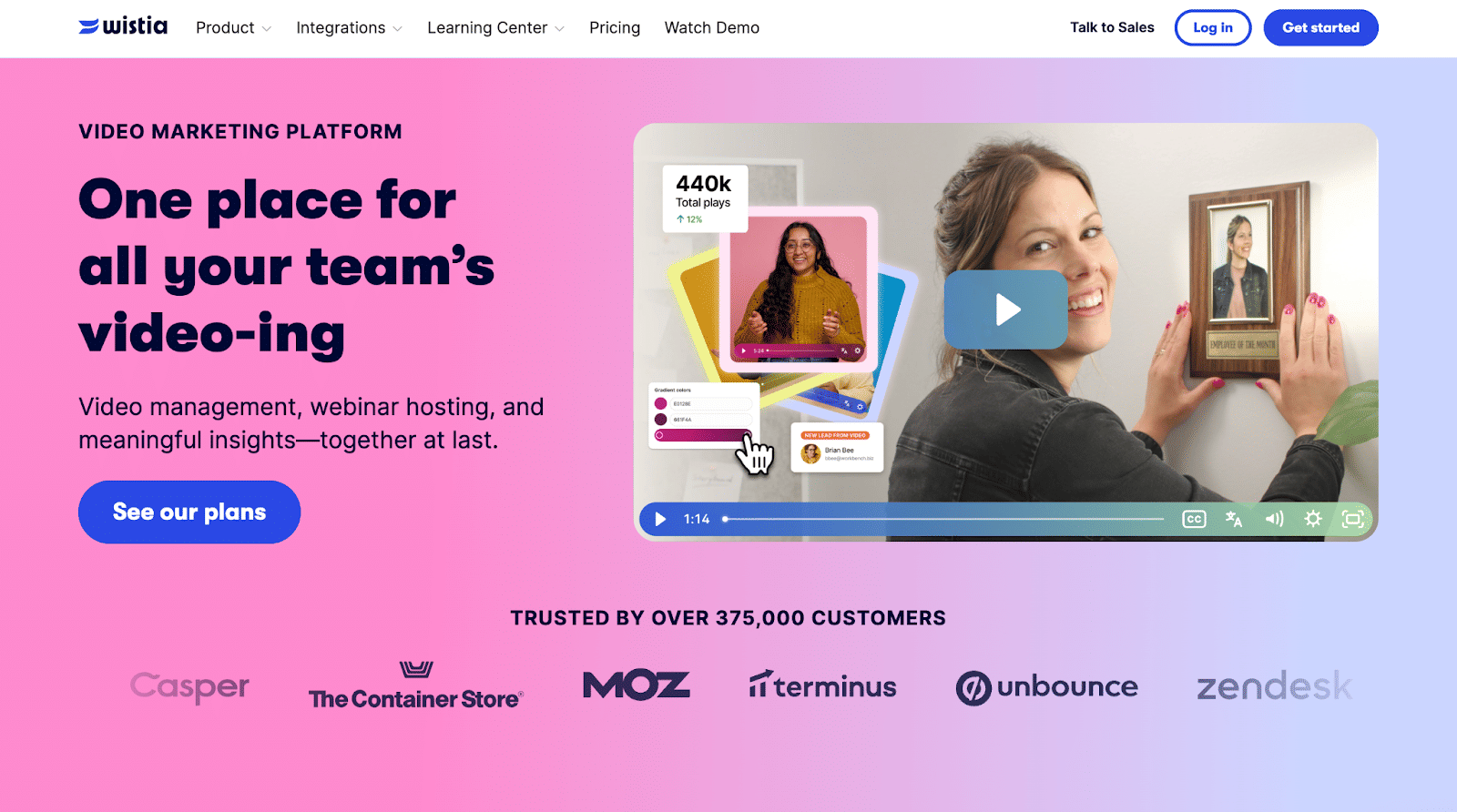
Wistia focuses on marketing, brand storytelling, and lead generation. For educational use, it provides good video organization tools and strong viewer engagement analytics. However, its architecture is primarily built around business video use cases rather than large-scale education.
This influences factors such as bandwidth efficiency, global delivery tuning, and integration flexibility with learning platforms. While Wistia works well for content libraries that do not face heavy concurrency, it may require additional support systems to reach very high volumes of learners.
4. Spotlightr
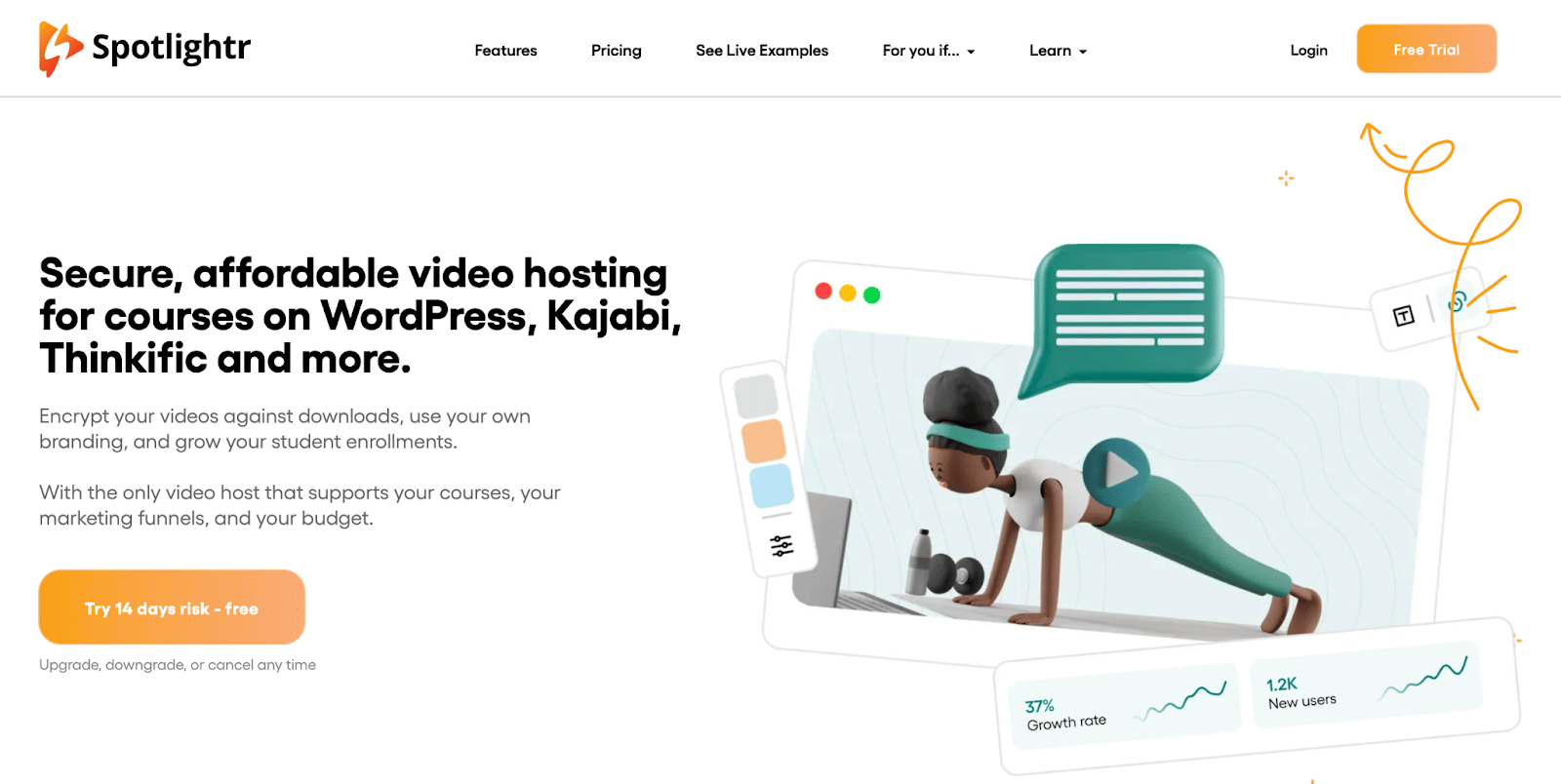
Spotlightr offers features that align well with course creators and small to mid-sized learning platforms. It includes interactive layers, player customization, and classroom-oriented controls.
At a large scale, Spotlightr may face limitations in concurrency and distribution performance, especially when thousands of students simultaneously watch the same module. It is a strong option for mid-volume systems, but requires careful testing before adoption for large institutional deployments.
Core takeaway
Each platform in the market has distinct strengths. The decision for a 10,000-student platform hinges on concurrency performance, delivery reliability, security layers, and depth of analytics. Platforms engineered for scale handle spikes, device variance, and global distribution more consistently than general-purpose video hosting platforms. That distinction becomes crucial as user volume increases.
Security Architecture for Protecting Large Libraries of Course Videos
As student numbers grow, the value of course content grows with it. This makes large learning platforms frequent targets for unauthorized downloads, link sharing, and piracy attempts. A strong security architecture ensures that educational videos remain accessible only to enrolled learners while preserving the institution’s intellectual property.
1. DRM
Digital Rights Management is the most dependable protection layer for premium educational content. It prevents unauthorized users from copying, downloading, or redistributing videos. Standard DRM technologies include Widevine for Chrome and Android, FairPlay for Apple devices, and PlayReady for selected environments. Each technology controls playback on supported devices and enforces strict rules around how the content can be viewed. When thousands of students are involved, DRM becomes a practical necessity rather than an optional feature because it delivers protection directly at the device level.
2. Dynamic watermarking
For many institutions, DRM is supported with visible or forensic watermarking. Dynamic watermarking places user-specific identifiers on the video during playback. This discourages screen recording and reduces the likelihood that content will be circulated outside the platform. When applied intelligently, the watermark adapts to the student’s identity and appears in different positions throughout the video. This approach allows institutions to trace the source of any leaked content, a significant advantage when thousands of students are consuming the same lesson.
3. Domain and referrer restrictions
Another essential layer is domain-level protection. This prevents videos from being played on unauthorized websites or embedded in external pages. Only approved domains can load the player and access the underlying files. This restricts the copying of embed codes and inhibits attempts to run course videos on third-party sites.
4. Token-baseduser-specific access and URL expiry
Secure playback links ensure that even if a link is shared, it becomes unusable for anyone outside the intended session. Platforms use signed URLs with short expiry times and user-specific tokens. When students press play, the system checks the token to confirm that the request is valid. This significantly reduces unauthorized access while maintaining a smooth learning experience for legitimate users.
5. A multi-layer approach
No single security method can cover every threat. Scalability in education requires a combination of DRM, watermarking, domain restrictions, and signed URLs. Together, these layers close gaps that appear when thousands of students watch content from different regions, devices, and networks. A well-structured security architecture protects both student data and instructional material without disrupting the learning experience.
Bandwidth Management and Cost Optimization for Large Student Cohorts
Serving high-quality video to more than 10,000 students requires significant bandwidth. Without careful planning, institutions often experience unexpected cost spikes and inconsistent playback performance during peak periods. A structured approach to bandwidth management ensures a smooth delivery while keeping expenses predictable.
How bandwidth scales with student numbers
Bandwidth consumption increases rapidly when large groups of students watch videos simultaneously. During module releases, exam preparation weeks, or live session replays, thousands of simultaneous playbacks can create sudden demand surges. If the system is not prepared, this leads to buffering, slow start times, and increased support tickets. From a cost perspective, bandwidth charges can grow faster than the number of users because peak periods often push the delivery infrastructure beyond average levels.
Efficient encoding ladders
A major cost driver is the volume of data delivered. Encoding videos into smart bitrate ladders helps control bandwidth usage without reducing visual quality. This involves selecting resolutions and bitrates that match the real-world conditions of students' devices and networks. Efficient ladders avoid unnecessary high-bitrate layers that consume more data than learners can practically use. Managing these ladders well can deliver substantial savings while still ensuring smooth, high-quality playback.
CDN offload strategies
A strong Content Delivery Network setup reduces load on the origin server and improves delivery performance. High cache hit ratios are essential. When a video is cached at an edge location near the student, it prevents repeated retrievals from the central server. Cache directives, effective TTL settings, and multi-CDN routing help ensure consistent delivery even when traffic spikes. For large student populations, these optimizations directly reduce cost and improve playback reliability.
Storage tiering and archival workflows
As course libraries grow, not all content needs to remain in high-speed storage. Older modules or completed course sessions can be moved to lower-cost storage tiers without affecting availability. This reduces long-term storage expenses and ensures that frequently accessed content receives the fastest performance. A structured archival workflow also helps institutions maintain clean storage organization as the catalog expands.
What many teams forget while scaling
Bandwidth planning looks straightforward on paper, but several overlooked factors can create unexpected performance issues and cost problems at scale. These blind spots tend to surface only when thousands of students are already active.
- Academic schedules matter more than user count. Bandwidth spikes are driven by assignment cycles, exam weeks, and new module releases, not overall enrollment.
- Mobile users behave differently. A large portion of students watch on phones and consume lower-bitrate streams, which affects cache distribution and the design of the encoding ladder.
- Cache warmup is critical. A new video released to thousands of students triggers heavy origin traffic if edge locations are not pre-warmed before release.
- High-resolution layers often go unused. Many students never watch 1080p lessons due to device or network limits, yet these layers consume significant bandwidth when left in the encoding ladder.
- Storage tiering is a long-term cost saver. Moving older or low-traffic lessons into archival tiers reduces ongoing expenses without affecting playback.
- CDN routing varies by region. A route that performs well in one location may degrade in another, making multi-region testing essential rather than assuming global consistency.
These overlooked factors often determine whether a platform remains stable or faces disruptions once it crosses the 10,000-student threshold.
Accessibility, Compliance, and User Experience Standards
A video infrastructure designed for 10,000 or more students must be inclusive, reliable, and compliant with educational standards. Accessibility is not only a legal requirement in many regions but also a practical necessity when students rely on a wide range of devices, learning preferences, and assistive technologies.
Captions and multilingual subtitles
Captions and subtitles improve comprehension, support students with hearing difficulties, and help learners who study in multilingual environments. Many institutions also cater to global student populations, making multilingual subtitle support essential. Automated transcription tools can generate captions quickly, but accuracy checks are necessary to maintain academic integrity. High-quality captioning improves focus, increases retention, and ensures lessons remain accessible in quiet, noisy, or shared study environments.
Player accessibility
A modern video player must accommodate diverse learning needs. Keyboard navigation should be supported for students who cannot use a mouse. Screen reader compatibility helps visually impaired learners follow the content. Clear contrast, readable controls, and intuitive layouts make it easier for students to focus on the lesson rather than on navigating the interface. Consistent behavior across browsers and devices is equally important, especially when students study on personal laptops, tablets, or campus computers.
Inclusive delivery
Students access lessons from different environments and under varying constraints. Some rely on mobile data with limited bandwidth, while others watch videos on library networks or shared household connections. A mobile-friendly interface, responsive design, and adaptive streaming help create a better experience across these contexts. For learners with low vision or auditory challenges, flexible playback speeds, volume normalization, and high-resolution captions provide meaningful support.
Offline access
In regions with unstable connectivity, offline viewing is essential. Secure offline access allows students to download lessons within the platform while protecting content from unauthorized distribution. Institutions often rely on encrypted downloads that remain accessible only within approved apps or devices. This form of controlled offline viewing ensures reliability without compromising security.
Advanced Analytics for Student Behavior and Learning Outcomes
Once a platform scales beyond 10,000 learners, analytics shifts from a “nice to have” dashboard feature to a core part of instructional design. Large student populations generate substantial viewing data every day, and understanding these patterns helps institutions refine content, improve retention, and identify student challenges earlier.
Individual video heatmaps
Heatmaps show exactly which parts of a video students watch repeatedly, skip, or abandon. When thousands of learners follow the same patterns, these signals reveal sections that may be confusing, too fast-paced, or especially important for comprehension. Heatmaps help instructors revise specific segments rather than reworking entire lessons. They also highlight which lectures engage students most effectively.
Cohort-level analysis
Patterns become more meaningful when grouped by student segments. Cohort-level insights show how different groups progress through lessons. This includes identifying whether new students watch content differently from existing ones, or whether specific topics consistently cause drop-offs. These observations guide curriculum adjustments and help academic teams allocate support resources more accurately.
Device and geography metrics
Performance varies across regions and devices, especially in large-scale online learning environments. Device analytics reveal which resolutions students actually use and whether specific devices face frequent buffering. Geography metrics show where performance degrades due to latency, limited bandwidth, or weak caching. When institutions see these patterns early, they can adjust encoding ladders or CDN routing to stabilize playback quality for all learners.
Operational analytics
Beyond student behavior, operational metrics help maintain infrastructure health. This includes tracking error rates, buffering percentages, startup delays, and failed playbacks. Large platforms cannot rely solely on user complaints, as most students do not report issues immediately. Automated error detection and trend monitoring help engineering teams fix problems before they affect large numbers of students.
Testing and Validating the Infrastructure
A video system that appears stable with a small audience can behave unpredictably when usage scales. Before serving thousands of learners, platforms need to validate their infrastructure through structured testing. This prevents unexpected failures during peak academic periods and ensures smooth playback for all students.
Load testing
Load testing simulates large numbers of concurrent viewers to determine how the system behaves under pressure. This involves generating thousands of parallel playback requests that replicate real student behavior, such as seeking, pausing, or replaying segments. Effective load testing identifies bottlenecks in encoding pipelines, delivery layers, and player response times. It also helps institutions understand how performance changes when traffic peaks suddenly.
Chaos testing
Chaos testing introduces controlled failures to evaluate the platform's resilience. This can include shutting down a server region, reducing bandwidth to a specific network, or disabling a CDN path. These tests reveal whether the system can recover gracefully or reroute traffic quickly. For large student populations, resilience is as important as speed because even short outages can affect thousands of learners at once.
Ongoing monitoring
Monitoring tools track the health of the video system in real time. Dashboards highlight startup times, buffer ratios, and error trends. Alerts notify engineering teams when performance drops below defined thresholds. Continuous monitoring is essential because playback issues often emerge gradually as libraries grow, new devices are introduced, or student behavior changes between semesters. Institutions that proactively monitor performance can correct problems before they disrupt learning.
Scaling Beyond 10,000 Students
Once a platform successfully supports ten thousand learners, the next challenge is preparing for even larger audiences. Growth amplifies every inefficiency, and the systems that worked earlier may no longer be sufficient. Scaling beyond this point requires automation, flexibility, and thoughtful long-term planning.
Automating the ingestion to delivery pipeline
Manual workflows cannot keep up as course libraries expand and multiple instructors upload content simultaneously. Automated pipelines ensure that every video moves from upload to final delivery with minimal human intervention. This includes automated transcoding, automatic assignment of bitrate ladders, and real-time distribution to edge locations. Automation reduces delays, minimizes human error, and maintains consistency across teams and campuses.
Supporting hybrid and live learning
Many institutions introduce hybrid learning models that combine recorded lessons with live sessions. Live streaming presents its own challenges, including latency, synchronization, and playback stability across large audiences. Features such as cloud recording, DVR rewind, and on-demand availability allow students to catch up without waiting for manual uploads. Platforms need to support both live and on-demand formats under the same infrastructure for efficiency and continuity.
Multi-tenant and multi-instructor management
As organizations expand, more departments, instructors, and content teams use the same video system. Multi-tenant controls help isolate content, permissions, and analytics across different groups. This prevents accidental exposure of content and improves administrative clarity. The system should also support simultaneous uploads from dozens or hundreds of instructors without slowing down encoding or processing pipelines.
Putting It All Together: The Reference Architecture for Large-Scale eLearning Video Delivery
A platform that consistently serves more than 10,000 students is built on a combination of well-coordinated systems. When these systems work together smoothly, the result is stable delivery, predictable performance, and a learning experience that remains reliable even during peak usage. The reference architecture below summarizes how each layer contributes to the overall workflow.
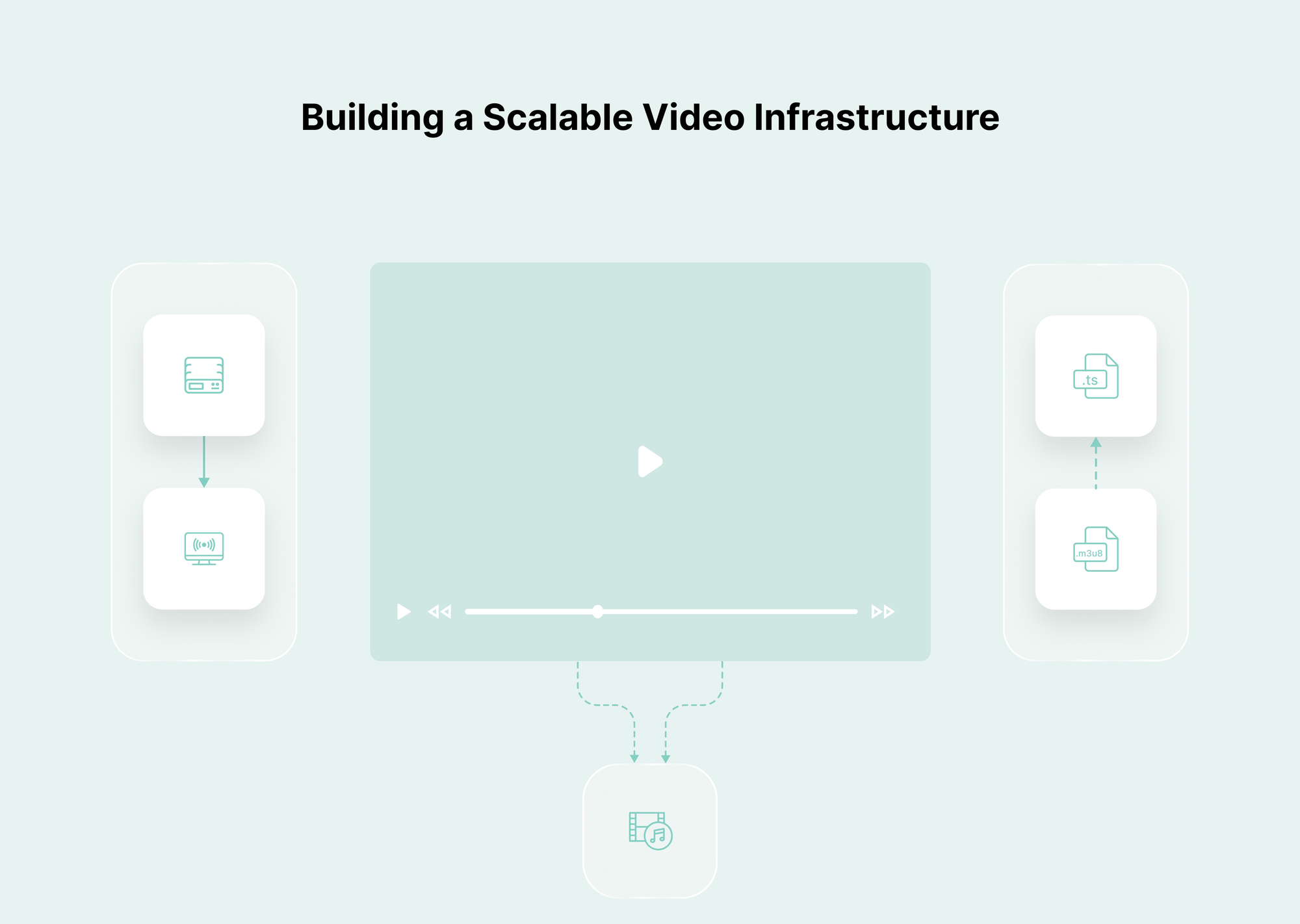
The process begins with instructors uploading content to a stable ingestion layer that can handle multiple large files simultaneously. Resumable uploads and validation checks ensure files are uploaded to the system without interruptions. Once uploaded, videos pass through an encoding and transcoding pipeline that produces multiple resolutions optimized for different devices and networks. These processed files are then stored in durable, multi-region storage to prevent downtime and minimize latency for global students.
Delivery relies on an efficient CDN setup. Videos are distributed to edge locations so that students stream content from servers closest to them. High cache hit ratios, intelligent routing, and carefully tuned cache settings help maintain fast load times and smooth playback, even when thousands of learners access the same lessons.
Security layers surround every step. DRM protects content at the device level, watermarking discourages sharing, and token-based playback prevents unauthorized access. Domain restrictions ensure that videos play only on approved platforms. Together, these measures form a complete protection system that does not interrupt legitimate learning.
The video player acts as the interface that ties the experience together. It must be accessible, intuitive, responsive, and reliable across browsers and devices. Support for captions, subtitles, keyboard navigation, and adaptive streaming ensures students receive a consistent experience regardless of their environment.
Finally, analytics and monitoring provide continuous insight. Institutions track engagement trends, performance issues, buffering rates, and user behavior. This information guides improvements to content, infrastructure, and course design. As usage grows, load testing and chaos testing validate that each component continues to perform under pressure.
This reference architecture enables platforms to scale smoothly beyond 10,000 students. It combines ingestion, processing, storage, delivery, security, player technology, and analytics into a unified system that can grow with academic demand.
Conclusion
Building a video infrastructure for more than ten thousand students is not a matter of choosing a single tool. It is a coordinated engineering effort that touches every part of the learning experience. Large-scale education platforms must handle sudden traffic spikes, deliver smooth playback across a wide range of devices, protect valuable course libraries, and produce reliable analytics that help instructors understand how students learn.
The systems that support this scale are built on predictable pipelines, efficient encoding, strong global delivery networks, layered security, and detailed monitoring. Each component plays a specific role, and together they create a learning environment that remains stable even as thousands of students engage with the content simultaneously.
Institutions planning for long-term growth benefit from understanding these architectural principles early. Platforms designed with concurrency, accessibility, automation, and security at their core are better equipped to maintain consistent performance as student numbers increase. A well-structured video infrastructure ensures learners can focus on the course material rather than the technology, enabling the educational experience to scale smoothly without compromising quality.
FAQs
1. What is the biggest challenge in delivering videos to more than ten thousand students?
The most complex challenge is concurrency. When thousands of students stream the same lesson simultaneously, weak encoding pipelines, single-region storage, or limited CDN coverage can cause buffering and slow start times. Scalable platforms need optimized routing, adaptive streaming, and multi-region distribution to handle these loads.
2. How important is adaptive bitrate streaming for large learning platforms?
It is essential. Students use a wide range of devices and network conditions. Adaptive bitrate streaming adjusts video quality automatically so each student receives the best possible playback without interruptions.
3. Why do education platforms need multi-layer security for video content?
Large student populations increase piracy risks. DRM, dynamic watermarking, domain restrictions, and token-based URLs work together to prevent unauthorized downloads, sharing, and embedding while maintaining a smooth experience for legitimate learners.
4. What type of analytics matter most for large-scale video learning?
Granular analytics, such as heatmaps, watch-time distribution, device-level performance, and buffering trends, provide insights into learning patterns and infrastructure health. These metrics help instructors improve content and engineering teams maintain reliable playback.
5. How can institutions manage storage costs when video libraries grow quickly?
A tiered storage system helps. Frequently accessed lessons are stored in high-speed storage, while older modules are moved to lower-cost archival tiers. This balances performance with long-term cost efficiency.
6. Why is CDN architecture so critical for education platforms?
A CDN reduces load times by serving videos from edge servers close to students. This improves playback stability, reduces buffering, and protects the origin server during peak periods.
7. Are marketing-focused video platforms suitable for large student populations?
Some are suitable for more miniature courses, but platforms built for marketing may lack the concurrency support, advanced security, and global optimization needed for large-scale education environments.
tl;dr
- Platforms with ten thousand or more students need a fully integrated video infrastructure, not basic hosting.
- Core requirements include high concurrency support, adaptive streaming, multi-region delivery, and multi-layer security.
- Efficient encoding, resilient CDN routing, and granular analytics directly influence learning outcomes.
- Scalable setups rely on automation, redundancy, and continuous monitoring to maintain stable performance.