Enlarge image without losing quality
Need to enlarge an image without losing quality? Our free online image enlarger makes it simple to enlarge your image while keeping crystal-clear resolution. Compress images regardless of format in seconds.
Delivering media for









How to Enlarge an Image without Losing Quality?
Follow these quick and easy steps to enlarge your photos and images with crystal-clear results:
Upload Your Photo or Image File
Drag and drop your JPG, PNG, or WebP image into the tool or click the upload button to select it from your device.
Choose enlargement size
Select the scale of enlargement you need. It can be 2x, 4x, 8x or 16x. The AI super-resolution engine restores details and sharpness at every scale, so it looks clean and professional.

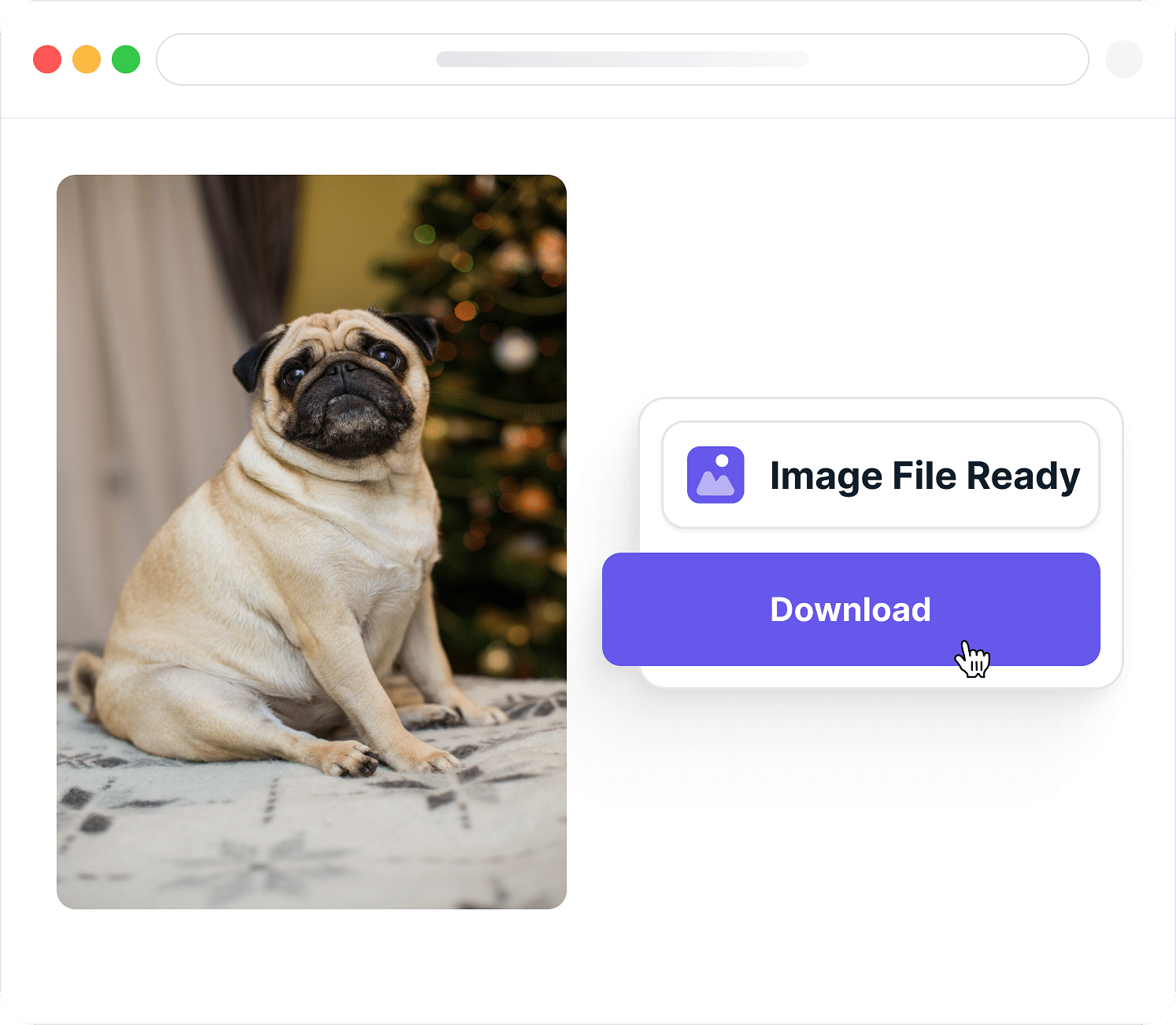
Download Image instantly.
With one click, save your high-resolution, print-ready image; no watermarks, no quality loss. Just a sharper, bigger version of your original photo.
Why Use Our Image Enlarger?
Our Image Enlarger makes the process simple, fast, and of high quality. Instead of stretching pixels, it rebuilds details, sharpens edges, and ensures your photos look stunning at any size.
Enlarge up to 16× in one click.
Whether you need a small photo turned into a poster or a product image made ready for e-commerce, our tool lets you upscale images up to 16× instantly. No complicated software or manual tweaking required; upload, choose the scale, and you’re done.
Enlarge without losing quality
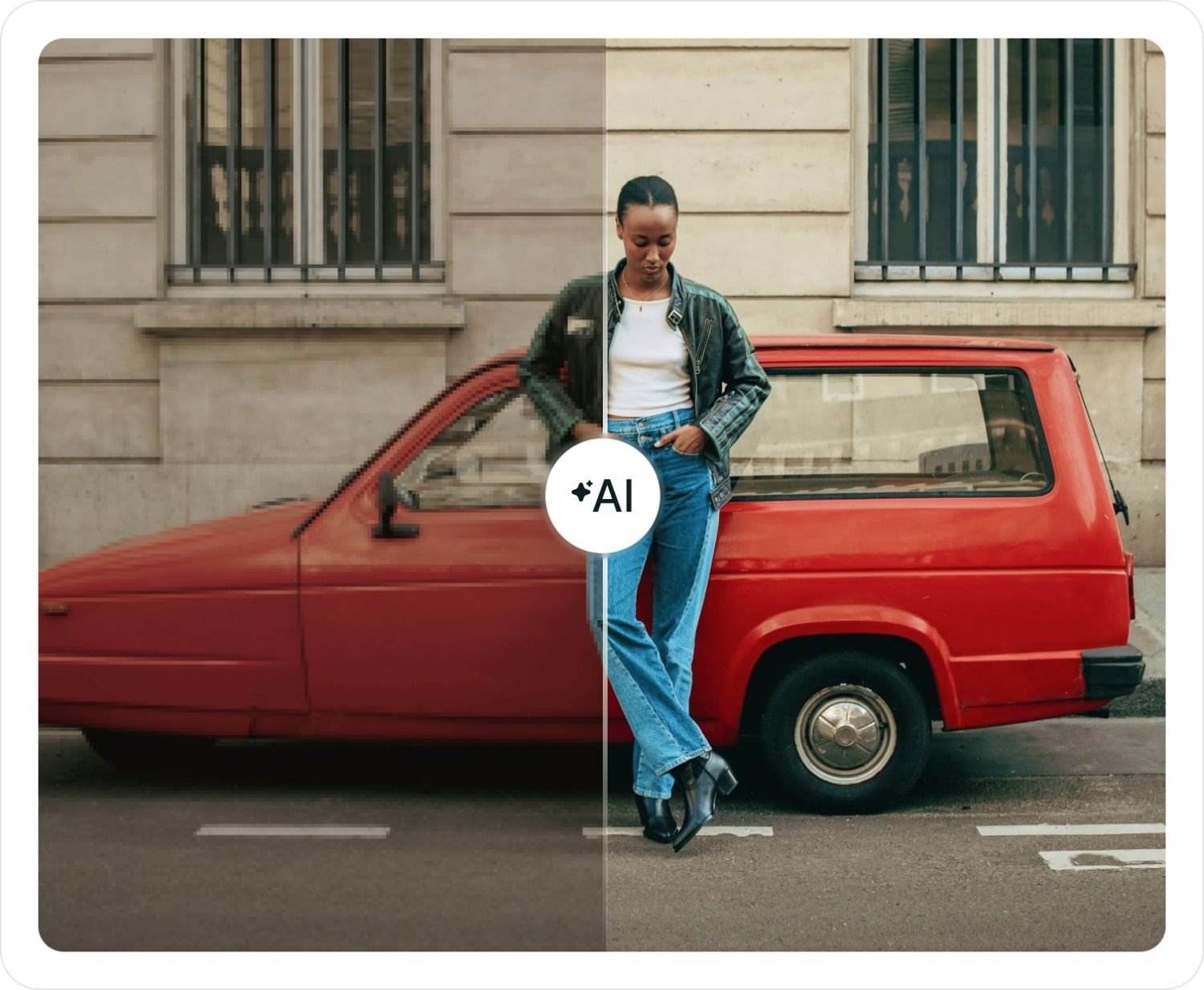
Traditional resizing methods make photos blurry or pixelated. Our AI model restores lost details, sharpens textures, and ensures your enlarged image looks as natural as the original, even at higher scales.
Free image enlarger
Enjoy unlimited image enlarging without worrying about hidden fees or annoying watermarks. The tool is free to use and gives you full-resolution downloads that you can use anywhere.
Works with all formats
From JPG and PNG to WebP and beyond, the tool is compatible with all major image formats. Whatever you’re working with, you can enlarge it seamlessly without needing to convert file types.
Secure & Private
Your images stay safe. Files are processed instantly in your browser and never stored on external servers, ensuring complete privacy and control over your content
AI-powered upscaling
Powered by advanced super-resolution models, the enlarger intelligently reduces noise, preserves edge sharpness, and enhances overall clarity, making your photos look crisp, professional, and ready for print.
Why Enlarge Images online?
Small photos often lose their impact when stretched, turning pixelated or blurry. With Image enlarge tool, you can scale them up while keeping every detail sharp and clear without losing quality.
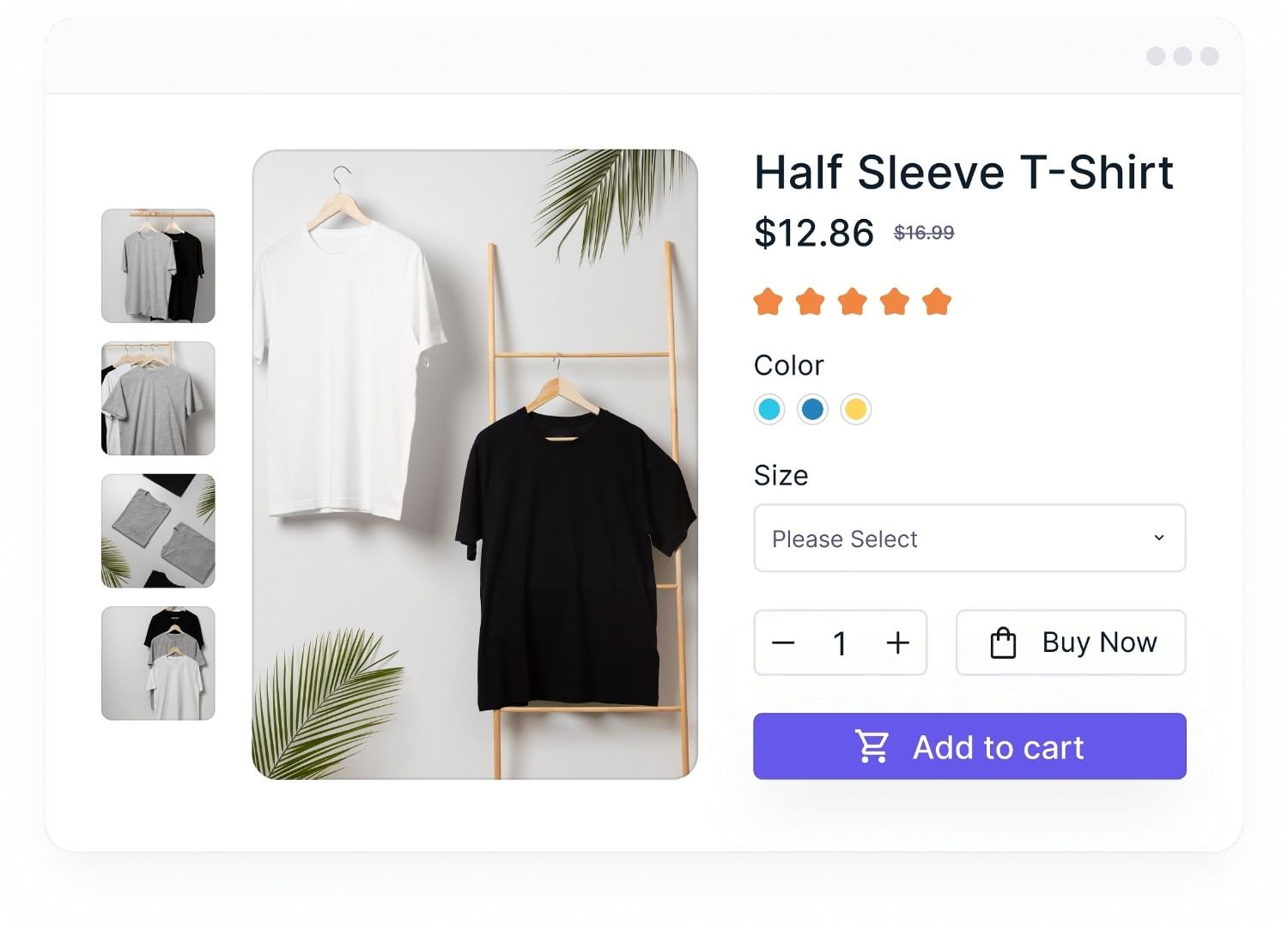
Start delivering images with Gumlet
Deliver fast, optimized, and responsive images to your users with ease.
Snappy page loads
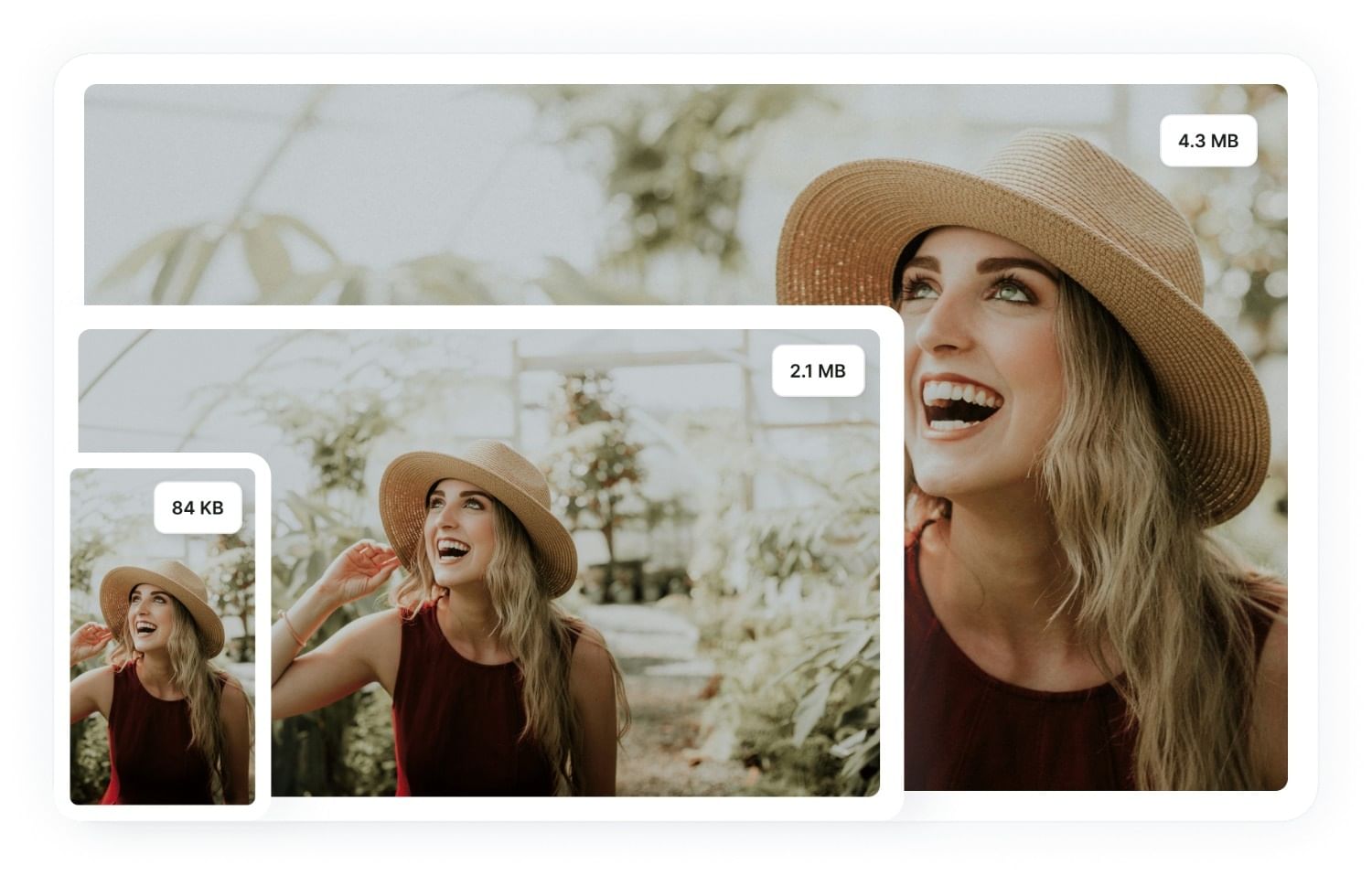
Load webpages faster, improve user experience, and reduce bounce rates by dramatically reducing image file sizes.
Reduce cost
Cut your CDN costs with better compressed images that consume less bandwidth and reduce overall data transfer.
Perfect web vitals
Boost visibility and discoverability of your web content by achieving perfect web vitals with faster page load times.
Gumlet’s Image Enlarger uses AI super-resolution to upscale images without losing clarity. Unlike traditional tools that leave photos blurry, our algorithms restore sharp details and textures, making any image print-ready and professional. Enlarged files are also optimized into modern formats like WebP, AVIF, and JPEG XL for top quality with faster load times.
FAQs
Frequently Asked Questions
Clear answers to common questions, so you can get back to hosting your videos.
Ready to do more with your Images/Videos?
Find the perfect plan to match your needs and elevate your experience today.