Join 2,000+ small businesses already using Gumlet.








How is Gumlet Better Than Vimeo?
Small businesses don’t need bloated platforms or enterprise pricing. Gumlet gives you exactly what you need and none of what you don’t.
Pricing That Works for Small Teams
Others lock essential features behind expensive plans. Gumlet gives you advanced features; even on our free or low-cost plans.
Simplicity Over Complexity
Vimeo can feel overwhelming with menus and settings meant for large media teams. Gumlet is streamlined—built for speed, clarity, and non-technical users.
Real-Time Video Analytics
Unlike Vimeo’s limited stats, Gumlet offers in-depth, real-time analytics, perfect for optimizing your video marketing strategy.
Fully Branded Player—No Extra Cost
On Vimeo, full branding requires higher-tier plans. With Gumlet, your brand is front and center, even on affordable tiers.
Faster Video Delivery, Global CDN
Both use CDN-backed delivery, but Gumlet’s video optimization is built in—ensuring faster load times and better mobile performance.
SMB-Focused Support
Vimeo prioritizes large-scale users. Gumlet offers responsive, human support tailored to small businesses.
Vimeo vs Gumlet: Quick Comparison Guide

| Features | Gumlet | Vimeo |
|---|---|---|
| Video Library + advanced search | Yes, across plans | Enterprise only |
| AI-subtitle generator + AI translation | Yes | Yes |
| DRM video encryption | Yes, with Business plan | Yes, with Vimeo Streaming |
| Dynamic watermarks, Signed URLs | Yes | No |
| Advanced analytics + APIs and webhooks | Yes, with Business plan | Enterprise only |
| Standard Plan pricing | $6 | $12 |
| 24x7 human support | Yes, across plans | Enterprise only |
Why use Gumlet for Small Business Success?
Whether you're creating product videos, testimonials, or social media content; Gumlet helps you host, manage, and analyze videos without breaking the bank.
Easy Setup, Simple Embeds
Embed anywhere. No dev needed. Get started in minutes—even if you’re not tech-savvy.
Seamless Integrations
Plug Gumlet into your existing stack—WordPress, Webflow, Shopify, Notion, and more. No custom dev work required.
Built for Global Reach
Auto-transcoded videos in multiple bitrates + smart streaming ensures every viewer gets the best experience—anywhere in the world.
Enterprise-Grade Security
Your content stays protected with HLS encryption, signed URLs, and domain restrictions—even on lower tiers.
Scales With You
From your first product launch to your tenth campaign—Gumlet handles scale automatically without needing to “upgrade” everything.
Built by a Team That Gets Small Business
We’re not a legacy media company—we're a team that understands bootstrapping, lean marketing, and founder-led growth.
How Small Businesses Use Gumlet Video Every Day
Gumlet is more than a Vimeo alternative—it’s your partner in powerful, ROI-driven video marketing for small business. From social content to product explainers, Gumlet Video makes it easy to create an impact.

Product Demos
Showcase your product’s features and benefits in action.

Explainer Videos
Break down complex ideas into clear, engaging visuals.

Sales & Landing Page Videos
Boost conversions with persuasive, action-focused content.

Internal Communication
Keep teams aligned with clear, visual updates.

Customer Testimonials
Build trust with authentic stories from happy clients.

Event Highlights
Capture and share the most engaging moments from your events.
How to Set Up Gumlet in minutes?
No technical skills? No problem. Gumlet is designed for small business owners—not developers. You can go from signup to published video in under 5 minutes.
Step 1: Create Your Free Account
Sign up with your email. No credit card required.
Step 2: Upload or Link Your Videos
Drag and drop files or import from other platforms (including Vimeo).
Step 3: Customize Your Video Player
Add your logo, choose your colors, and remove Gumlet branding.
Step 4: Embed Anywhere
Use a simple copy-paste embed code for websites, landing pages, blogs, or emails.
How to Migrate from Vimeo to Gumlet?
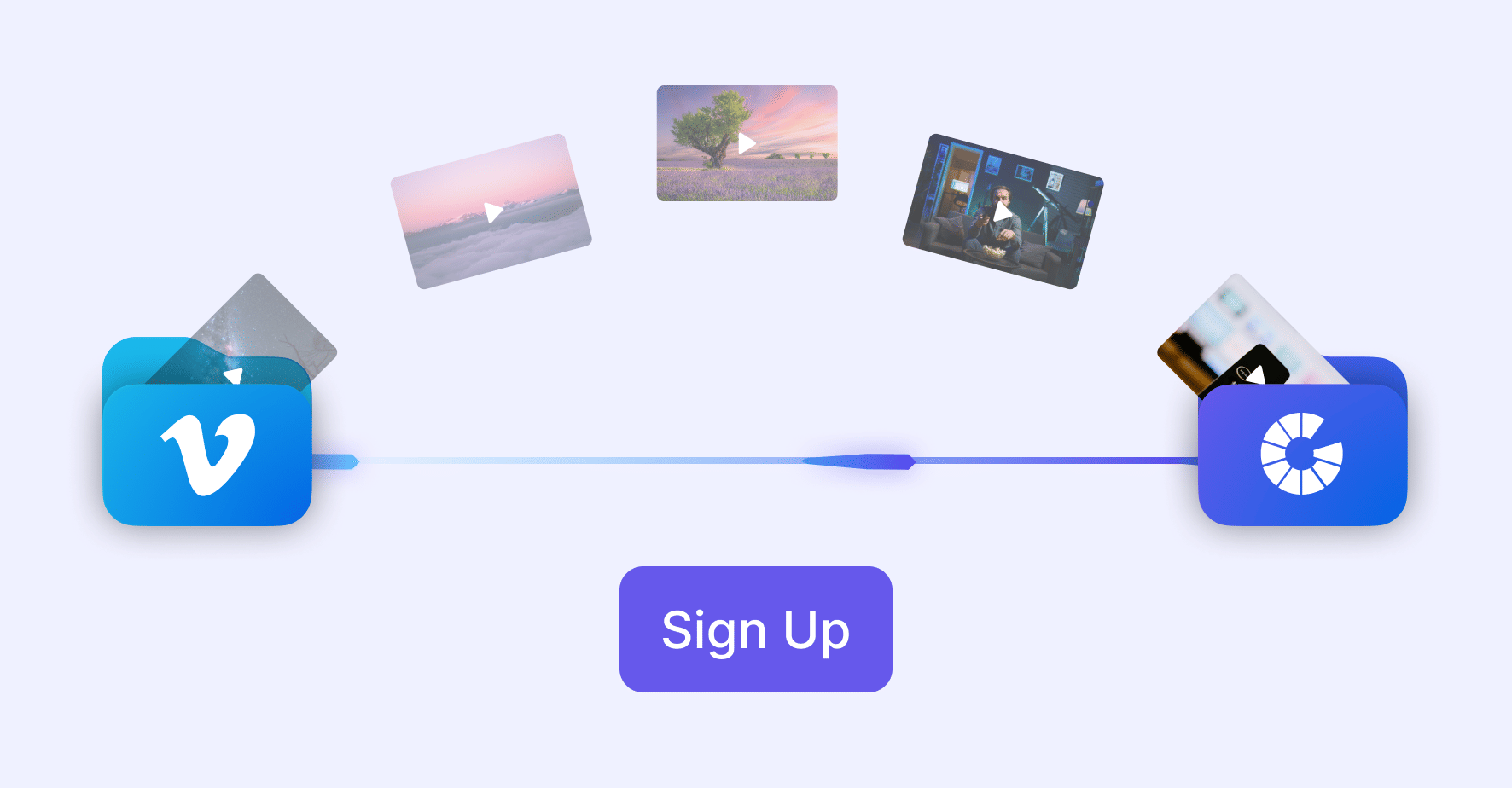
Already using Vimeo? We’ll help you migrate your videos seamlessly.
- Connect Your Vimeo Account
Connect your Vimeo account via Gumlet (requires Vimeo Standard/Pro).
- Select and Import Your Videos
Select and import your videos into a Gumlet collection using the dashboard.
- Update Embed URLs
Replace old Vimeo embed links with Gumlet’s embed URL format.
See How Businesses Like Yours Succeed



FAQs
Frequently Asked Questions
Clear answers to common questions, so you can get back to hosting your videos.