Trusted by 2,000+ educators, creators, and growing academies worldwide








How is Gumlet Better Than Vimeo?
Not all video platforms are built for teaching. Vimeo works for filmmakers—not educators trying to scale their course business. Gumlet is purpose-built for your content, students, and goals.
More Affordable, Transparent Pricing
No overpriced “Pro” tiers just to get your own branding. Gumlet gives you premium features at educator-friendly rates.
Full Control Over Access & Privacy
Protect your paid content with HLS encryption, signed URLs, domain restrictions, and more—available across all plans.
Seamless Integration with LMS Platforms
Embed your videos into Teachable, Thinkific, WordPress, Kajabi, or Webflow—no plugins or hacks needed.
Real-Time Course Engagement Analytics
See who’s watching, when they drop off, and how to improve your course content.
Zero Platform Distractions
No Gumlet ads. No Vimeo branding. No “suggested videos.” Just your content, your brand, your business.
Fully Branded Player—No Extra Cost
On Vimeo, full branding requires higher-tier plans. With Gumlet, your brand is front and center, even on affordable tiers.
Vimeo vs Gumlet: Quick Comparison Guide

| Features | Gumlet | Vimeo |
|---|---|---|
| Video Library + advanced search | Yes, across plans | Enterprise only |
| AI-subtitle generator + AI translation | Yes | Yes |
| DRM video encryption | Yes, with Business plan | Yes, with Vimeo Streaming |
| Dynamic watermarks, Signed URLs | Yes | No |
| Advanced analytics + APIs and webhooks | Yes, with Business plan | Enterprise only |
| Standard plan pricing | $6 | $12 |
| 24x7 human support | Yes, across plans | Enterprise only |
Why Use Gumlet for Educational Impact?
Whether you’re sharing lecture recordings, training materials, or course previews; Gumlet lets you host, manage, and deliver videos that keep students engaged, without stretching your budget.
Effortless Setup, Easy Sharing
Upload, embed, and share in minutes—no tech team required. Works perfectly for virtual classrooms, learning portals, or email campaigns.
Integrates With Your Learning Tools
Seamlessly connect Gumlet to Moodle, Canvas, Google Sites, WordPress, and more—no complicated setup or coding needed.
Optimized Learning Experience Everywhere
Adaptive streaming ensures every student; whether on campus Wi-Fi or mobile data—gets smooth playback in the best quality possible.
Keep Your Content Safe
Protect lectures and course videos with encryption, signed URLs, and domain restrictions—so only the right audience gets access.
Grows With Your Courses
From your first online module to a full digital curriculum, Gumlet scales automatically without costly migrations or upgrades.
Built by a Team That Understands Education
We’re not a generic video host—we understand the needs of teachers, trainers, and institutions delivering knowledge in a digital-first world.
How Educators Use Gumlet Video
Gumlet helps you streamline your online teaching and course marketing, no matter what you teach.

Hosting Paid Online Courses
Deliver premium video lessons securely to your students—no piracy, no hassles.

Free Previews & Lead Magnets
Share sneak peeks of your courses to attract and convert new learners.

Video Sales Pages & Webinar Replays
Drive enrollments with persuasive sales videos and on-demand replays.

Members-Only Video Libraries
Give students exclusive access to your entire catalog—organized and protected.

Drip-Feed Learning Content
Release lessons on your schedule for a guided, structured learning journey.

Embedded Videos in Lessons & Emails
Easily drop videos into your LMS, course modules, or newsletters—no tech headaches.
How to Set Up Gumlet in minutes?
No technical skills? No problem. Gumlet is designed for educators—not developers. You can go from signup to published video in under 5 minutes.
Step 1: Create Your Free Account
Sign up with your email. No credit card required.
Step 2: Upload or Link Your Videos
Drag and drop files or import from other platforms (including Vimeo).
Step 3: Customize Your Video Player
Add your logo, choose your colors, and remove Gumlet branding.
Step 4: Embed Anywhere
Use a simple copy-paste embed code for websites, landing pages, blogs, or emails.
How to Migrate from Vimeo to Gumlet?
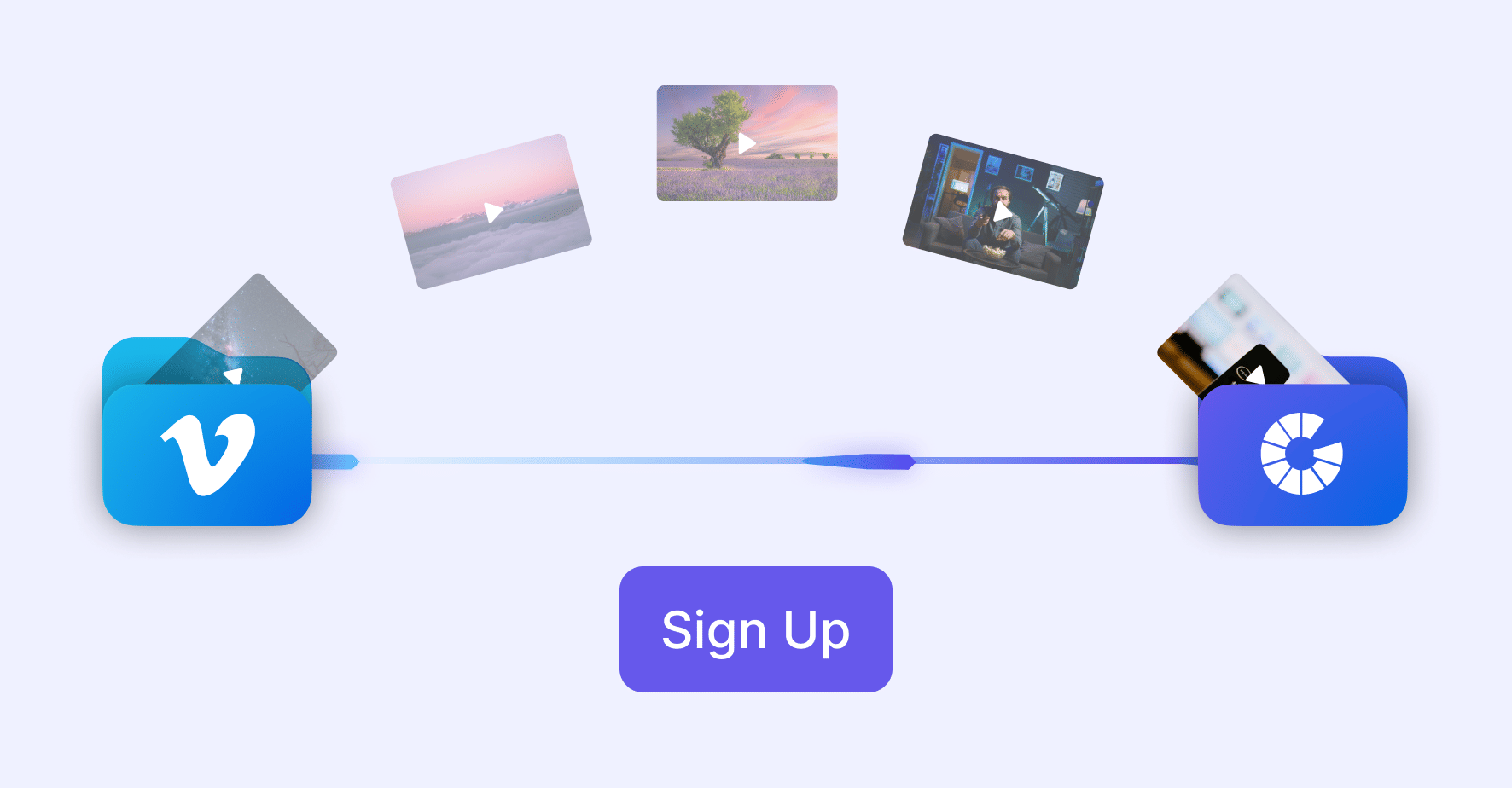
Already using Vimeo? We’ll help you migrate your videos seamlessly.
- Connect Your Vimeo Account
Connect your Vimeo account via Gumlet (requires Vimeo Standard/Pro).
- Select and Import Your Videos
Select and import your videos into a Gumlet collection using the dashboard.
- Update Embed URLs
Replace old Vimeo embed links with Gumlet’s embed URL format.
See How Businesses Like Yours Succeed



FAQs
Frequently Asked Questions
Clear answers to common questions, so you can get back to hosting your videos.