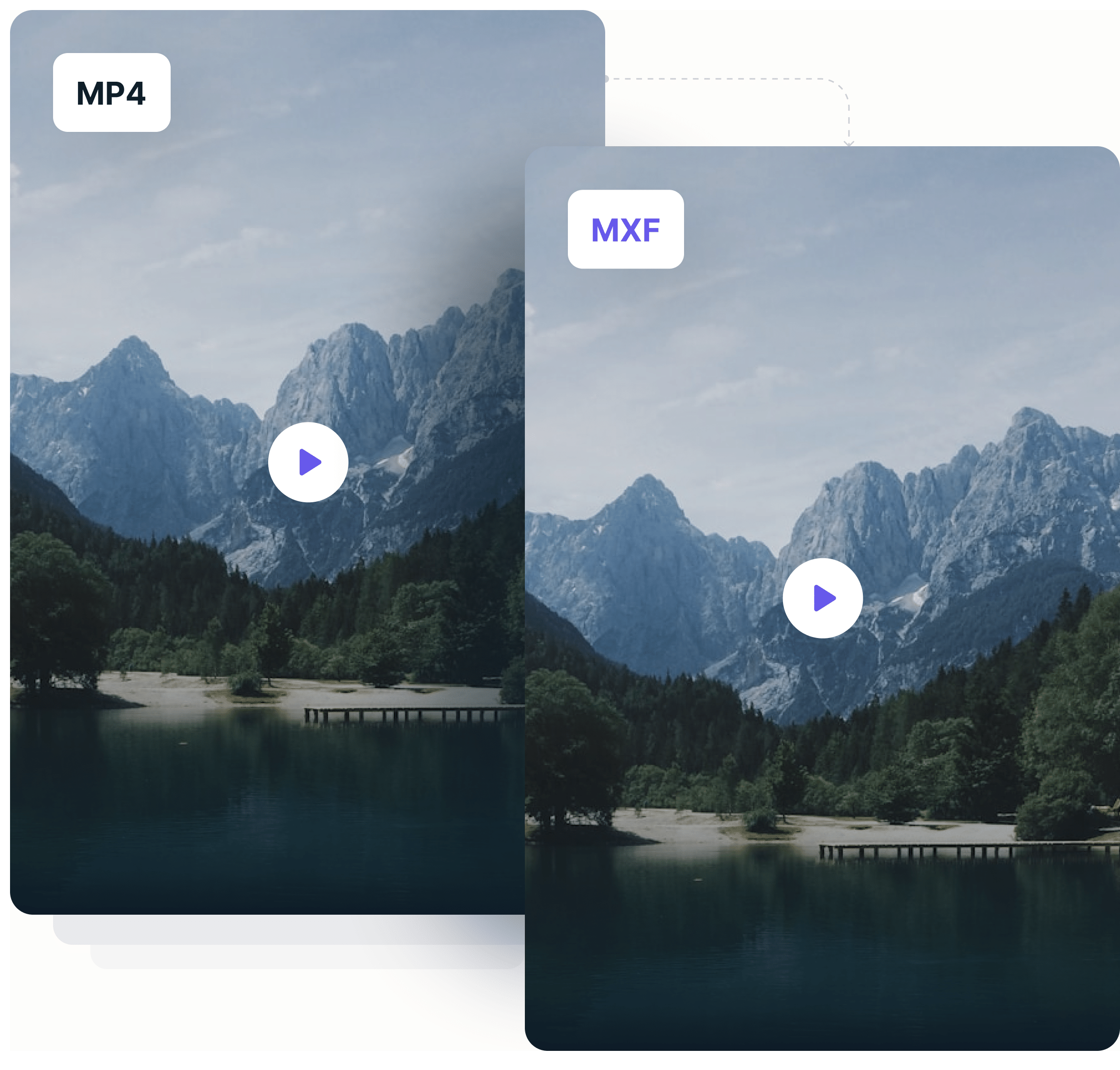
Streaming videos for









How to Convert MP4 to MXF?
Follow these simple steps to convert MP4 files to MXF in seconds:
Upload
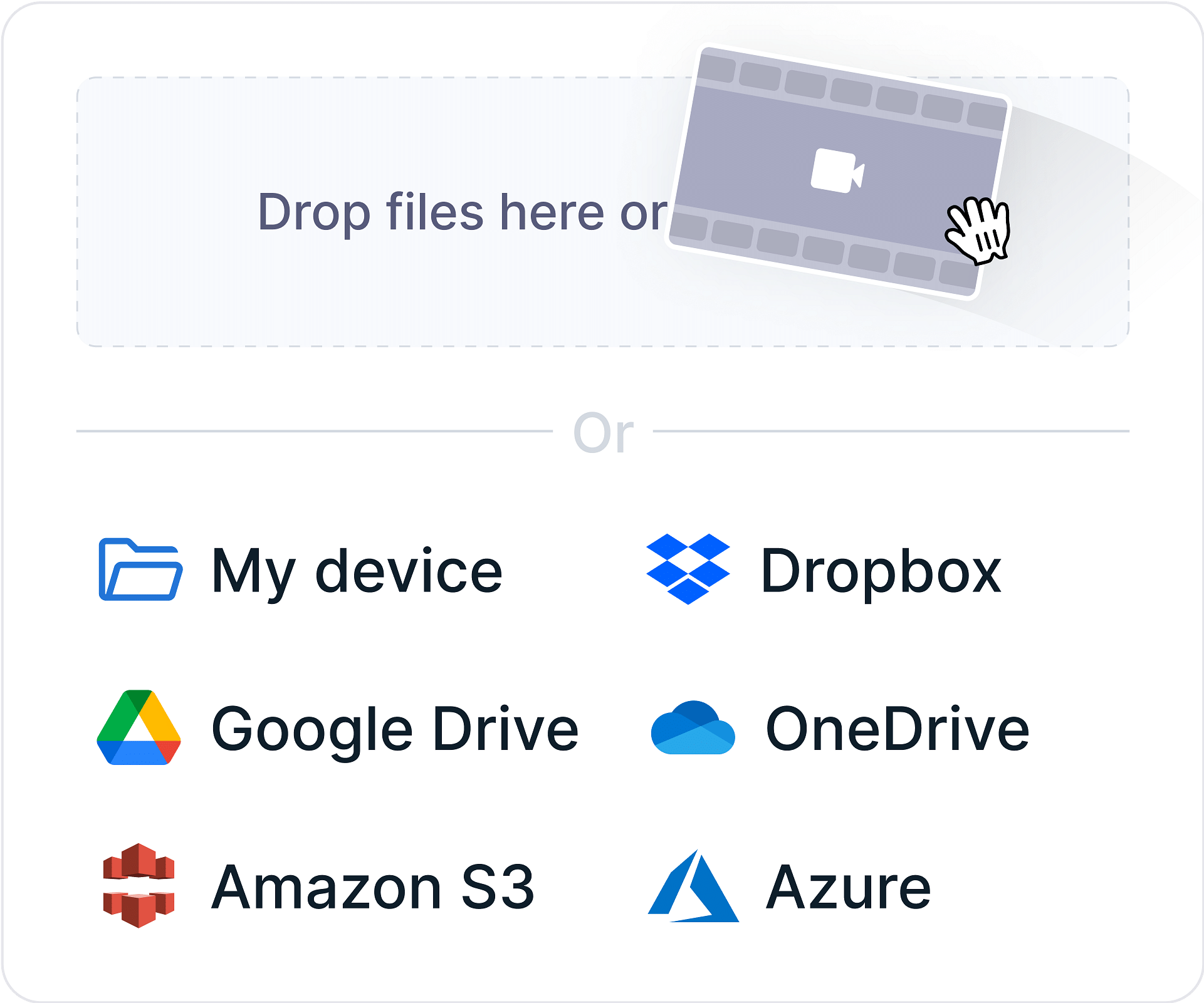
Select or drag your MP4 file to our online MP4 to MXF converter.
Convert
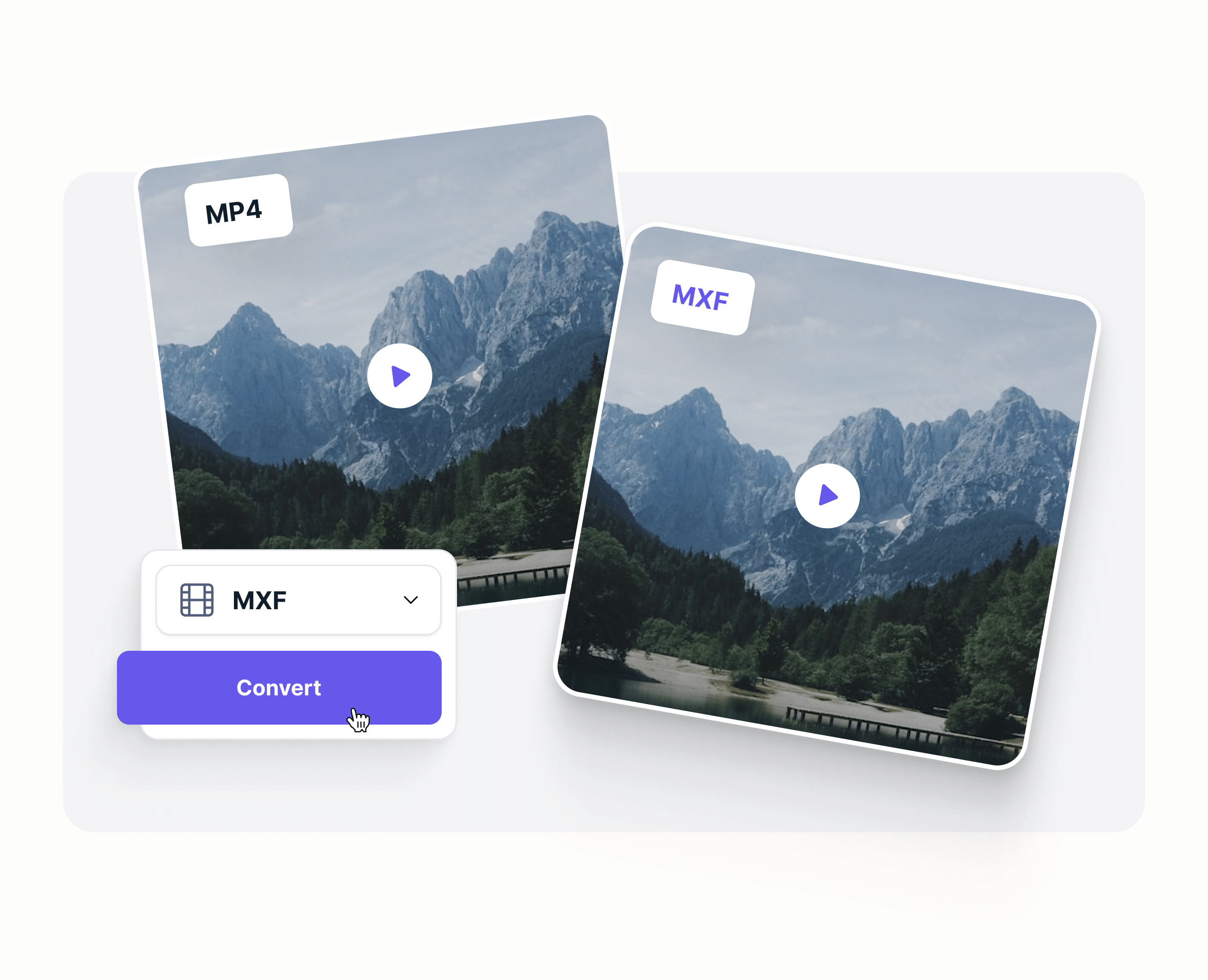
Click the “Convert” button and let our tool transform your .mp4 file to .mxf in seconds.
Download
Save your newly converted MXF file to your device, ready to stream or share.
What is MP4?
MP4, or MPEG-4 Part 14, is a widely used digital multimedia container format. It can store video, audio, subtitles, and still images in a single file. MP4 is highly compatible across different devices and platforms, making it a popular choice for streaming, downloading, and sharing videos. It typically uses the H.264 or H.265 codecs for video compression, balancing quality and file size efficiently.
What is MXF?
MXF (Material Exchange Format) is a professional digital video and audio container format developed by SMPTE (Society of Motion Picture and Television Engineers). It is designed for the interchange of audio-visual material, including metadata, in television broadcasting and production environments. MXF supports a wide range of codecs and can carry uncompressed or lightly compressed video and audio. It ensures file interoperability between different systems and equipment used in media production.
MP4 vs. MXF
MP4 vs. MXF—let’s see which is better! Here's a detailed comparison:
Features
MP4
- File Extension
- .mp4 No
- Developer
- Moving Picture Experts Group (MPEG) No
- Compression
- Compressed format with lossy compression No
- Quality
- High-quality with efficient compression No
- Video Codec Support
- H.264, H.265 (HEVC), MPEG-4, VP9, AV1 No
- Audio Codec Support
- AAC, AC3, MP3, Opus No
- Streaming Support
- Widely used for streaming No
- Compatibility
- Supported by almost all media players and platforms No
- Use Cases
- Streaming, online video, consumer devices No
MXF
- File Extension
- .mxf No
- Developer
- Society of Motion Picture and Television Engineers (SMPTE) No
- Compression
- Can contain both compressed and uncompressed data No
- Quality
- Broadcast-quality, often uncompressed or lightly compressed No
- Video Codec Support
- Various professional codecs like DNxHD, ProRes, XDCAM, AVC-Intra No
- Audio Codec Support
- PCM, AES3, and other professional-grade audio formats No
- Streaming Support
- Not designed for streaming; used in production environments No
- Compatibility
- Requires professional editing software or broadcast systems No
- Use Cases
- Broadcast, professional video editing, archiving No
Why Choose our MP4 to MXF Converter?
100% Free and Online
Convert MP4 files to MXF without software installation.
Fast Conversion
Our powerful servers ensure quick results every time.
High-Quality Output
Preserve video quality while optimizing file size.
Device Compatibility
Works seamlessly on desktops, tablets, and mobile devices.
Secure and Private
Your files are safe with us—deleted automatically after conversion.
Cloud-Based Convenience
No software downloads or installations needed.
Start Streaming with Gumlet
Once you've converted your MP4 file to MXF, why stop there? Gumlet helps you host, secure, and stream your videos effortlessly. Simply, follow the steps below:
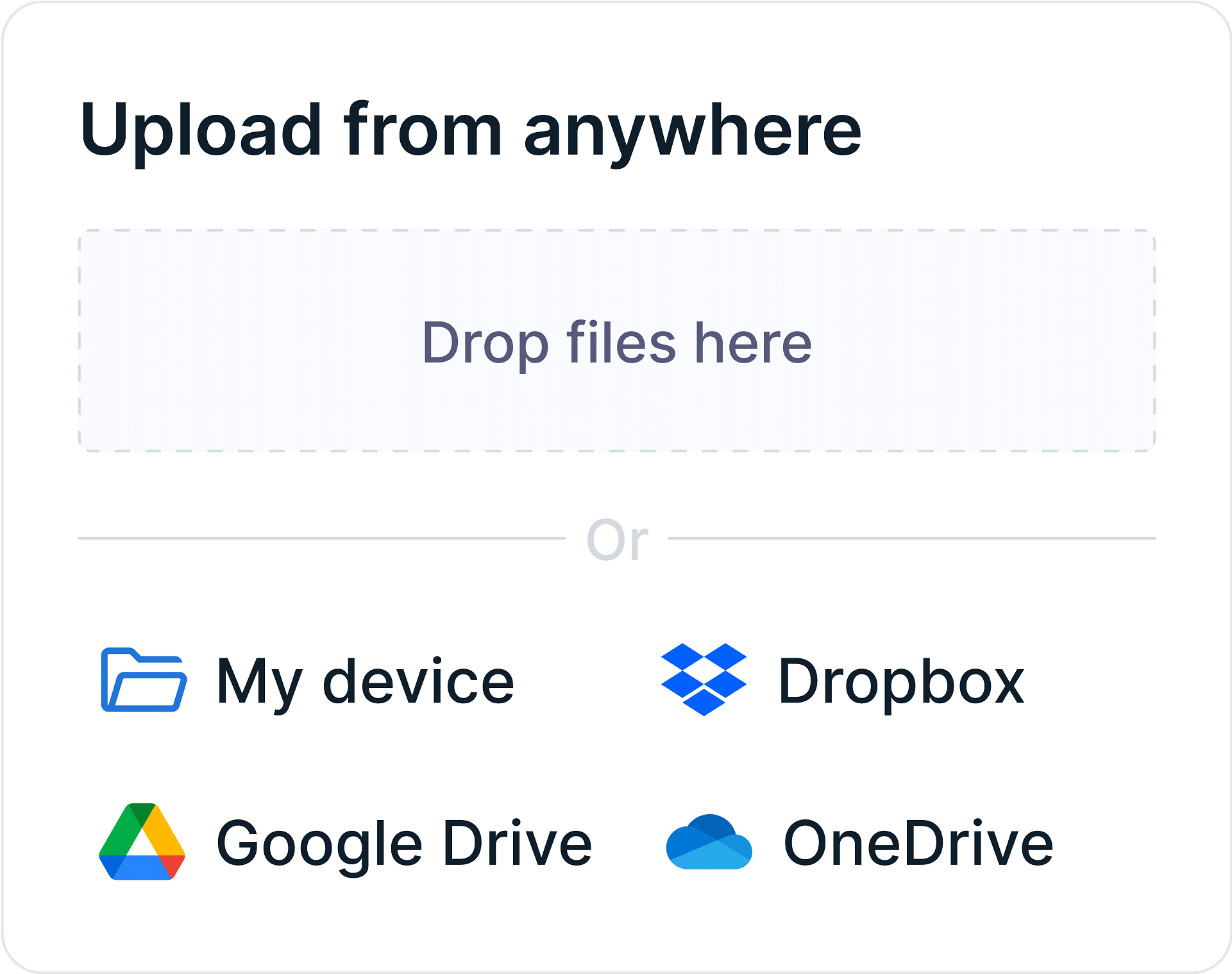
Video Upload
Automate video uploads from your device or cloud storage at scale with integrations and APIs. Upload multiple videos in parallel without getting stuck in upload queues.
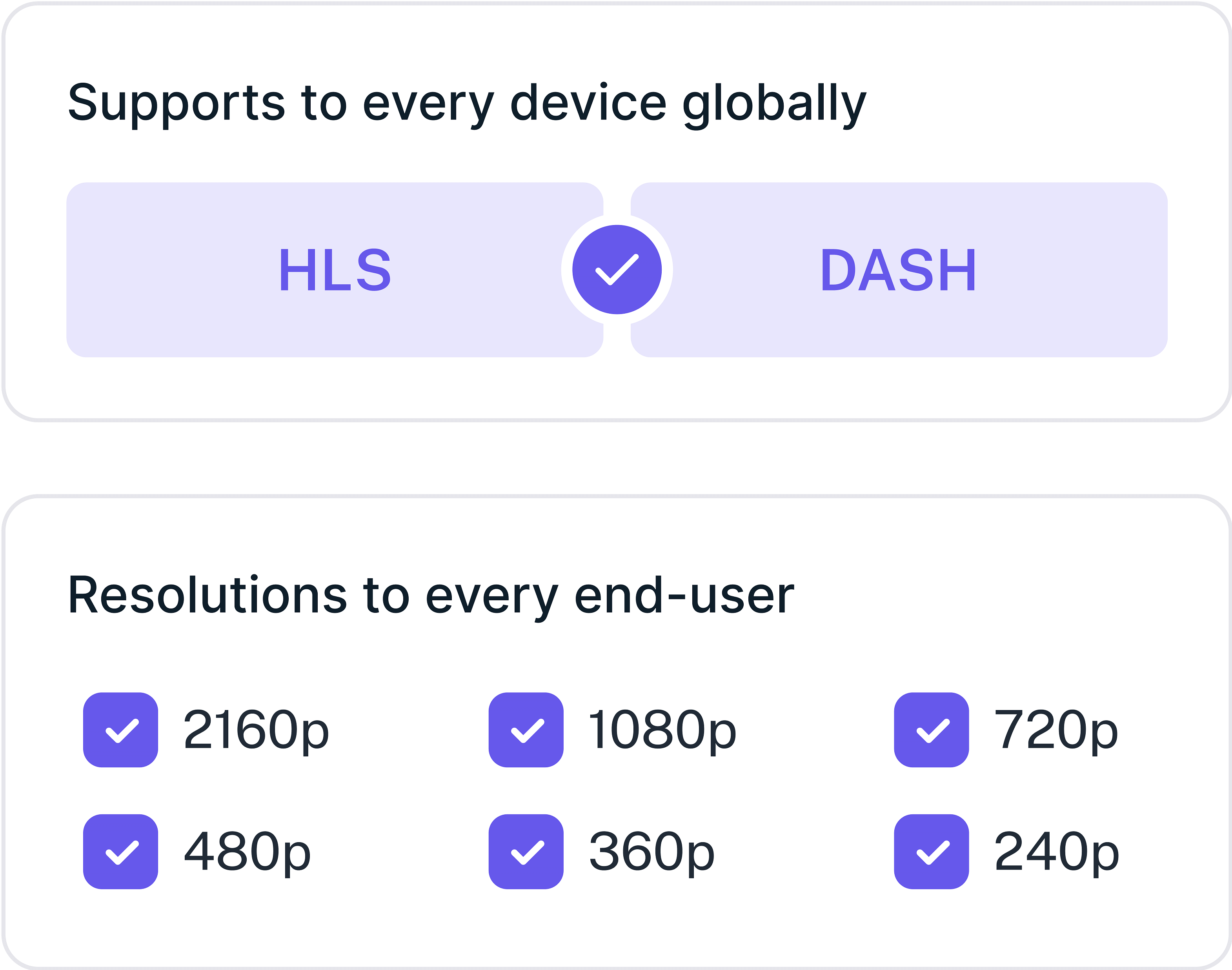
Video Processing
Enjoy instant video start times, exceptional quality, and buffer-free streaming. Generate unlimited subtitles in multiple languages and optimize your streaming with latest codecs.
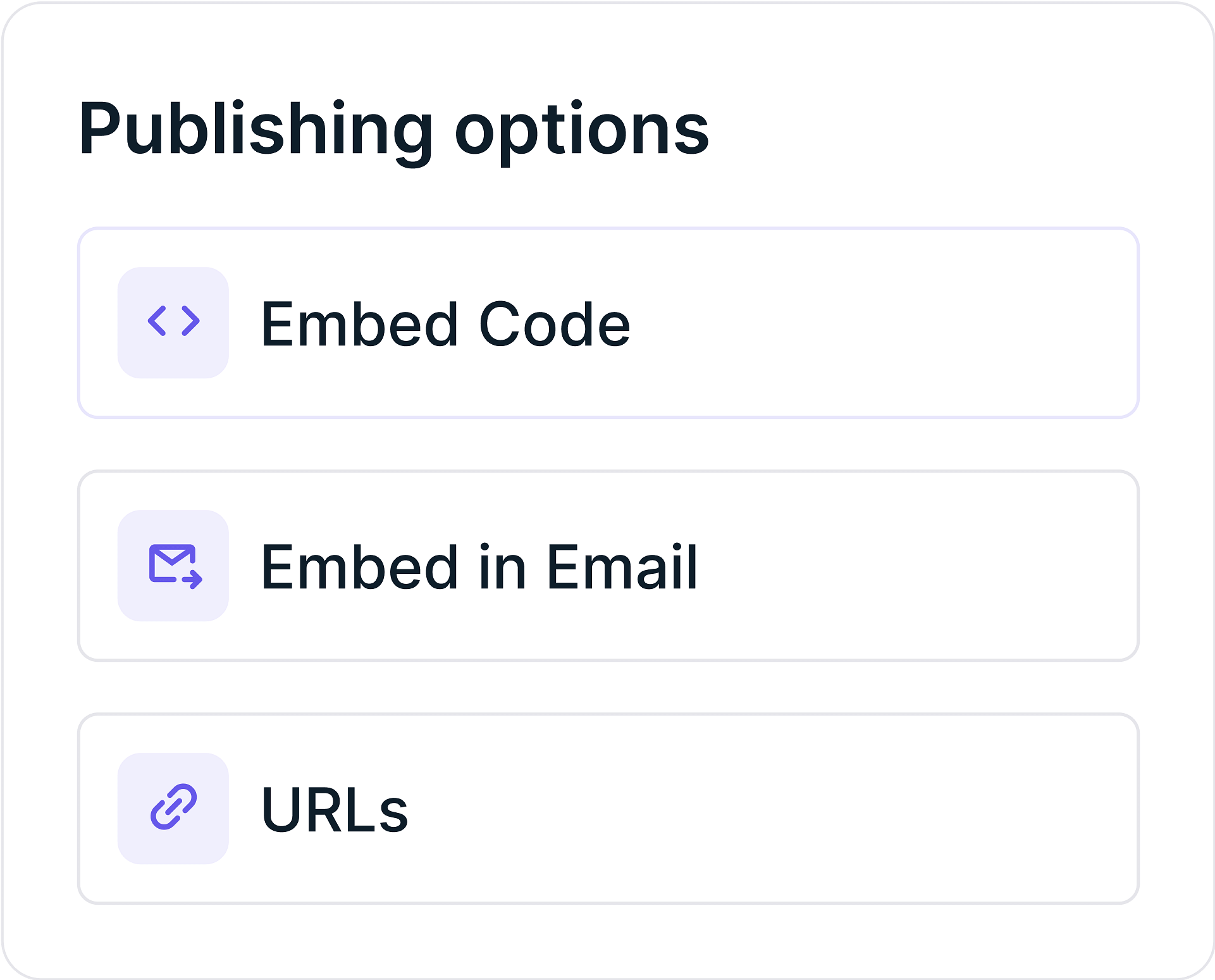
Video Sharing
Generate playback URLs instantly and embed codes for easy publishing. Our global Multi-CDN network ensures super-responsive video streaming with instant start times every time.
FAQs
Frequently Asked Questions
Clear answers to common questions, so you can get back to hosting your videos.