
Streaming videos for









How to Convert M4V to MOV?
Follow these simple steps to convert M4V files to MOV in seconds:
Upload
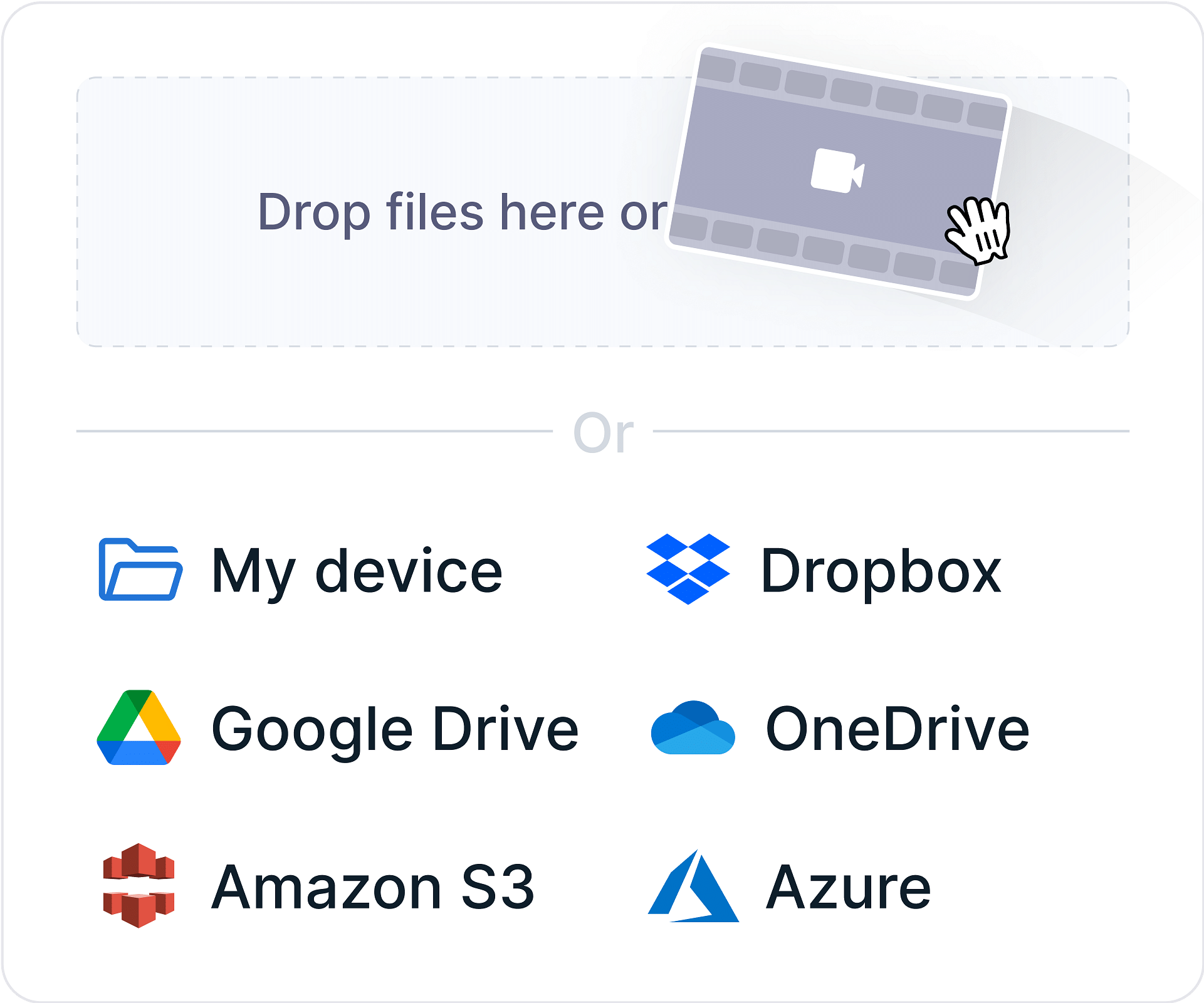
Select or drag your M4V file to our online M4V to MOV converter.
Convert
Click the “Convert” button and let our tool transform your .m4v file to .mov in seconds.

Download
Save your newly converted MOV file to your device, ready to stream or share.

What is M4V?
M4V is a video file format developed by Apple, primarily used for videos purchased or rented from the iTunes Store. It is similar to MP4 but can include Apple's DRM protection to prevent unauthorized copying. M4V supports H.264 video compression and AAC audio, ensuring high-quality playback. It is compatible with Apple devices and software like iTunes, QuickTime, and iOS but may require conversion for use on non-Apple platforms.
What is MOV?
MOV is a multimedia container format developed by Apple Inc. for use with its QuickTime player. It is designed to store synchronized video, audio, subtitles, and effects in one file, making it ideal for professional video editing and high-quality media playback. MOV files support a variety of codecs, including H.264, Apple ProRes, AAC, and PCM, offering flexibility in quality and file size. The format is widely used in the film and media industry due to its high fidelity and editing capabilities, especially on macOS and with software like Final Cut Pro.
M4V vs. MOV
M4V vs. MOV—let’s see which is better! Here's a detailed comparison:
Features
M4V
- File Extension
- .m4v No
- Developer
- Apple Inc. No
- Compression
- High compression with good quality (similar to MP4) No
- Quality
- High-quality video, optimized for Apple devices No
- Video Codec Support
- H.264, MPEG-4 No
- Audio Codec Support
- AAC, AC3 No
- Streaming Support
- Used in iTunes streaming and downloads No
- Compatibility
- Best with Apple devices and software (iTunes, iOS) No
- Use Cases
- iTunes videos, Apple TV, iOS playback No
MOV
- File Extension
- .mov No
- Developer
- Apple Inc. No
- Compression
- Less compressed, larger file sizes No
- Quality
- High-quality video, often used for editing No
- Video Codec Support
- H.264, ProRes, MPEG-4, DV No
- Audio Codec Support
- AAC, PCM, ALAC, MP3 No
- Streaming Support
- Not widely used for streaming No
- Compatibility
- Best with Apple ecosystem; limited support outside Apple No
- Use Cases
- Video editing, Final Cut Pro, QuickTime playback No
Why Choose our M4V to MOV Converter?
100% Free and Online
Convert M4V files to MOV without software installation.
Fast Conversion
Our powerful servers ensure quick results every time.
High-Quality Output
Preserve video quality while optimizing file size.
Device Compatibility
Works seamlessly on desktops, tablets, and mobile devices.
Secure and Private
Your files are safe with us—deleted automatically after conversion.
Cloud-Based Convenience
No software downloads or installations needed.
Start Streaming with Gumlet
Once you've converted your M4V file to MOV, why stop there? Gumlet helps you host, secure, and stream your videos effortlessly. Simply, follow the steps below:
Video Upload
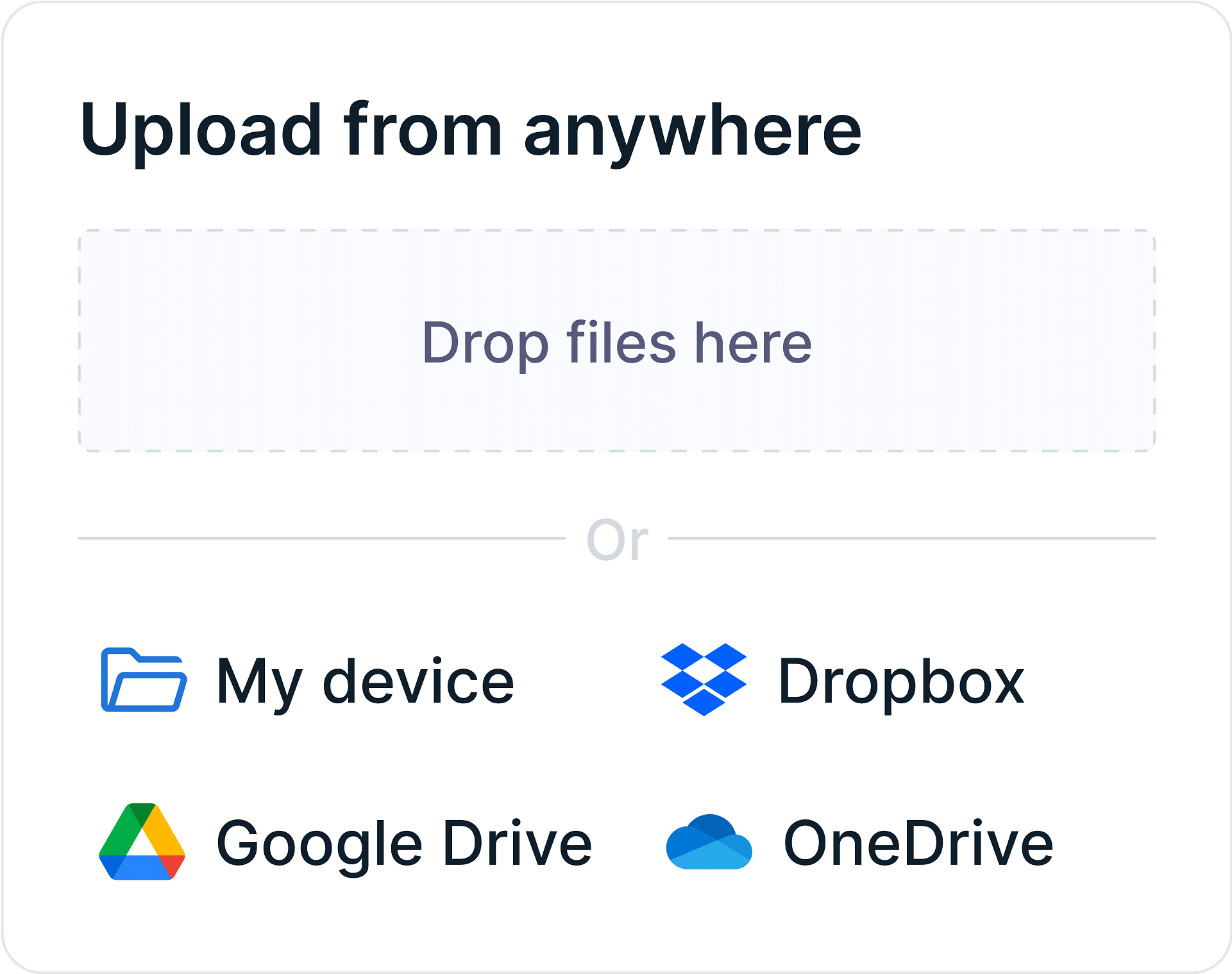
Automate video uploads from your device or cloud storage at scale with integrations and APIs. Upload multiple videos in parallel without getting stuck in upload queues.
Video Processing
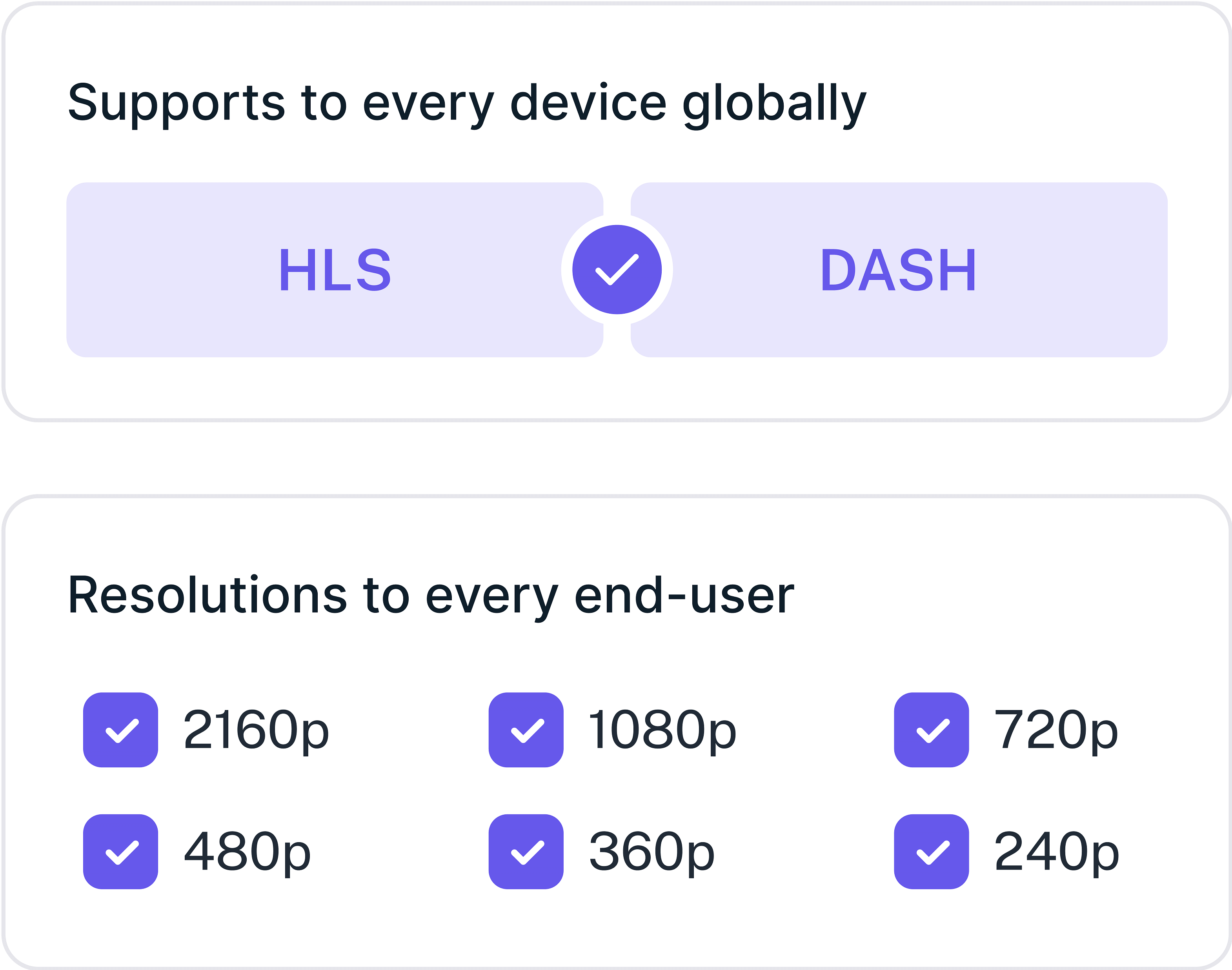
Enjoy instant video start times, exceptional quality, and buffer-free streaming. Generate unlimited subtitles in multiple languages and optimize your streaming with latest codecs.
Video Sharing
Generate playback URLs instantly and embed codes for easy publishing. Our global Multi-CDN network ensures super-responsive video streaming with instant start times every time.

FAQs
Frequently Asked Questions
Clear answers to common questions, so you can get back to hosting your videos.