Streaming videos for









How to play an MPEG file online
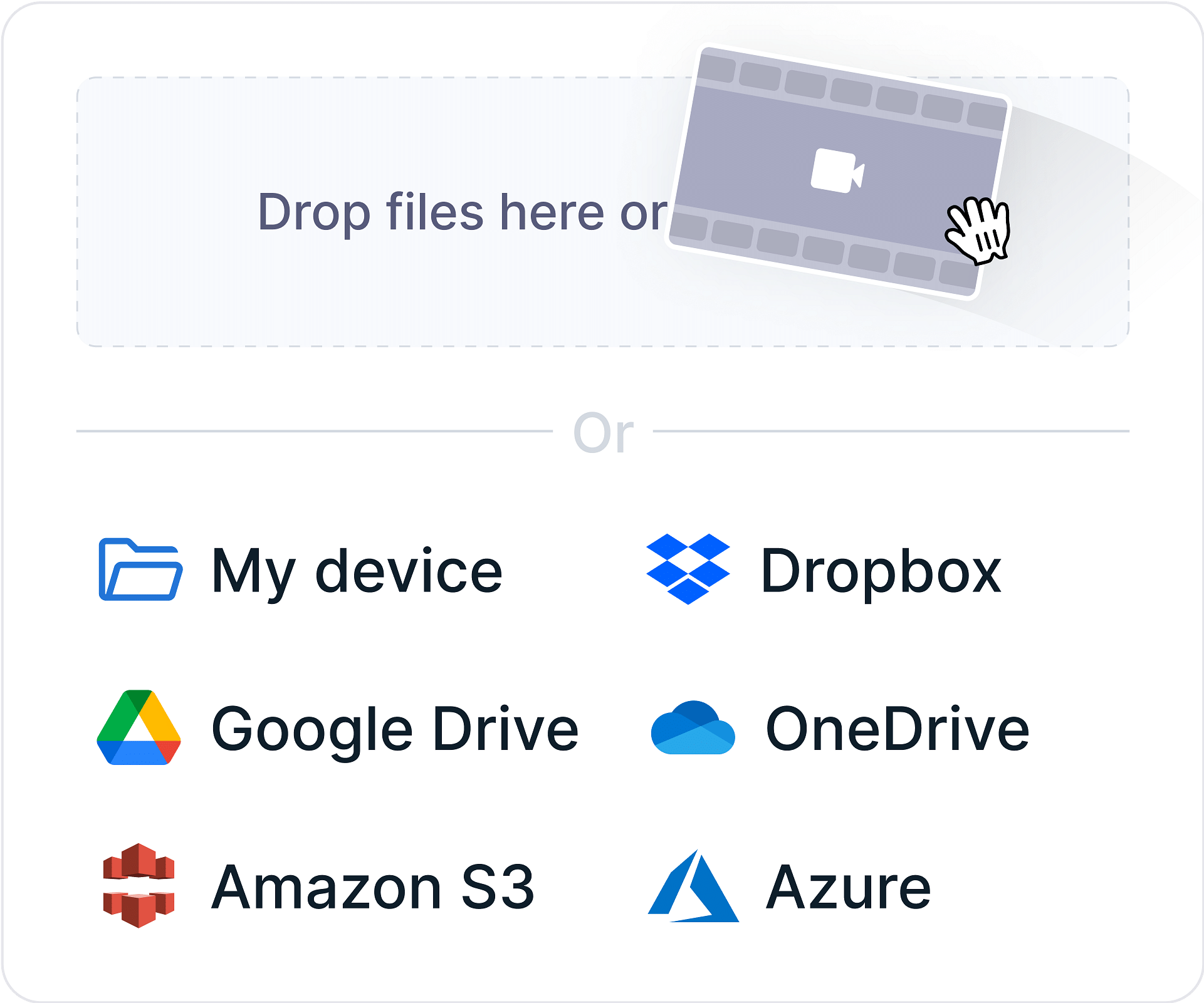
Step-1
Upload your MPEG file by dragging and dropping it into our secure MPEG viewer.
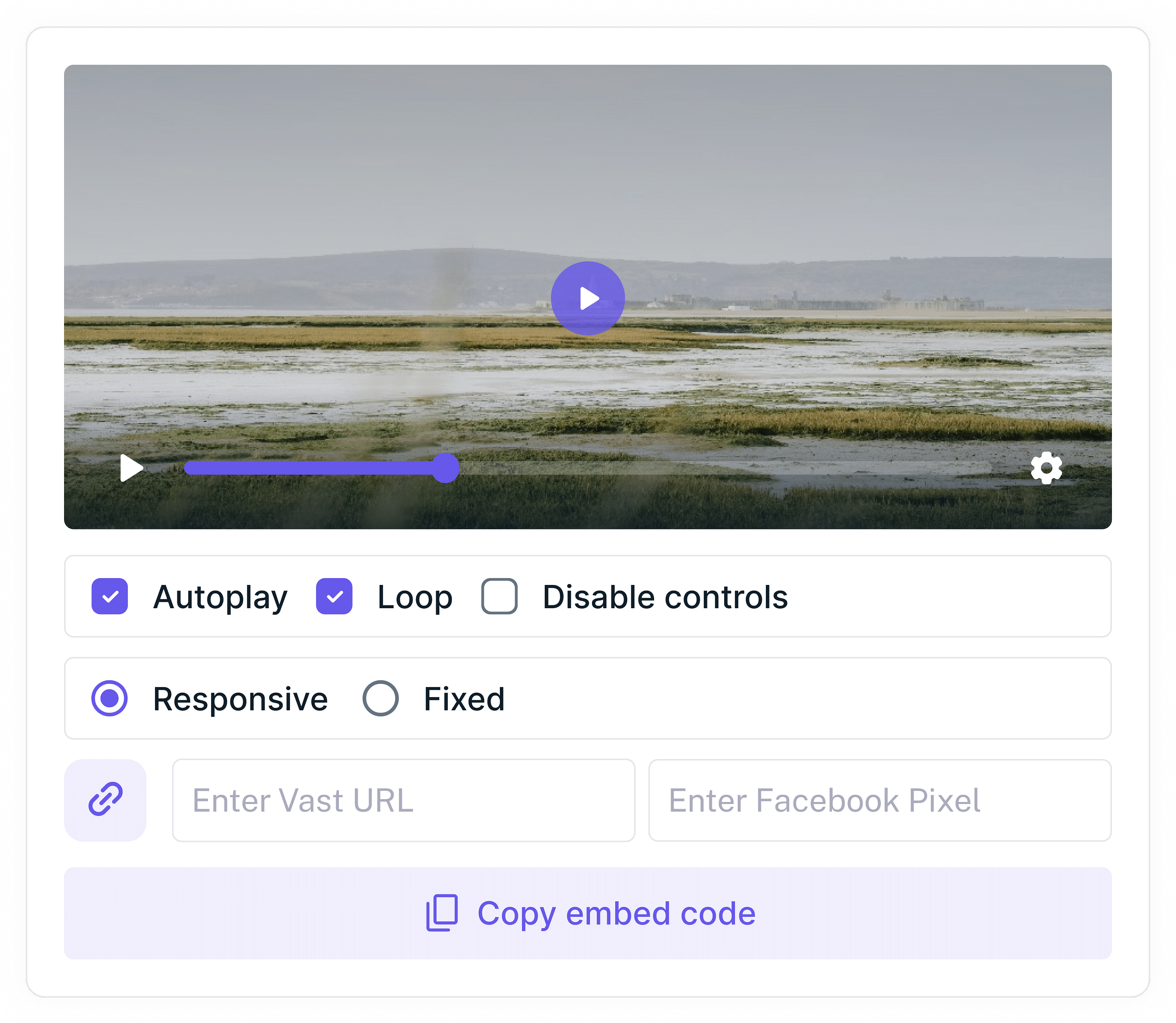
Step-2
Wait for the upload to complete, then copy and paste the embed code. Our MPEG player online ensures smooth playback across all devices.
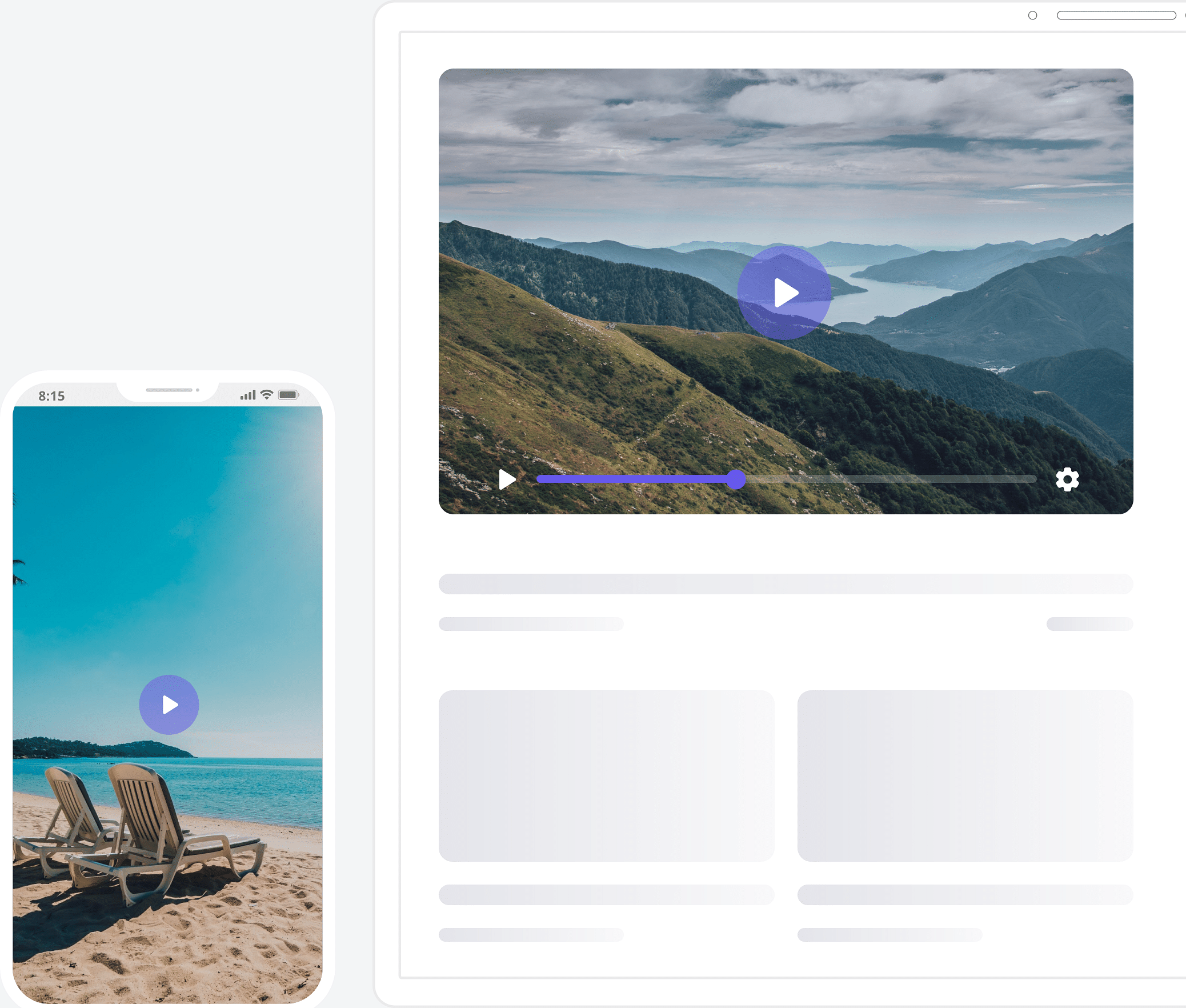
Step-3
Enjoy high-quality playback as our MPEG video player supports all MPEG formats for seamless streaming.
Why Choose Gumlet Video Player?
Free, AI-Generated Subtitles
Add captions to make your MPEG file more accessible. with automatic subtitle generation powered by cutting-edge AI.
Ad-Free Playback
Enjoy a free MPEG player online without intrusive ads or interruptions.
Secure Video Delivery
Protect your MPEG files with DRM, dynamic watermarking, password protection and more.
Buffer-free Video Playback
Our MPEG video player ensures instant streaming with no buffering or lag, even on unreliable networks.
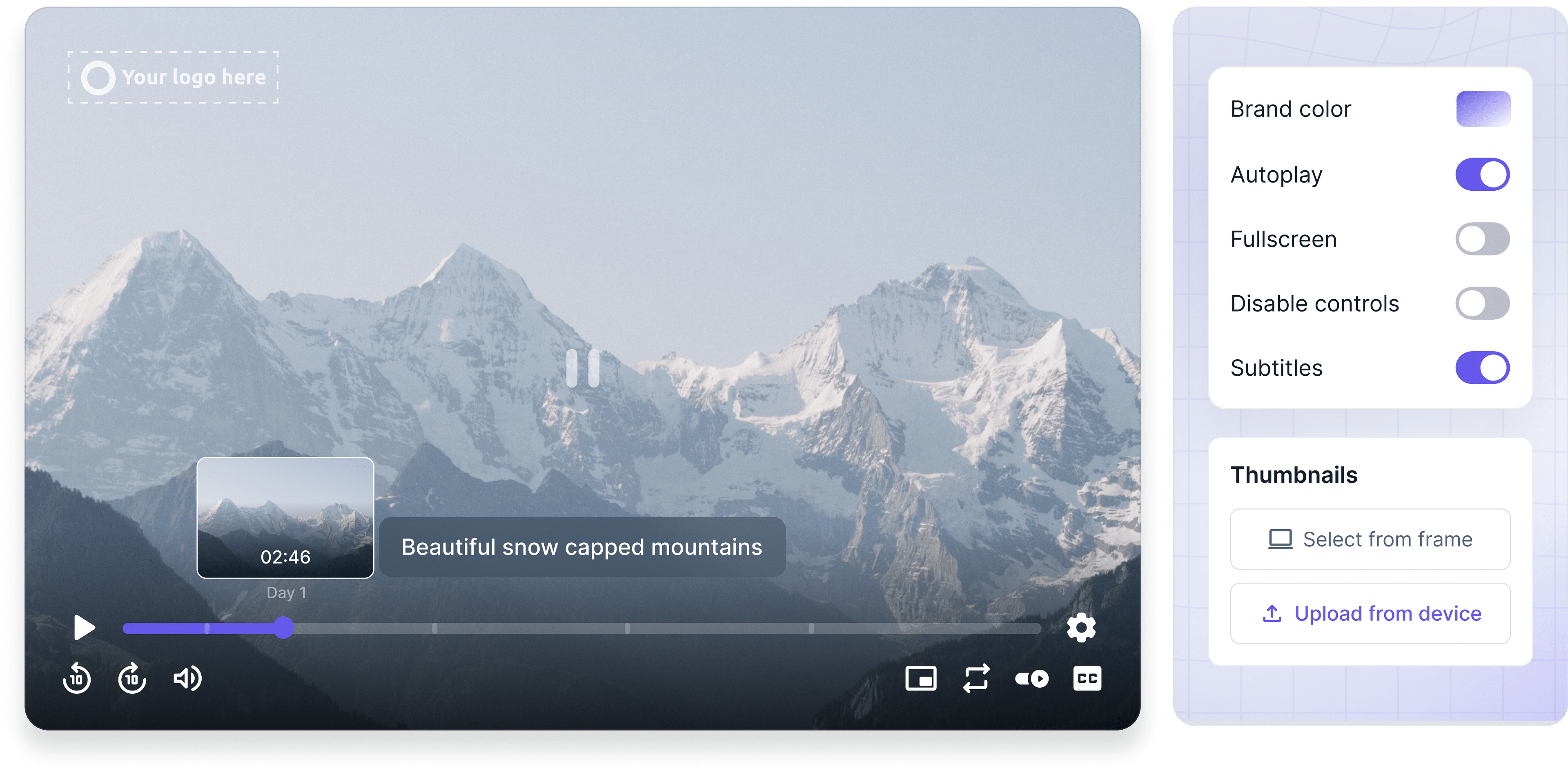
Complete Player Customization
Tailor the look of your MPEG player online with logos, colors, and thumbnails.
Drive Action with Video CTAs
Integrate targeted CTAs directly into your videos to nudge viewers toward conversions and maximize engagement.
What does Gumlet do?
Gumlet Video goes beyond just a stellar MPEG player. It's a complete video hosting solution designed to streamline your entire video workflow, from secure and lightning-fast video delivery to detailed analytics and seamless customization options.
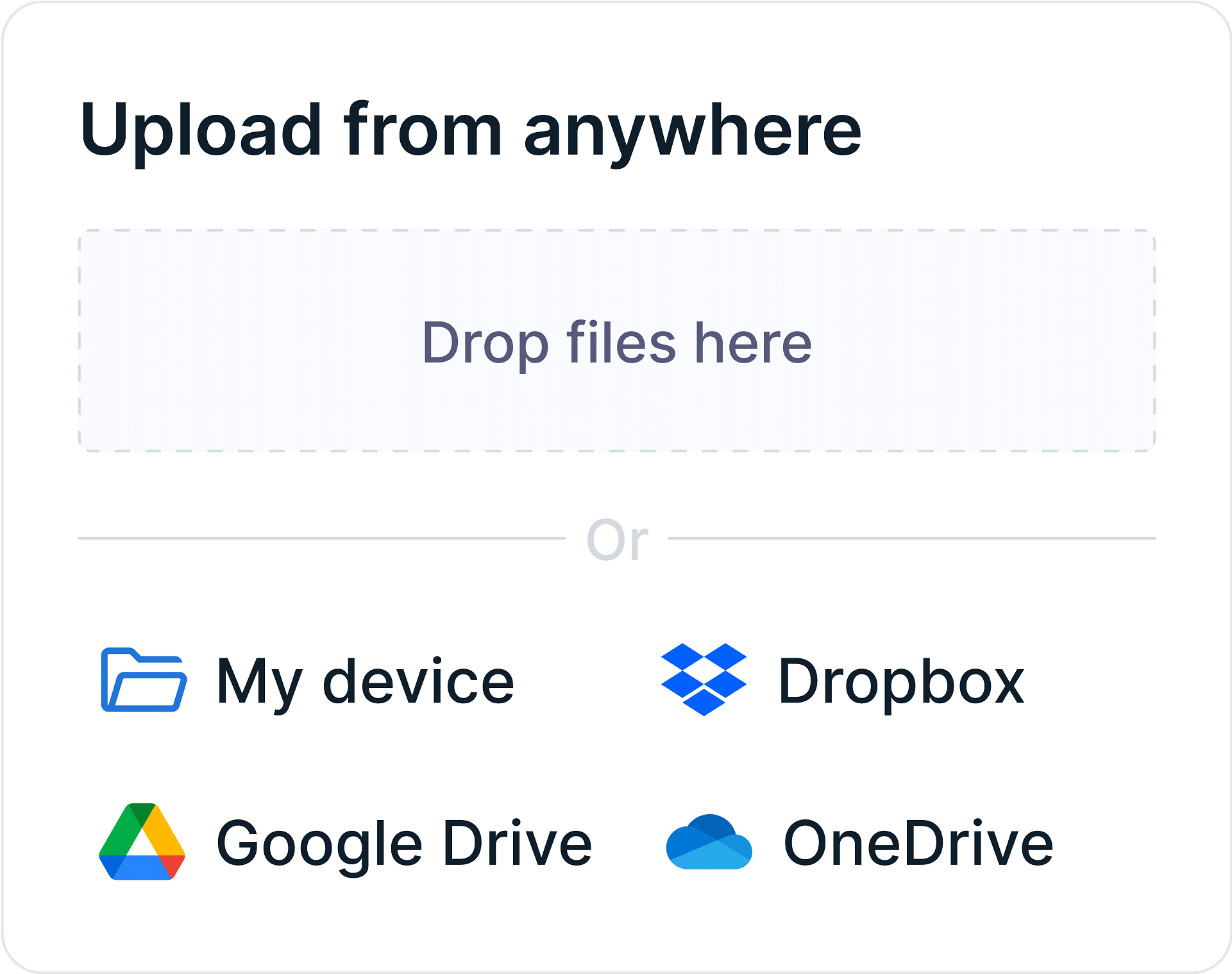
Video Upload
Automate video uploads from your device or cloud storage at scale with integrations and APIs. Upload multiple videos in parallel without getting stuck in upload queues.
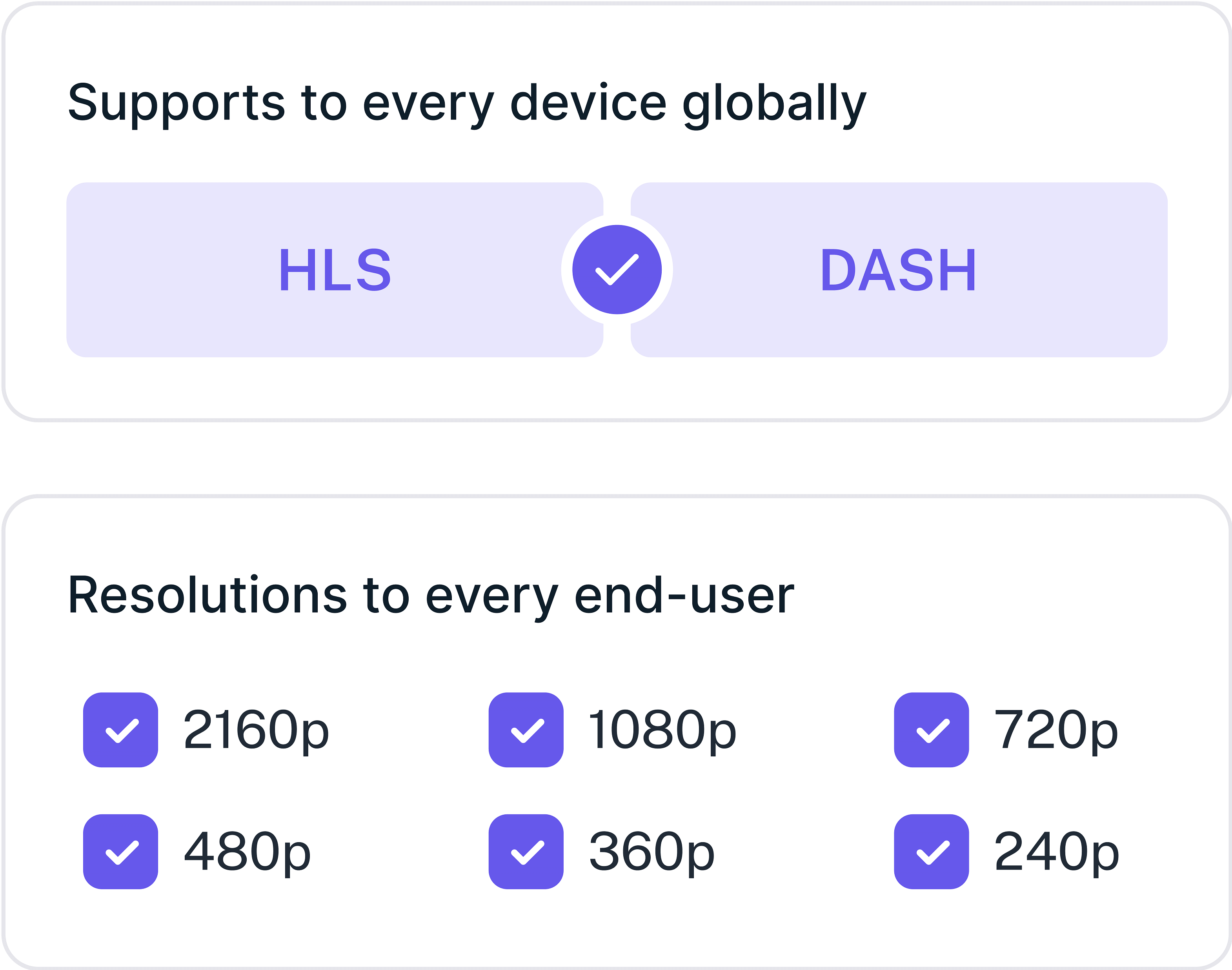
Video Processing
Enjoy instant video start times, exceptional quality, and buffer-free streaming. Generate unlimited subtitles in multiple languages and optimize your streaming with latest codecs.
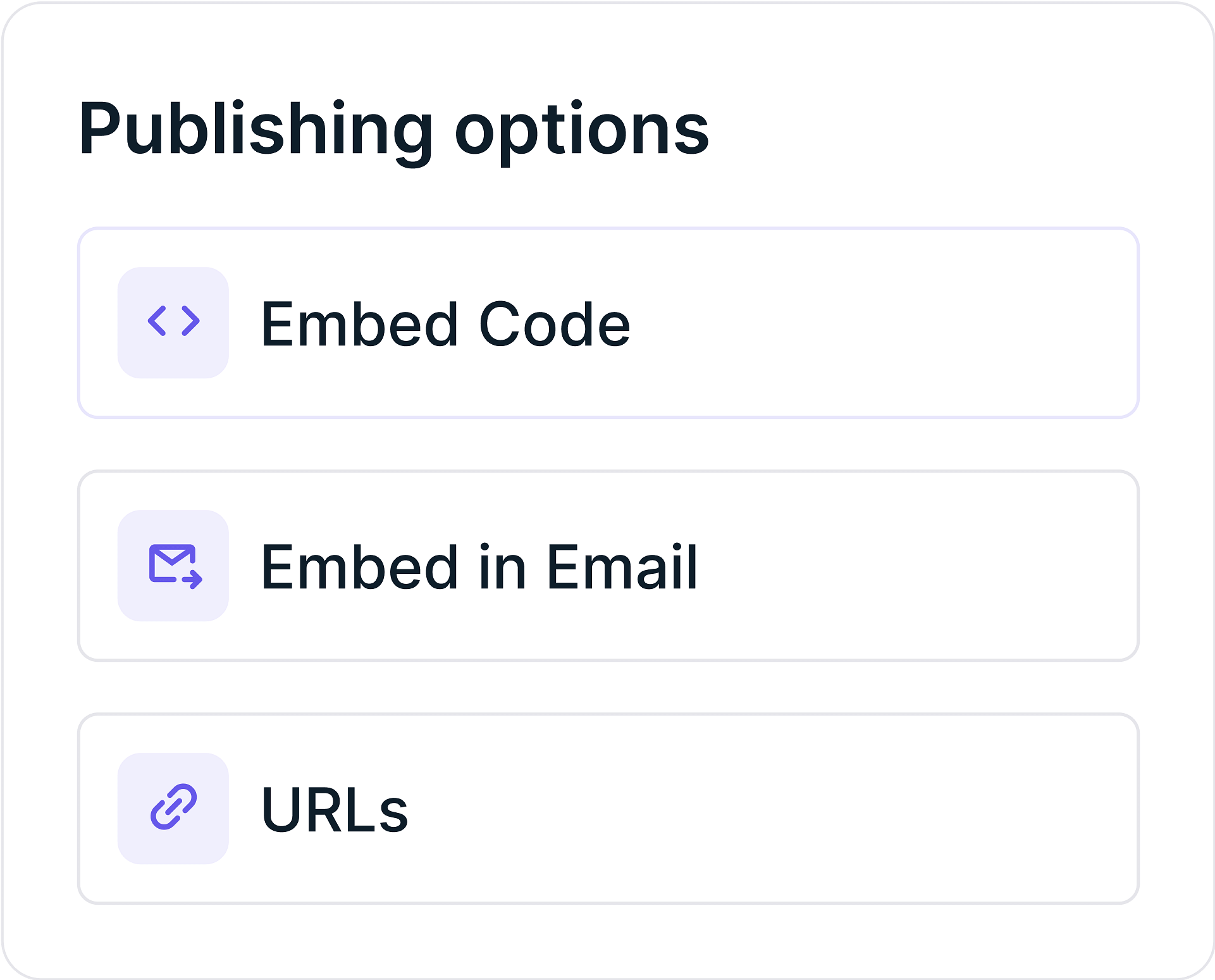
Video Sharing
Generate playback URLs instantly and embed codes for easy publishing. Our global Multi-CDN network ensures super-responsive video streaming with instant start times every time.
FAQs
Frequently asked questions
Clear answers to common questions, so you can get back to hosting your videos.