How to use this tool?
Enter Your Website URL
In the provided field, enter the URL of the website you want to analyze.
Start Analysis
Click the "Analyze Page" button to initiate the analysis process.
Review the Report
Once the analysis is complete, the tool will generate a detailed report highlighting key areas for improvement in your website's image optimization.
What does this Image Analyzer help with?
The Gumlet Image Optimization tool offers several key benefits like:
Improved Website Performance
By reducing image file sizes and optimizing rendering, the tool can significantly enhance your website's load times, leading to a better user experience.
Enhanced SEO
Faster loading times and improved user experience can positively impact your website's search engine rankings.
Reduced Bandwidth Consumption
Optimized images can help you save on bandwidth costs, especially for websites with high traffic.
Mobile-Friendly Optimization
The tool ensures that your images are optimized for mobile devices, providing a seamless experience for mobile users.
Increased User Engagement
Faster loading times and higher-quality images can lead to increased user engagement and conversions.
Cost-Effective Optimization
The tool provides valuable insights and recommendations without requiring extensive technical knowledge or manual optimization.
How is this Image Optimization Report Generated?
This Image Analyzer tool utilizes advanced Image analysis and Image optimization techniques to provide detailed insights into your website's images. Here's a breakdown of the key steps:
Image Analysis
The tool scans your website's images, gathering information about their file size, format, compression, and rendering efficiency.
Comparison
The tool compares your images to industry best practices and identifies potential areas for improvement.
Recommendation Generation
Based on the analysis, the tool generates a detailed report highlighting specific recommendations for optimizing your images.
Optimization Suggestions
The report may suggest techniques such as reducing image file sizes, converting to more efficient formats, optimizing compression, and improving rendering efficiency.
What will this Image Report tell you?
The Image Optimization Report will provide you with valuable insights into your website's images, including:
Image Size Analysis
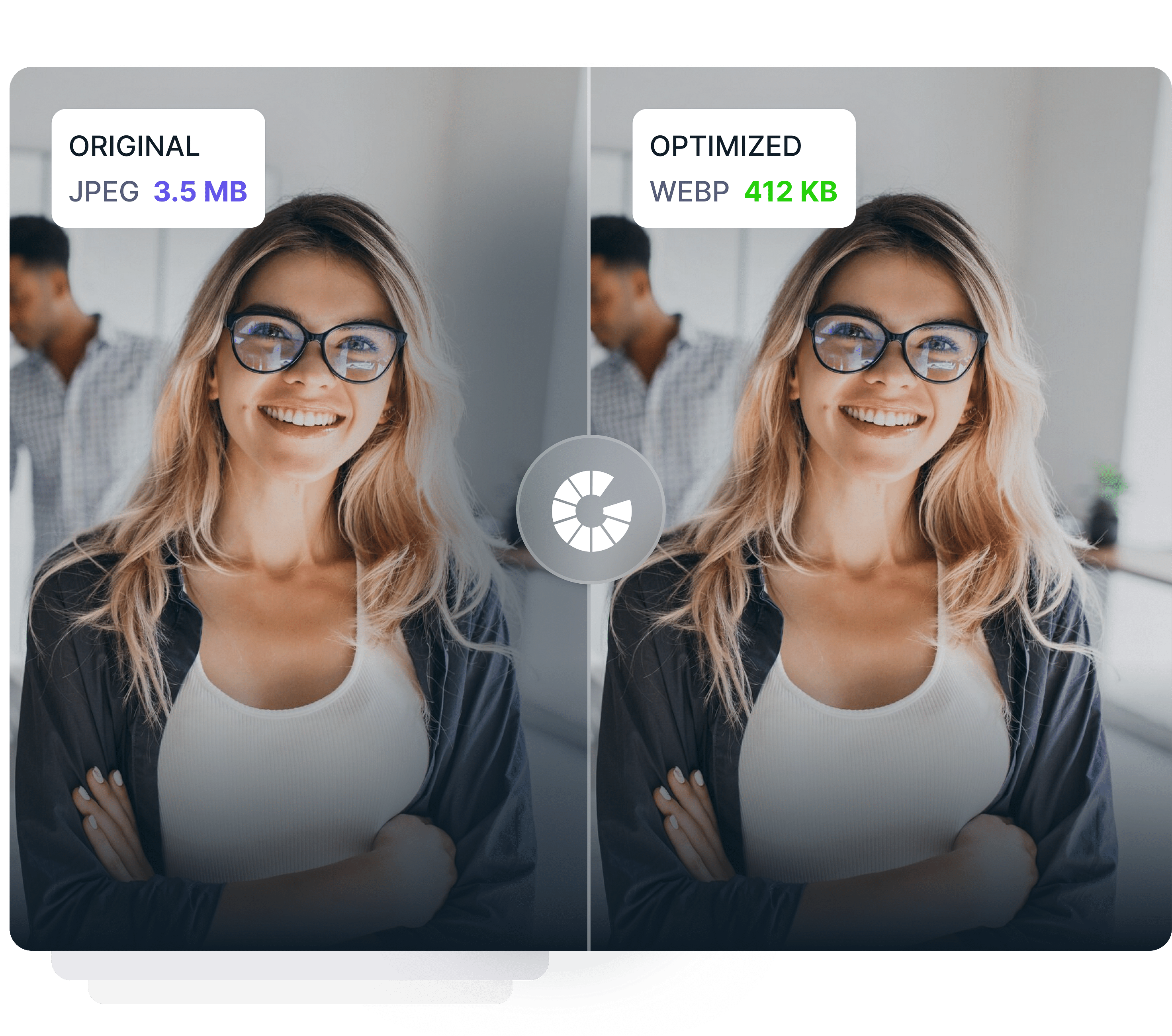
Detailed information about the sizes of your images and recommendations for reducing them without compromising quality.
Format Recommendations
Suggestions for using the most suitable image format (e.g., JPEG, PNG, WebP) based on your specific needs.
Compression Optimization
Recommendations for improving image compression to reduce file sizes and enhance performance.
Rendering Efficiency Insights
Analysis of how efficiently your images are rendered in browsers and suggestions for optimizing rendering.
Mobile and Desktop Performance
Insights into how your images perform on both mobile and desktop devices, ensuring they are optimized for a wide range of screen sizes.
Actionable Recommendations
Clear and actionable recommendations to help you optimize your images for better performance, user experience, and SEO.
Who is this tool helpful for?
Web Developers
Professionals who create and maintain websites can use the tool to optimize their images for better performance and user experience.
Digital Marketers
Those who focus on SEO and website optimization can leverage the tool to enhance their website's performance and to optimize images for better search engine rankings
Content Creators
Those who produce content-heavy websites, such as blogs, portfolios, or e-commerce sites, can benefit from the tool's insights to improve image optimization.
Website Owners
Individuals or businesses who own and manage websites can use the tool to improve their website's overall performance and user experience.