Your video is not private just because you set it to "unlisted."
Here is what actually happened to thousands of creators, course builders, and SaaS teams in 2025: they uploaded their videos to a platform they trusted, enabled "password protection," and assumed their content was safe. Then their videos started showing up on piracy sites. Their paid courses got ripped and redistributed on Telegram. Their product demos got scraped. Their confidential internal training videos leaked.
The global streaming industry loses $75 billion every year to piracy (MUSO, 2024). Piracy sites recorded 216.3 billion visits in 2024 alone (Sci-Tech-Today). That is not a rounding error. That is a systemic failure of platforms that sell security theater rather than actual security.
And then came the moment that made everyone re-examine their video infrastructure.
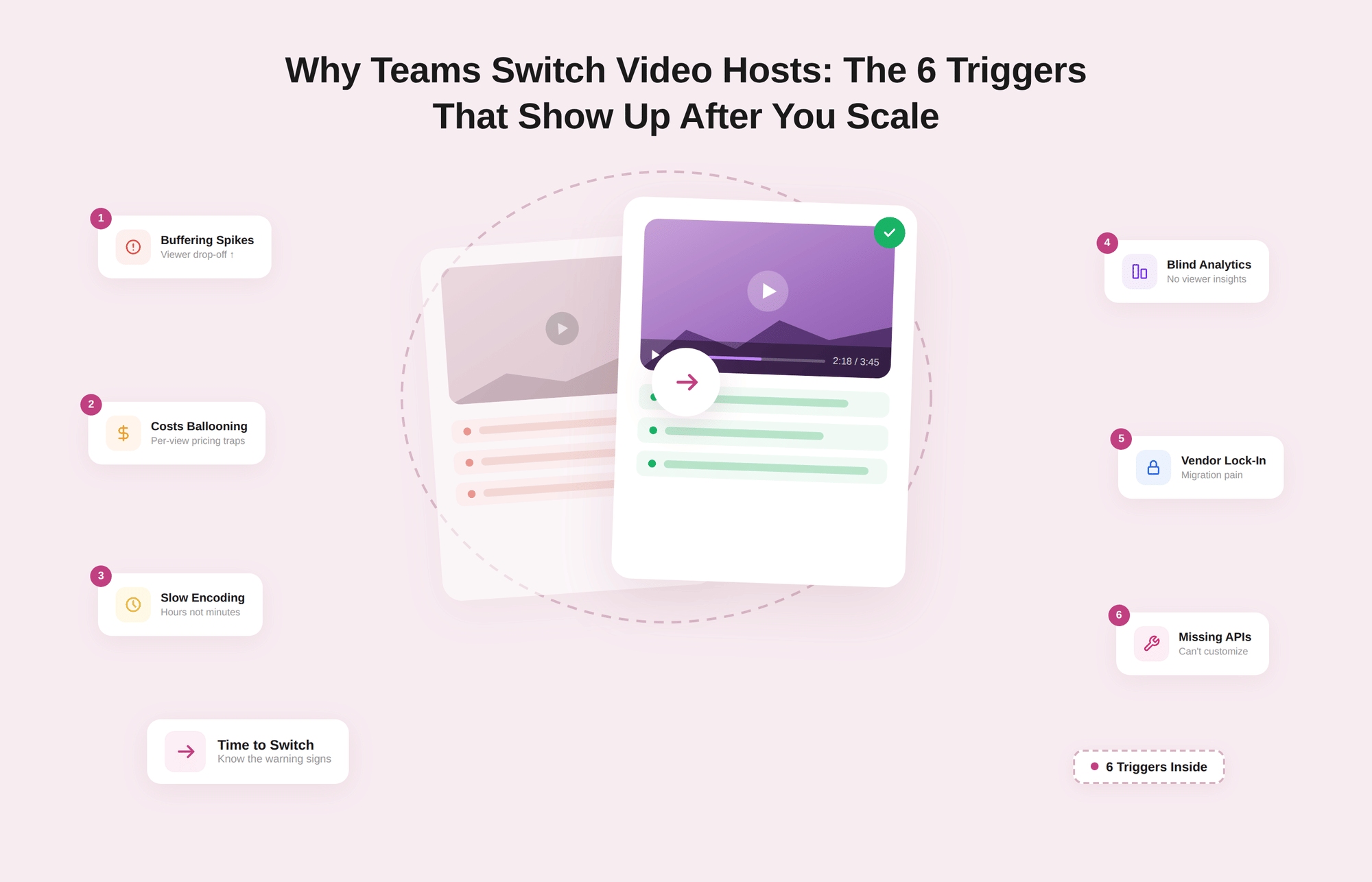
In January 2026, Vimeo's new parent company, Bending Spoons, laid off the entire video engineering team. Not some of it. All of it. The same people responsible for maintaining Vimeo's core video technology were let go months after a $1.38 billion acquisition closed (TechCrunch). Bending Spoons has done this before with Evernote and WeTransfer.
The playbook is predictable: acquire, restructure, cut. If your content strategy, your course library, or your product lives on Vimeo, the question is no longer "should I diversify?" It is "how fast can I migrate?"
This guide gives you a direct answer. We evaluated 11 private video hosting platforms across five security dimensions: DRM, domain locking, geo-fencing, signed URLs, and dynamic watermarking. We call this the Security Stack Score, and it is the most reliable way to compare platforms that claim to offer "private" hosting but deliver wildly different levels of actual protection.
Let's get into it.
Why "Private" Settings Do Not Actually Protect Your Videos
Before the platform reviews, let's kill three myths that are costing content businesses real money.
Myth 1: Unlisted means private
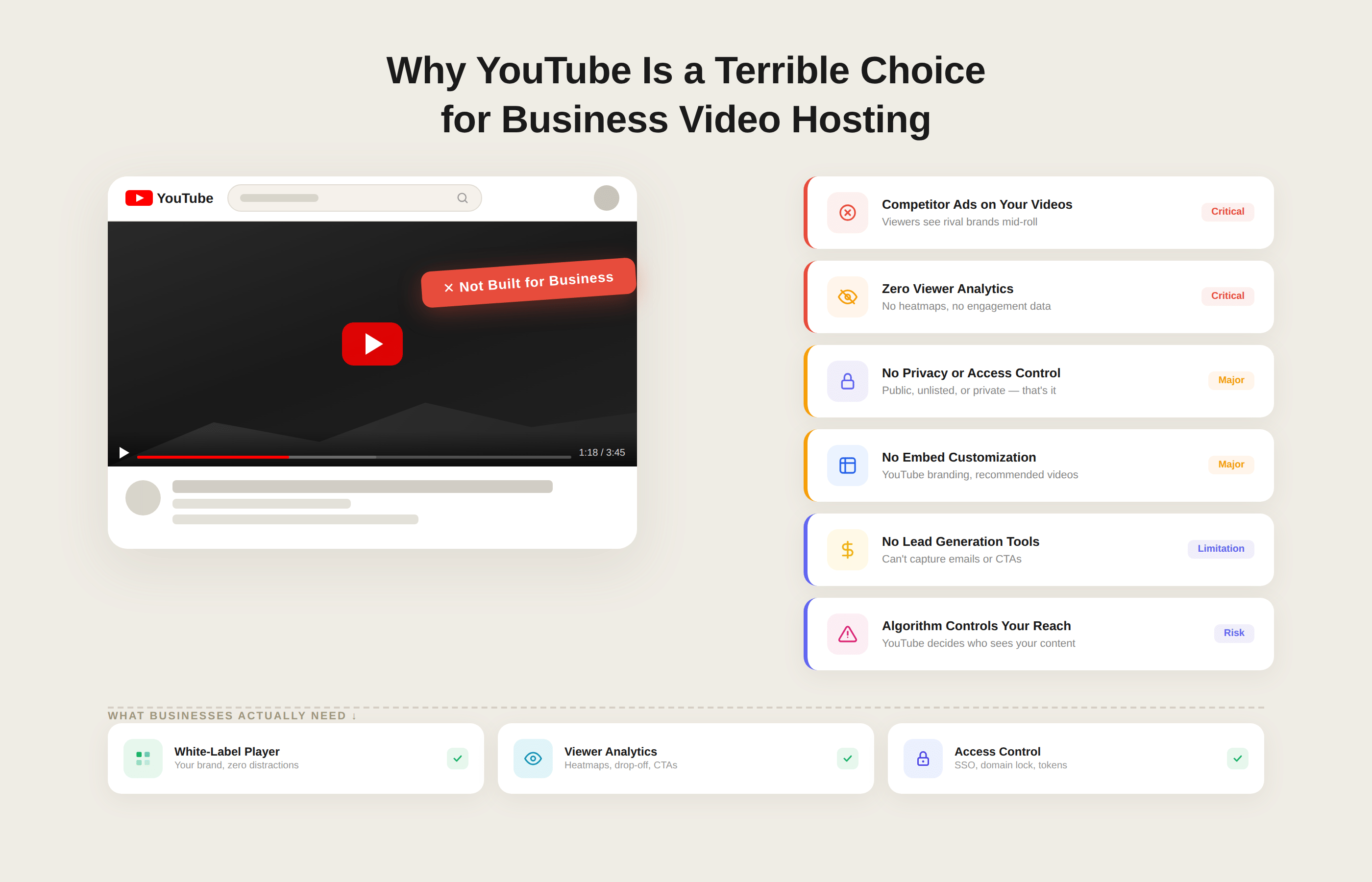
On YouTube and most video platforms, "unlisted" means anyone with the link can watch. The video is not indexed by search engines, but it is fully accessible. If someone shares that link in a Slack channel, a Discord server, or a forwarded email, your "private" content is wide open.
Real privacy requires access controls tied to authentication, not just link obscurity.
Myth 2: Password protection is enough
Password protection gates the page. It does not protect the file. A determined person can intercept the video stream after authentication, download the raw MP4, and redistribute it. The password was never used to protect the content. It was protecting the page that loads the content.
Actual protection encrypts the video file itself, using a license server that only releases decryption keys to authenticated, authorized devices in real time.
Myth 3: Big platform equals safe platform
Vimeo is the clearest evidence that platform size and brand reputation are not proxies for infrastructure stability. When the engineers who maintain the product are gone, security patching slows, new features stall, and support response times degrade. Support quality is always the first casualty after mass layoffs. Enterprise customers do not pay for a product. They pay for the team behind the product.
The lesson is blunt: your content's security is only as good as the platform's ongoing commitment to maintaining it.
What an actual security stack looks like
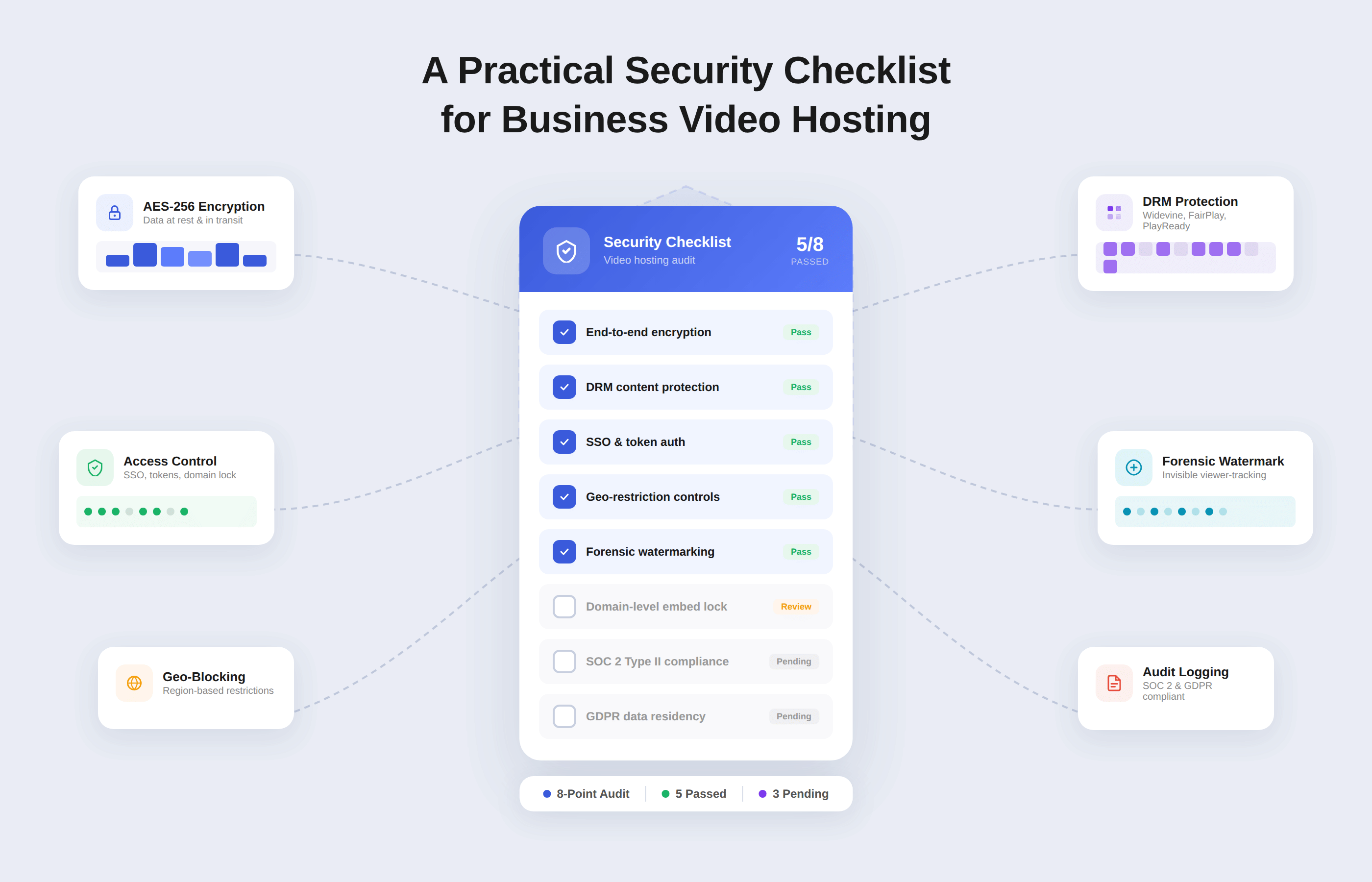
Genuine private video hosting requires a layered defense:
- DRM (Digital Rights Management): Encrypts the video at the file level using Widevine, FairPlay, or PlayReady. Even if someone intercepts the stream, they get scrambled bytes with no decryption key.
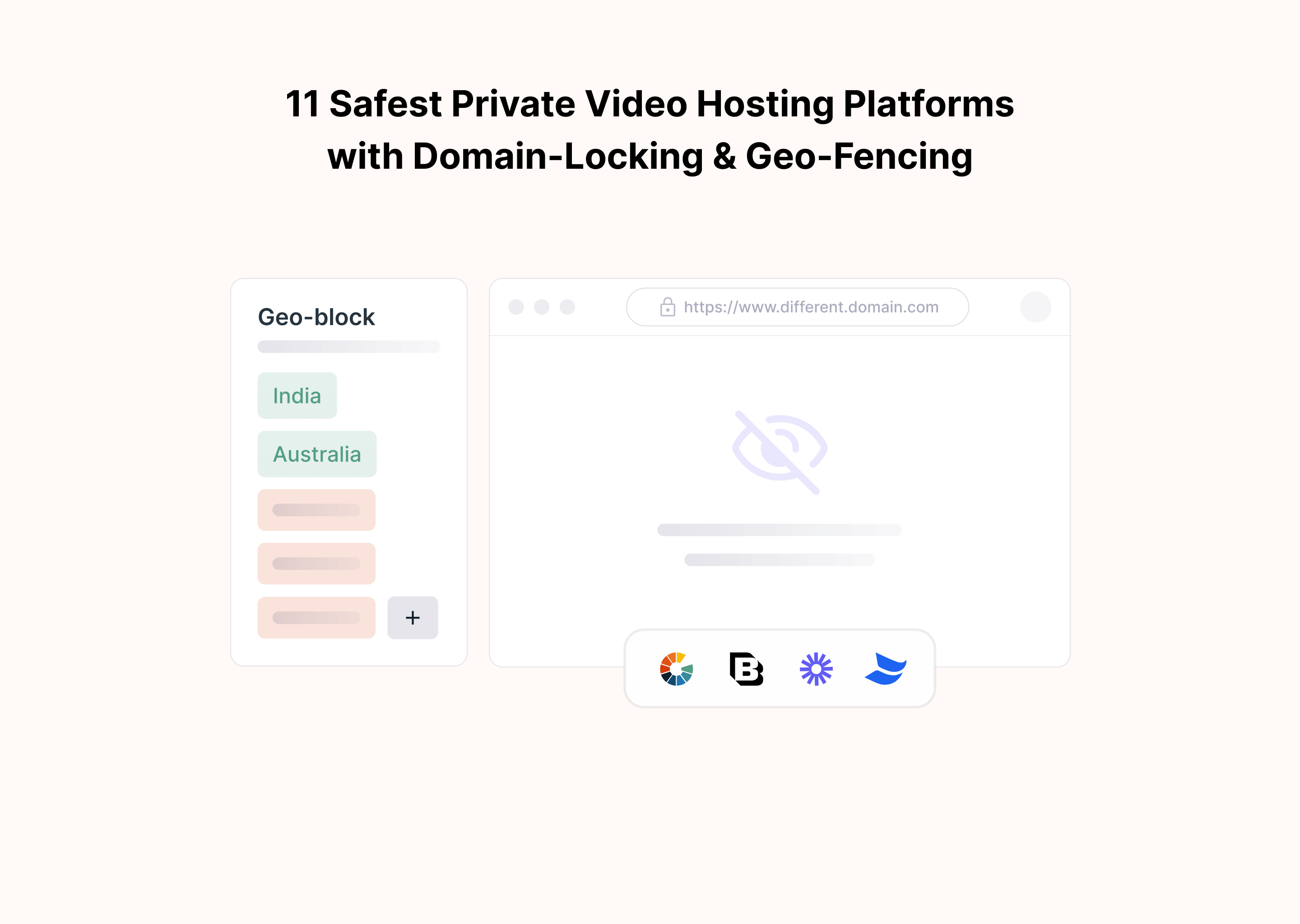
- Domain locking: Restricts playback to approved domains. Stolen embed codes do not work anywhere else.
- Geo-fencing: Blocks playback by country or region. Mandatory for sports rights, GDPR compliance, and regional licensing agreements.
- Signed URLs: Generates expiring, one-time-use access links. Forwarded links do not work after the token expires.
- Dynamic watermarking: Embeds viewer-specific information (email, IP, user ID) into the video itself. The watermark moves so it cannot be cropped or blurred out.
Miss any one of these, and you have a gap a motivated pirate will find.
The Security Stack Score: How We Evaluate Platforms
To make this comparison useful for actual decision-making, we built a consistent scoring framework. Each platform is rated across five security dimensions on a binary basis: the feature either works reliably at scale or it does not.
| Security Layer | What It Does | Why It Matters |
|---|---|---|
| DRM | Encrypts video with license-server key handshake | Stops interception and raw stream downloads |
| Domain Locking | Restricts embed to approved domains | Prevents unauthorized redistribution of your player |
| Geo-Fencing | Blocks playback by country/region | Required for licensing compliance and GDPR |
| Signed URLs | Time-expiring, user-specific access tokens | Prevents link sharing beyond the intended audience |
| Dynamic Watermarks | Moving viewer-specific overlays in video | Traces leaks back to the source, deters sharing |
A platform with all five layers active earns a Security Stack Score of 5/5. Below is how every platform in this guide performs.
What to Look For Before Choosing a Private Video Hosting Platform
The Security Stack Score tells you what is there. These four criteria tell you what it is worth in practice.
1. Is the DRM actually multi-DRM?
There is a meaningful difference between AES-128 HLS encryption and full multi-DRM. AES-128 is the industry baseline. It blocks casual download tools but is not the same as Widevine + FairPlay + PlayReady. Full multi-DRM encrypts the video at the file level and requires a live license server to issue decryption keys per authenticated device. If a platform says "encrypted" without specifying the DRM standard, it is almost certainly AES-128 only.
2. Is security self-serve or support-gated?
Several enterprise platforms technically offer the full security stack, but require a support ticket or professional services engagement to configure each layer. For fast-moving teams, the gap between "available" and "activatable in 10 minutes" is significant. Platforms that expose DRM, domain locking, and watermarking through a no-code dashboard save weeks of implementation time.
3. What is the platform's infrastructure commitment?
Features are only as valuable as the team behind them is willing to maintain them. This is the core Vimeo lesson for 2026. Before committing to a platform, check whether the engineering team is intact. Are security patches still being released? What is the contractual SLA for uptime? For reference, Gumlet's SLA is 99.95% uptime.
4. Do the hidden costs match your usage model?
Several platforms in this list charge by bandwidth, not by storage or seat. At low volumes, this looks cheap. At scale, surprise bandwidth bills can make a $99/month plan effectively cost $400+/month. Before choosing, map your expected monthly video views to the platform's bandwidth pricing model, not just the headline plan price. Our guide on enterprise video hosting hidden fees breaks this down in detail.
11 Safest Private Video Hosting Platforms
1. Gumlet - Editor's Pick
Security Stack Score: 5/5
We are obviously not going to be neutral about ourselves, so let's be upfront: this is our list, and we are on it. But the reason we put ourselves first is not ego.
It is because we built Gumlet to solve the exact problem this article addresses: combining Hollywood-grade DRM with accessible pricing, a no-code dashboard, and delivery infrastructure that competes with providers that charge five times more. If that sounds like the right combination for you, keep reading.
Our security breakdown:
- DRM: We offer full Widevine, FairPlay, and PlayReady support, activated with one click. No custom development required. No third-party DRM service to configure separately.
- Domain locking: Set your allowed domains directly in the dashboard. Our embed codes will not function on unauthorized domains.
- Geo-fencing: Country-level and region-level blocking with dashboard controls. No API calls needed for setup.
- Signed URLs: Time-expiring, user-specific tokens that invalidate after a configurable window. Works cleanly with SSO integrations.
- Dynamic watermarks: Position-shifting overlays that embed the viewer's email, IP address, or custom user ID into the video. The watermark moves on a randomized path so it cannot be cropped out.
Beyond security, our delivery infrastructure is built for performance. Per-title AI encoding optimizes bitrate for each individual video rather than applying a blanket compression setting. Multi-CDN delivery routes traffic to the fastest available edge node.
The result: 30% lower CDN costs than most competitors and instant video start times even on congested networks. You can read more about how video performance metrics drive activation and conversion if you want the data behind that.
What our customers say:
GrowthSchool, an EdTech platform serving over 100,000 learners, migrated from Vimeo to Gumlet and completed the transition in 14 days.
The results: 52% more learner engagement, 36% reduction in spending, and a 41% improvement in video streaming performance.
Their Head of Engineering put it directly: "Gumlet optimized our video streaming performance by 41%, ensuring a seamless viewing experience.
My engineering team integrated, tested, and went live within just 14 days. Gumlet offers the complete package—from hosting and security to in-depth analytics."
For an EdTech platform in South Asia that migrated from YouTube to Gumlet, the outcome was equally measurable: an 80% reduction in piracy incidents and a doubling of course completion rates within one quarter. Course completion rates increased because buffering decreased, and content quality remained consistent across devices and connection speeds.
Video downloaders with 150 million or more installs fail to capture video served through Gumlet's DRM layer. This is not a marketing claim. It is the result of multi-DRM encryption that decouples the stream from the content until a valid license is issued to an authenticated device.
If you are an online course creator, a SaaS team protecting product demos, or a media publisher who needs HIPAA-compliant video hosting, our security stack covers all of it without requiring an enterprise contract to unlock the features that matter.
Best for: SaaS companies, online course creators, media publishers, EdTech platforms, and anyone migrating off Vimeo who needs feature parity plus real security.
Honest limitation: Our free plan (100 storage minutes, 250 GB bandwidth) is generous for testing, but it will not sustain a large content library. Paid plans start at $25/month.
Starting price: Free plan available. Paid from $25/month.
2. VdoCipher
Security Stack Score: 5/5
VdoCipher built its entire product around one use case: preventing video piracy. The company serves more than 2,500 customers across 110+ countries (VdoCipher), with a particularly strong presence among online education platforms in India and Southeast Asia, where piracy rates are structurally high.
Security breakdown:
- DRM: Google Widevine + Apple FairPlay across all browsers and mobile devices. Screen capture blocking is active on Android and iOS apps, making VdoCipher the strongest option for mobile piracy prevention.
- Domain locking: Whitelist-based domain restriction for embed playback.
- Geo-fencing: Country-level blocking with dashboard controls.
- Signed URLs: OTP (one-time password) based video API for time-limited access.
- Dynamic watermarks: User-specific text overlays, configurable position, and opacity.
VdoCipher's screen capture blocking on mobile is a genuine differentiator. No other platform in this list does it as reliably. For mobile-first audiences in high-piracy markets, that matters more than almost any other feature.
Best for: Online courses targeting mobile-heavy audiences, particularly in markets with high piracy exposure.
Honest limitation: The CMS is functional but not elegant. If you want a polished video management experience, you will feel the UX friction. Pricing scales by bandwidth, which can get expensive at volume.
Starting price: Around $99/month for standard plans.
3. Brightcove
Security Stack Score: 5/5
Brightcove is the enterprise-grade choice. It has been in the market for nearly 20 years, serves broadcast networks, Fortune 500 companies, and major media publishers, and offers a security stack that is genuinely comprehensive (Brightcove).
Security breakdown:
- DRM: Full multi-DRM support including Widevine, FairPlay, and PlayReady.
- Domain locking: Enterprise-grade domain and embed restrictions.
- Geo-fencing: Country, region, and postal code level restrictions.
- Signed URLs: Policy-based access management with IP restrictions.
- Dynamic watermarks: Forensic watermarking available for broadcast-level content protection.
Brightcove's analytics suite is the best in the market for large-scale content operations. It integrates with every major marketing and analytics platform and has a professional services team that will custom-build workflows for enterprise contracts.
Best for: Broadcast media companies, large enterprises, brands with dedicated video engineering resources.
Honest limitation: The average contract runs around $8,450/month (G2 pricing data). This is not a platform for course creators or early-stage SaaS teams. The complexity also requires technical resources for configuration and maintenance. If you want to understand what drives enterprise video hosting costs, Brightcove is a useful benchmark for the ceiling.
Starting price: Typically $8,000+ per month on enterprise contracts.
4. Wistia
Security Stack Score: 2/5
Wistia is a marketing video platform that does video hosting very well and video security poorly. To be fair, security was never the primary design intent. Wistia is built for marketers who want beautiful players, detailed viewer analytics, and deep CRM integrations (Wistia).
Security breakdown:
- DRM: Not available. This is the core limitation.
- Domain locking: Available but limited.
- Geo-fencing: Not available natively.
- Signed URLs: Basic access controls, not token-based signed URLs.
- Dynamic watermarks: Not available.
Wistia shines when security is not the priority. Its Turnstile feature gates videos behind email capture forms, making it genuinely useful for video-led lead generation. Its integrations with HubSpot, Marketo, and Salesforce make it the go-to for demand generation teams. Heatmaps and engagement graphs give marketers data that dedicated video platforms do not offer.
Best for: Marketing teams running video-led demand-generation campaigns, product demos for public consumption, and content where distribution is the goal rather than a restriction.
Honest limitation: Do not use Wistia for paid content, confidential training videos, or anything where unauthorized access would cause financial or reputational damage. It is not built for that. If you are evaluating Wistia vs. Vimeo for security, both fall short compared to purpose-built DRM platforms.
Starting price: From $19/month. Plus plan from $79/month.
5. Dacast
Security Stack Score: 3/5
Dacast is a solid mid-market option with a strong live streaming infrastructure and reasonable security features for the price (Dacast).
Security breakdown:
- DRM: Not full multi-DRM. AES-128 HLS encryption is included.
- Domain locking: Available.
- Geo-fencing: Available.
- Signed URLs: Dynamic token authentication for time-limited access.
- Dynamic watermarks: Not available.
Dacast's live streaming capabilities are its real differentiator. For broadcasters running recurring live events, webinars, or virtual conferences, the low-latency streaming and paywall features are genuinely useful. The security stack is adequate for most SMB use cases, though not on par with Gumlet or VdoCipher for serious piracy prevention.
Best for: SMB content businesses running live streaming operations alongside on-demand libraries.
Honest limitation: Limited encoder support compared to enterprise platforms. Customer support response times are inconsistent at scale.
Starting price: From $39/month.
6. Kaltura
Security Stack Score: 5/5
Kaltura is the standard for higher education and large institutional learning environments. If you need deep LMS integration (Canvas, Blackboard, Moodle, D2L), Kaltura is the most battle-tested option (Kaltura).
Security breakdown:
- DRM: Full Widevine + FairPlay + PlayReady via Kaltura's MediaVault DRM module.
- Domain locking: Enterprise-grade domain restrictions.
- Geo-fencing: Region-level blocking with granular controls.
- Signed URLs: KS (Kaltura Session) token-based access control.
- Dynamic watermarks: Available in enterprise configurations.
Kaltura's open-source core and extensive API surface make it highly customizable for large IT teams. Its video portal, Kaltura Mediaspace, is a full-featured video site builder that universities use for lecture capture and campus-wide video distribution. For teams managing multiple LMS platforms simultaneously, it also ranks among the top enterprise video CMS platforms in terms of integration depth.
Best for: Universities, large enterprise learning and development programs, and organizations with dedicated video infrastructure teams.
Honest limitation: The setup complexity is real. Kaltura is not something you configure in an afternoon. Budget for implementation time and potentially professional services support.
Starting price: Custom pricing. Enterprise contracts typically start in the thousands per month.
7. SproutVideo
Security Stack Score: 3/5
SproutVideo is a clean, well-designed platform targeting small businesses and independent creators who need more control than YouTube but do not need enterprise DRM (SproutVideo).
Security breakdown:
- DRM: AES-128 HLS only. No Widevine or FairPlay multi-DRM.
- Domain locking: Available.
- Geo-fencing: Available.
- Signed URLs: Privacy modes and access controls, but not full token-based signed URLs.
- Dynamic watermarks: Not available.
SproutVideo's privacy controls are easy to use and cover most basic content protection needs. The platform also offers video analytics, custom players, and team collaboration features, making it a practical choice for small marketing teams.
Best for: Small businesses and independent creators who need more control than YouTube without the complexity or cost of enterprise platforms.
Honest limitation: AES-128 encryption can be broken with the right tools. For valuable paid content, the absence of multi-DRM is a meaningful security gap.
Starting price: From $24.99/month. Business plans up to $499.99/month.
8. Spotlightr
Security Stack Score: 3/5
Spotlightr (formerly vooPlayer) is purpose-built for online course creators and coaches. Its security features are oriented toward preventing casual sharing rather than serious piracy (Spotlightr).
Security breakdown:
- DRM: AES-128 only. No multi-DRM.
- Domain locking: Available. One of the core selling points.
- Geo-fencing: Available.
- Signed URLs: Not a full signed URL implementation.
- Dynamic watermarks: Text watermarks are available, but not dynamic positioning.
Spotlightr's interface is notably easier to use than most platforms in this list, and its course-specific features (video chapters, call-to-action overlays, email capture gates) make it a good match for solopreneurs and small course businesses.
Best for: Solo course creators, coaches, and small online education businesses where ease of use outweighs enterprise security requirements.
Honest limitation: Not suitable for high-value content at scale. The absence of comprehensive DRM poses a real risk to content businesses that generate significant revenue from video.
Starting price: From around $95/month.
9. Panopto
Security Stack Score: 4/5
Panopto serves more than 5 million users across universities and large enterprises, primarily for lecture capture, internal training, and compliance-driven learning environments (Panopto).
Security breakdown:
- DRM: Available in enterprise tiers.
- Domain locking: Available.
- Geo-fencing: Available.
- Signed URLs: Session-based access controls.
- Dynamic watermarks: Not standard. Available in some configurations.
Panopto's strengths are its integrations with Microsoft 365, SharePoint, Teams, and major LMS platforms. For enterprises already living inside the Microsoft ecosystem, Panopto's user experience is notably clean and familiar.
Best for: Universities, corporate L&D teams, compliance training environments.
Honest limitation: Monetization features are minimal. If you want to start selling videos online, Panopto is the wrong tool. It is built for distribution within authenticated organizations, not for content commerce.
Starting price: Custom pricing. Education and enterprise contracts vary significantly.
10. Muvi
Security Stack Score: 5/5
Muvi is not just a video hosting platform. It is a full OTT platform builder. If you want to launch your own branded Netflix-style streaming service with custom apps on iOS, Android, Roku, Apple TV, and Fire TV, Muvi is the platform designed for exactly that (Muvi).
Security breakdown:
- DRM: Full Widevine + FairPlay + PlayReady.
- Domain locking: Web-level domain restrictions.
- Geo-fencing: Country-level blocking with licensing compliance features.
- Signed URLs: Session-based access management.
- Dynamic watermarks: Available.
Muvi's white-label app builder is genuinely impressive. Launching a branded streaming service that looks and feels like a major consumer platform is achievable within weeks, not months, of custom development.
Best for: Media companies, content networks, and businesses that want to launch a fully branded OTT streaming service.
Honest limitation: Muvi is substantial overkill if you just need to host and protect videos. The platform complexity and pricing reflect the OTT builder scope, not just hosting.
Starting price: From $499/month. OTT-specific plans scale significantly higher.
11. Vimeo
Security Stack Score: 3/5 (platform risk: high)
Vimeo needs to be on this list because millions of content creators still use it. But it also needs a clear-eyed evaluation in light of the current situation.
Security breakdown:
- DRM: Available on enterprise plans, but no longer in active development by a dedicated video engineering team.
- Domain locking: Available.
- Geo-fencing: Available on higher tiers.
- Signed URLs: Available via privacy settings and domain-level controls.
- Dynamic watermarks: Limited. Not equivalent to purpose-built DRM platforms.
Here is the honest situation: Vimeo's security features exist on paper. The question is not whether they work today. The question is whether they will continue to be maintained, patched, and developed six months from now. Bending Spoons eliminated Vimeo's video engineering team in January 2026 (Variety). New features are frozen. Security patches will slow down. When vulnerabilities emerge (and they always do), the team responsible for fixing them is gone.
This is a platform risk problem, not a feature problem.
If you are weighing whether Vimeo is still worth it, the answer is no for security-sensitive use cases. There are also consistent complaints about Vimeo Enterprise support responsiveness that only worsen post-layoff. The smart move is migration now, before Bending Spoons makes further changes to pricing, features, or platform availability.
Best for: Public or semi-public video content with no security requirements. Legacy content that is already hosted and not actively generating revenue.
Honest limitation: Everything described above.
Starting price: From $20/month. Enterprise pricing on request.
Security Stack Score: Full Comparison
This table is the fastest way to compare platforms. Use it as a decision filter.
| Platform | DRM | Domain Lock | Geo-Fence | Signed URLs | Dynamic WM | Total Score |
|---|---|---|---|---|---|---|
| Gumlet | Yes | Yes | Yes | Yes | Yes | 5/5 |
| VdoCipher | Yes | Yes | Yes | Yes | Yes | 5/5 |
| Brightcove | Yes | Yes | Yes | Yes | Yes | 5/5 |
| Kaltura | Yes | Yes | Yes | Yes | Yes | 5/5 |
| Muvi | Yes | Yes | Yes | Yes | Yes | 5/5 |
| Panopto | Partial | Yes | Yes | Yes | No | 4/5 |
| Dacast | Partial | Yes | Yes | Yes | No | 3/5 |
| SproutVideo | Partial | Yes | Yes | Partial | No | 3/5 |
| Spotlightr | Partial | Yes | Yes | Partial | Partial | 3/5 |
| Vimeo | Partial* | Yes | Partial | Partial | No | 3/5 |
| Wistia | No | Partial | No | Partial | No | 2/5 |
*Vimeo DRM exists on enterprise plans but carries platform risk due to January 2026 engineering layoffs.
Who Should Choose Which Platform
This is the fast-scan decision framework. Match your situation to the right choice.
You need the best overall security at a sane price: Choose Gumlet. Full Security Stack Score, no-code setup, 30% lower CDN costs than most competitors, starts at $25/month. See how we compare directly in the Gumlet vs Vimeo breakdown.
Your audience is primarily on mobile, and piracy rates are high in your market: Choose VdoCipher. Screen capture blocking on Android and iOS is unique and effective.
You are a broadcast network or Fortune 500 with a dedicated video engineering team: Choose Brightcove or Kaltura. Enterprise-grade everything, enterprise-grade pricing.
You are launching a branded streaming app: Choose Muvi. Purpose-built OTT platform with white-label apps across all major streaming devices.
You are a university or corporate L&D team inside a Microsoft 365 environment: Choose Panopto. Deep Teams and SharePoint integration, clean UX, built for institutional scale.
You are a marketer, and video is your lead-generation tool, not your product. Choose Wistia. Unmatched CRM integration and viewer analytics for conversion-focused teams.
You need basic protection on a tight budget: Choose SproutVideo or Spotlightr. Adequate for casual piracy prevention, not for high-value commercial content.
You are a SaaS team seriously evaluating your options: Read our full guide to video hosting for product-led SaaS companies before deciding.
You are currently on Vimeo: Migrate to Gumlet. We have a step-by-step migration guide with direct import, no downloading or re-uploading required. You can also review all the best Vimeo alternatives for enterprises if you want to evaluate other options first.
How to Migrate from Vimeo to Gumlet (Step-by-Step)
The good news: you do not need to download anything. Gumlet pulls videos directly from Vimeo using the URL. No re-uploading required.
Before you start, have these ready:
- Access to your Vimeo account
- A Gumlet account (the free plan supports migration)
- The URLs or playlist links of the videos you want to move
- An organized list of your content if you are doing a bulk migration
Step 1: Import your videos via the Gumlet dashboard.
Log in to Gumlet, navigate to the Import from Vimeo section, paste your Vimeo video or playlist URL, choose a target collection (or create a new one), and click Import. Gumlet automatically fetches and hosts the video. No download, no re-upload.
For bulk libraries of 50+ videos, Gumlet supports Vimeo API-based imports and custom scripts via its API. Reach out to our support team, and we will handle the bulk migration, metadata preservation, and collection mapping for you.
Full technical documentation: docs.gumlet.com/docs/import-from-vimeo
Step 2: Update your embed codes.
Your existing Vimeo embed URLs follow this format: https://player.vimeo.com/video/[VIDEO-ID]
Replace the prefix and your new Gumlet URL is live instantly: https://vimeo.gumlet.io/embed/[VIDEO-ID]
No new embed code generation needed. The video ID stays the same.
Step 3: Know what transfers and what does not.
Gumlet automatically imports: the video file, title, basic metadata, custom thumbnail (if public), and playlist structure.
What does not transfer: Vimeo privacy settings, viewer comments, chapter markers, and Vimeo analytics history. All of these can be recreated inside Gumlet with enhanced options, but do not expect them to carry over automatically.
Step 4: Configure your security stack before going live.
Organize your imported videos into collections, then enable your protection settings: DRM, domain locking, geo-blocking, signed URLs, and dynamic watermarks. For Gumlet, every one of these is a dashboard toggle. No code required.
Step 5: Add the finishing touches.
Customize your video player with your logo, colors, and thumbnail. Add AI-generated subtitles in 125+ languages. Enable calls-to-action and clickable overlays. Set up real-time analytics and tracking. Your entire Vimeo library is now running on infrastructure built for security and performance, not on legacy architecture.
Need hands-on help? Our 24/7 support team handles migrations end-to-end. Book a demo, and we will guide you through it.
The Bottom Line
The $75 billion that piracy takes out of the content economy every year (MUSO, 2024) does not come from sophisticated hackers. It comes from platforms that make it easy. Unlisted links that get shared. Password-protected pages where the underlying file is fully exposed. Video infrastructure built by a team that no longer exists.
The platforms that protect content in 2026 are the ones that encrypt at the file level, restrict playback by domain, block viewers by geography, and trace leaks back to the source with dynamic watermarks. That is not a complicated list. It is just a specific one, and most platforms on the market do not meet it.
Gumlet meets it at a price point that is accessible to independent creators, SaaS teams, and enterprise media companies alike. GrowthSchool went from buffering and budget unpredictability on Vimeo to 52% more learner engagement and 36% cost savings on Gumlet. Netflix-level DRM does not have to cost Netflix-level money. The free plan includes 100 storage minutes and 250 GB bandwidth. No credit card required to start.
If you are on Vimeo, the migration window to act before further platform degradation is now. If you are on any platform scoring below 4/5 on the Security Stack Score and your content generates real revenue, the question is not whether to upgrade. It is how long you can afford to wait.
Frequently Asked Questions
1. What is the safest private video hosting platform in 2026?
Based on our Security Stack Score, five platforms offer the full security stack: Gumlet, VdoCipher, Brightcove, Kaltura, and Muvi. Of these, Gumlet is the only one that combines all five security layers (DRM, domain locking, geo-fencing, signed URLs, dynamic watermarks) with a no-code dashboard and pricing that starts at $25/month. Brightcove and Kaltura require enterprise contracts and dedicated technical teams. VdoCipher and Muvi serve more specific use cases (mobile-first piracy prevention and OTT building, respectively).
2. What is the difference between DRM and AES-128 encryption?
AES-128 HLS encryption is the baseline standard that encrypts the video stream in transit. It is effective against basic download tools but can be circumvented by more sophisticated methods. Full DRM (Widevine, FairPlay, PlayReady) encrypts the video file itself and requires a live license server to issue decryption keys to each authenticated device in real time. Even if someone intercepts the encrypted stream, they receive scrambled bytes with no way to decrypt them. For high-value content, the difference matters significantly.
3. Does Vimeo have DRM protection?
Yes, but only on enterprise plans, and the feature is no longer in active development. Bending Spoons eliminated Vimeo's video engineering team in January 2026. The existing DRM functionality will not receive updates, security patches, or improvements going forward. For content that needs to stay protected over time, this creates real platform risk.
4. What does domain locking actually do?
Domain locking restricts your video player so it only functions when embedded on domains you explicitly approve. If someone copies your embed code and pastes it on an unauthorized website, the video will not play. It is a critical layer for anyone who monetizes video or embeds paid content inside a gated product, because it prevents your player from being repurposed without your permission.
5. How do I prevent video piracy for my online course?
The minimum viable security stack for online courses is: DRM (to encrypt the video file), domain locking (to prevent unauthorized embeds), and dynamic watermarking (to trace leaks back to individual viewers). Signed URLs add a fourth layer by ensuring that access links expire after a set window. Platforms with all four active include Gumlet, VdoCipher, Brightcove, Kaltura, and Muvi. For a detailed breakdown of why course creators specifically need this stack, see our guide on secure video hosting for course creators.
6. Can I migrate from Vimeo to Gumlet without re-uploading everything?
Yes. Gumlet's Import from Vimeo feature lets you paste a Vimeo video URL or playlist URL directly into the Gumlet dashboard. Gumlet fetches the video and hosts it automatically. No downloading from Vimeo and no re-uploading to Gumlet required. For bulk migrations, Gumlet's support team handles the API-based import, metadata mapping, and collection structure. You can read the full migration guide.
7. What is geo-fencing for video, and when do I need it?
Geo-fencing blocks video playback based on the viewer's geographic location, down to the country or region level. It is required in three common situations: regional content licensing agreements (sports rights, broadcast exclusivity), GDPR and data protection compliance for European audiences, and regional pricing models where access is tied to a specific market. For global content businesses, geo-fencing is not optional. It is a legal requirement.
8. How is a signed URL different from a password on a video?
A password protects the page that loads the video. A signed URL protects the video itself by generating a time-expiring, viewer-specific access token. Forwarding a signed URL to an unauthorized person does nothing because the token is tied to the original session and expires after a configurable window. Passwords can be shared indefinitely and never expire unless manually rotated. For any content that requires serious access control, signed URLs are the correct solution.