
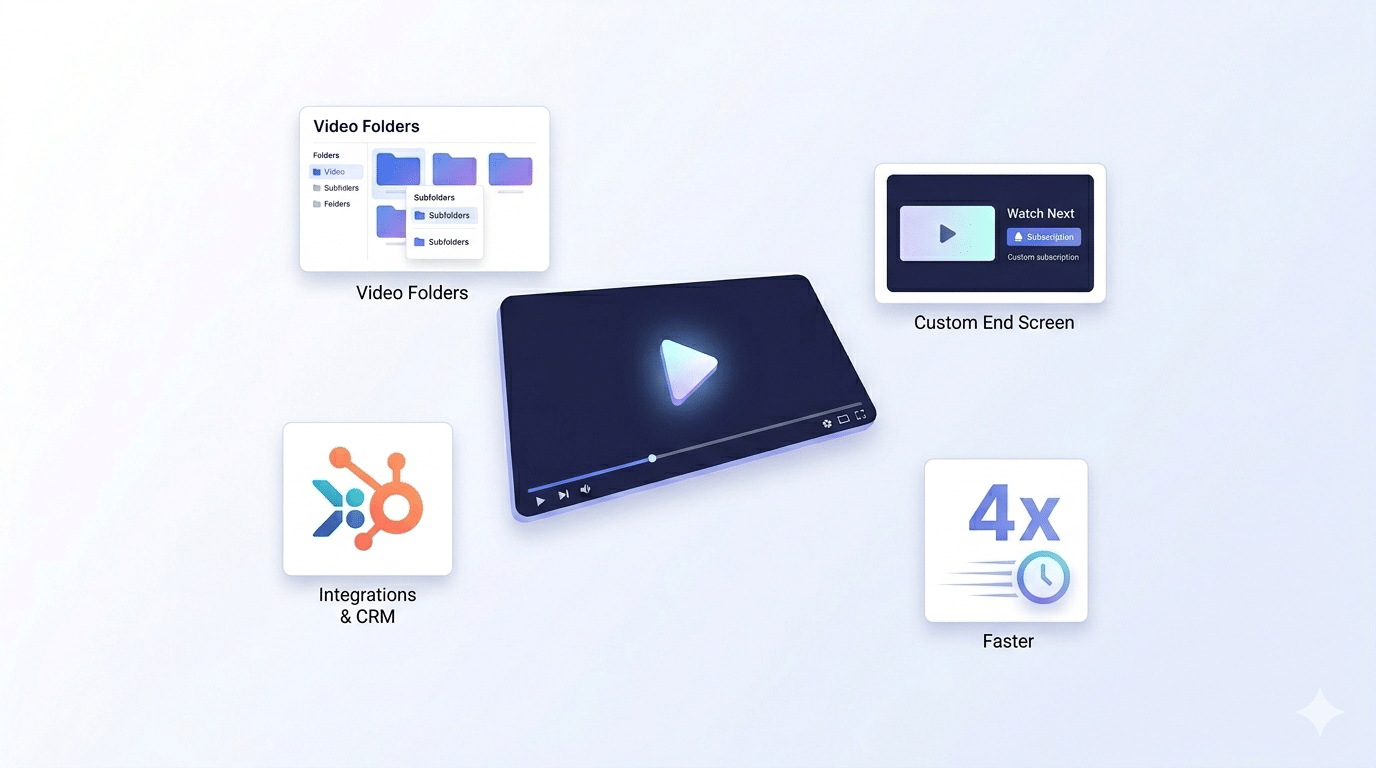
Solving real problems for creators and SMBs has always been our way of moving the needle, and it continues to guide what we build.
Let's dive into what's new.
Video Management
Managing videos at Gumlet has been tougher than we expected, and we are working to bridge the gap between your expectations and our product. Effective video management doesn't come from just adding a title or tags, but the real organizational structure makes the difference.
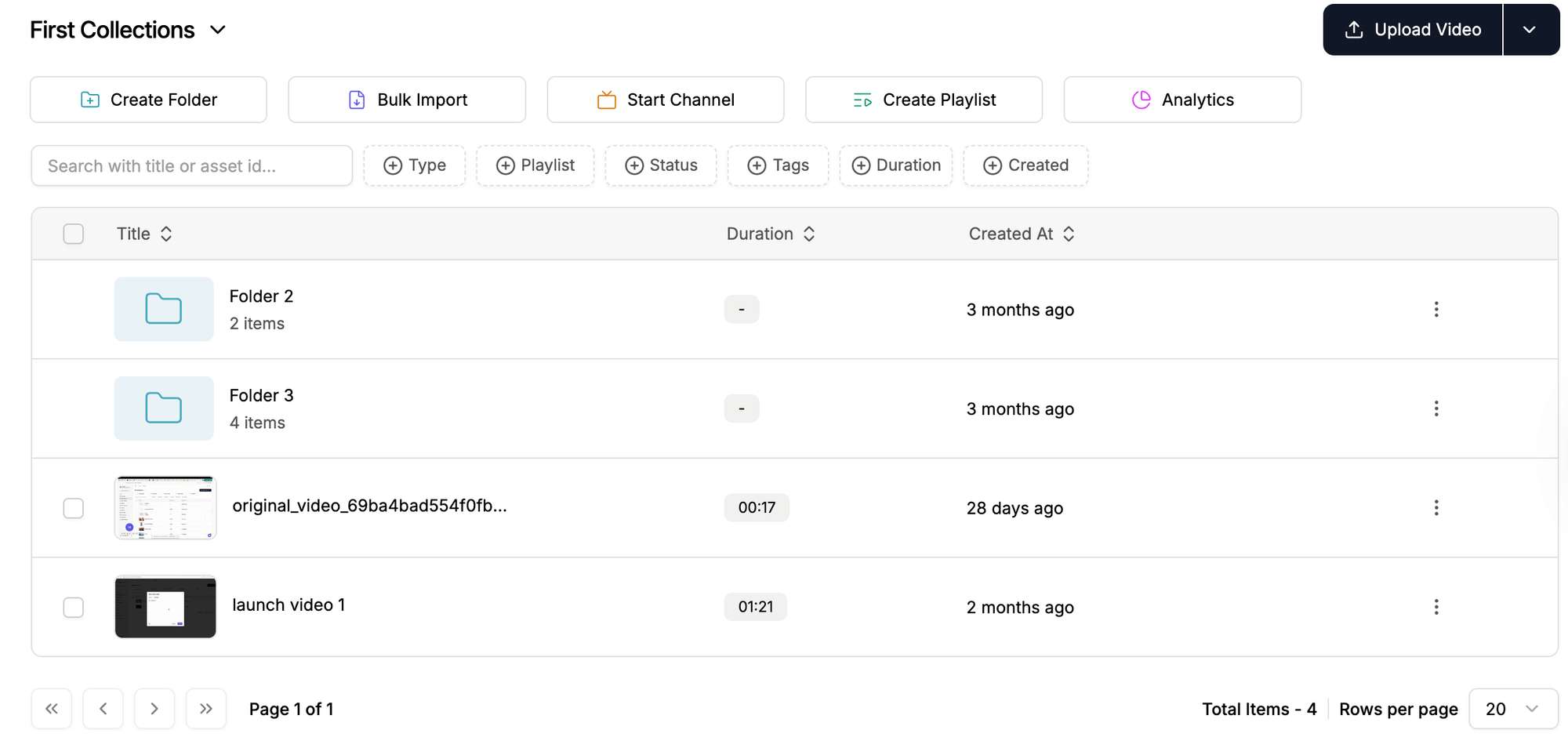
- Video Folders: Create folders and subfolders to organize your videos within the Gumlet dashboard. You can also move your existing videos into folders to keep everything organized.
- Time-based Expiry URLs: Share timed access with your audience, clients, or anyone else, and the video stops playing once the expiry time has passed.
- Request video upload via link: Collect videos from your clients, across team members, or external collaborators without adding them to your account.
- Improved mobile experience: We've optimized the mobile dashboard so our users can upload, update, and share videos, and upgrade their accounts directly on their mobile devices.
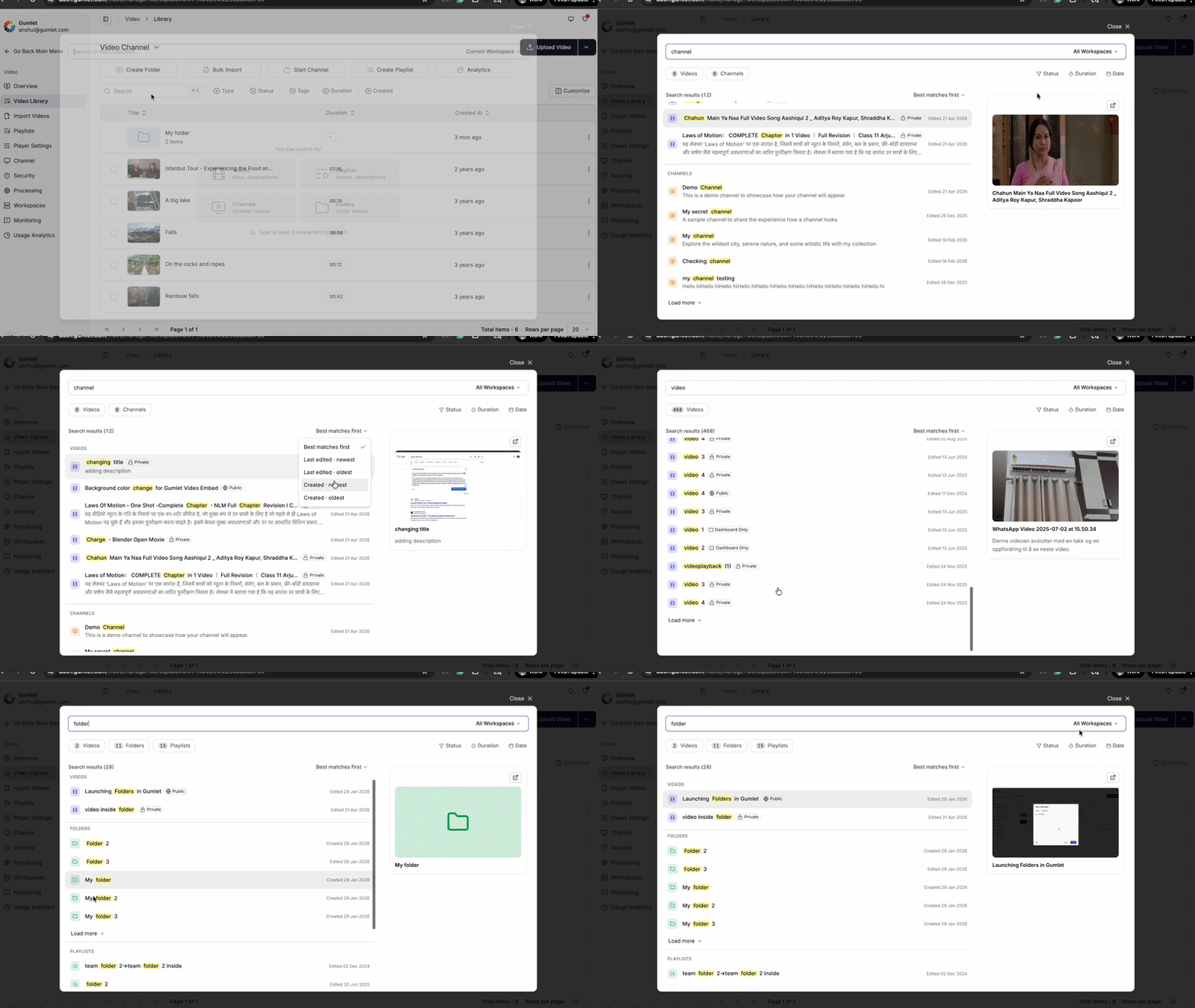
- Search everything: Use
Cmd + K(Mac) orCtrl + K(Windows) to search workspaces, videos, playlists, and folders. - Recycle Bin: Recover deleted videos from Recycle Bin.
Video Engagement
Keep viewers engaged at every stage of their video journey with a growing set of powerful tools.
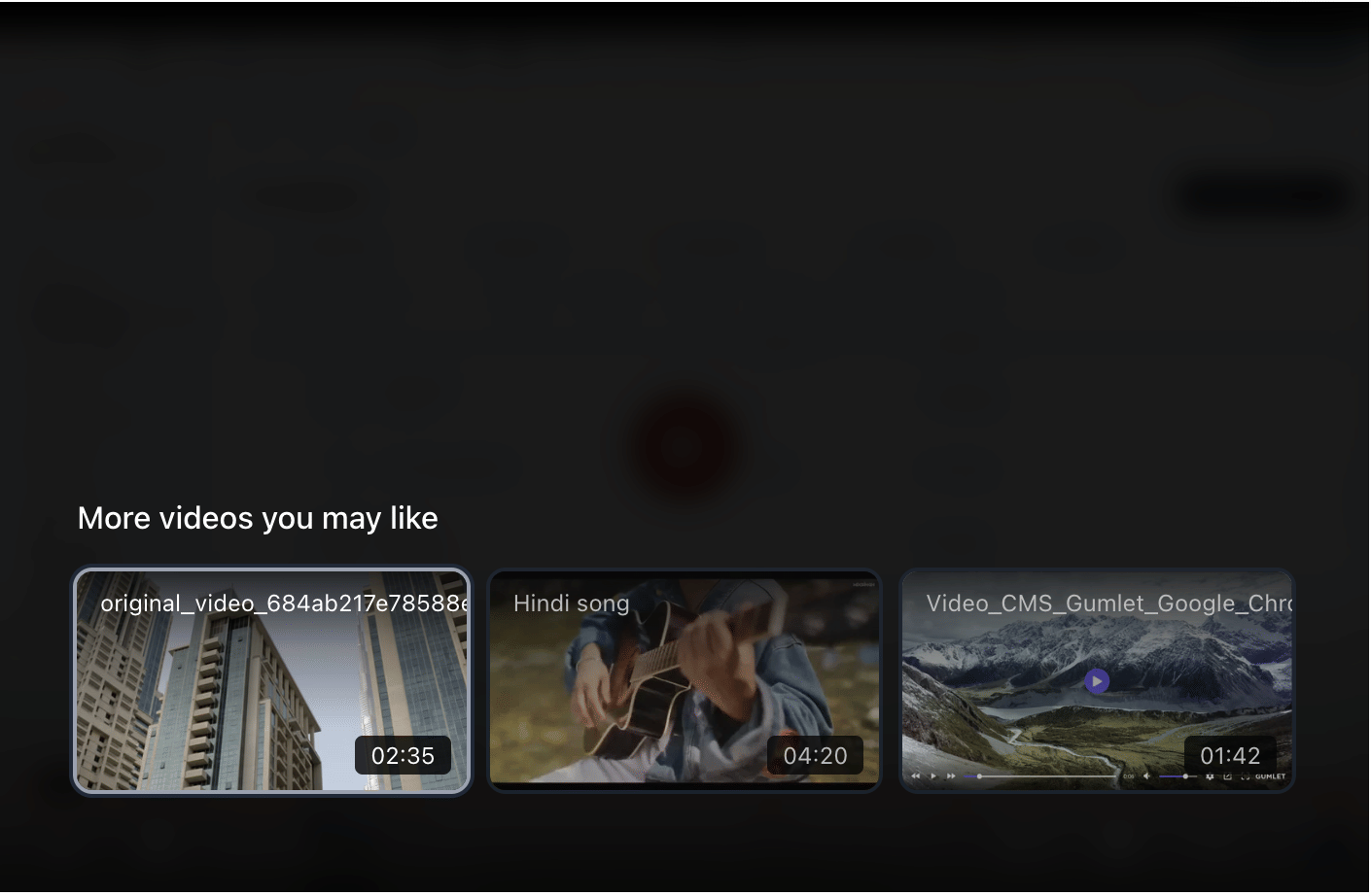
- Custom end screens: Turn the final moments of playback into meaningful actions. Use custom end screens to guide viewers to the next step and keep engagement going after a video ends.
You can add:- Recommended videos
- A full-screen call-to-action button
- Image
- Share buttons
- Text
- Or leave it empty
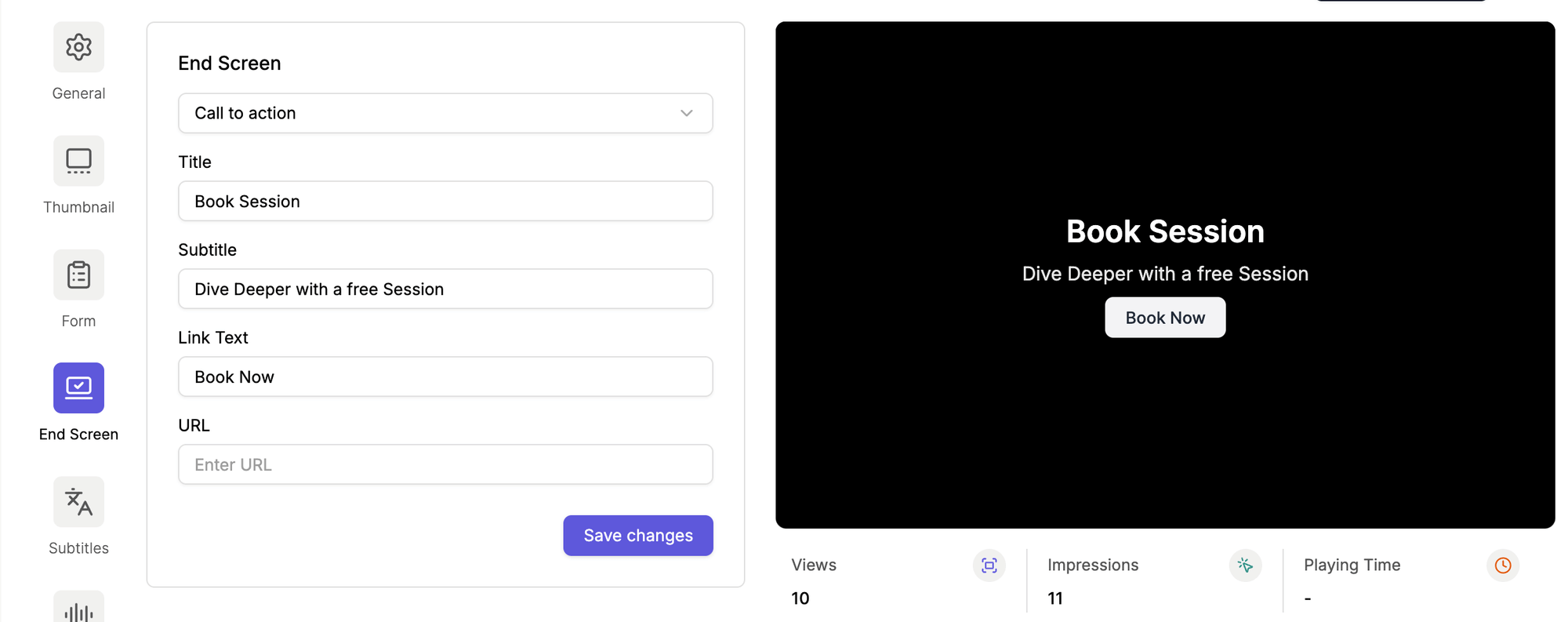
- Custom thumbnail support for live streams: Add custom thumbnails to your live stream to make them more informative and visually appealing.
Use them to:- Highlight speakers or event details before the stream starts
- Display a fallback message or branded thumbnail if a stream disconnects
- Show offers or promote the next stream after it ends
- Record videos inside the dashboard: Record videos directly from your video dashboard and upload them to your preferred folder or playlist - no additional tools required.
Video Editor
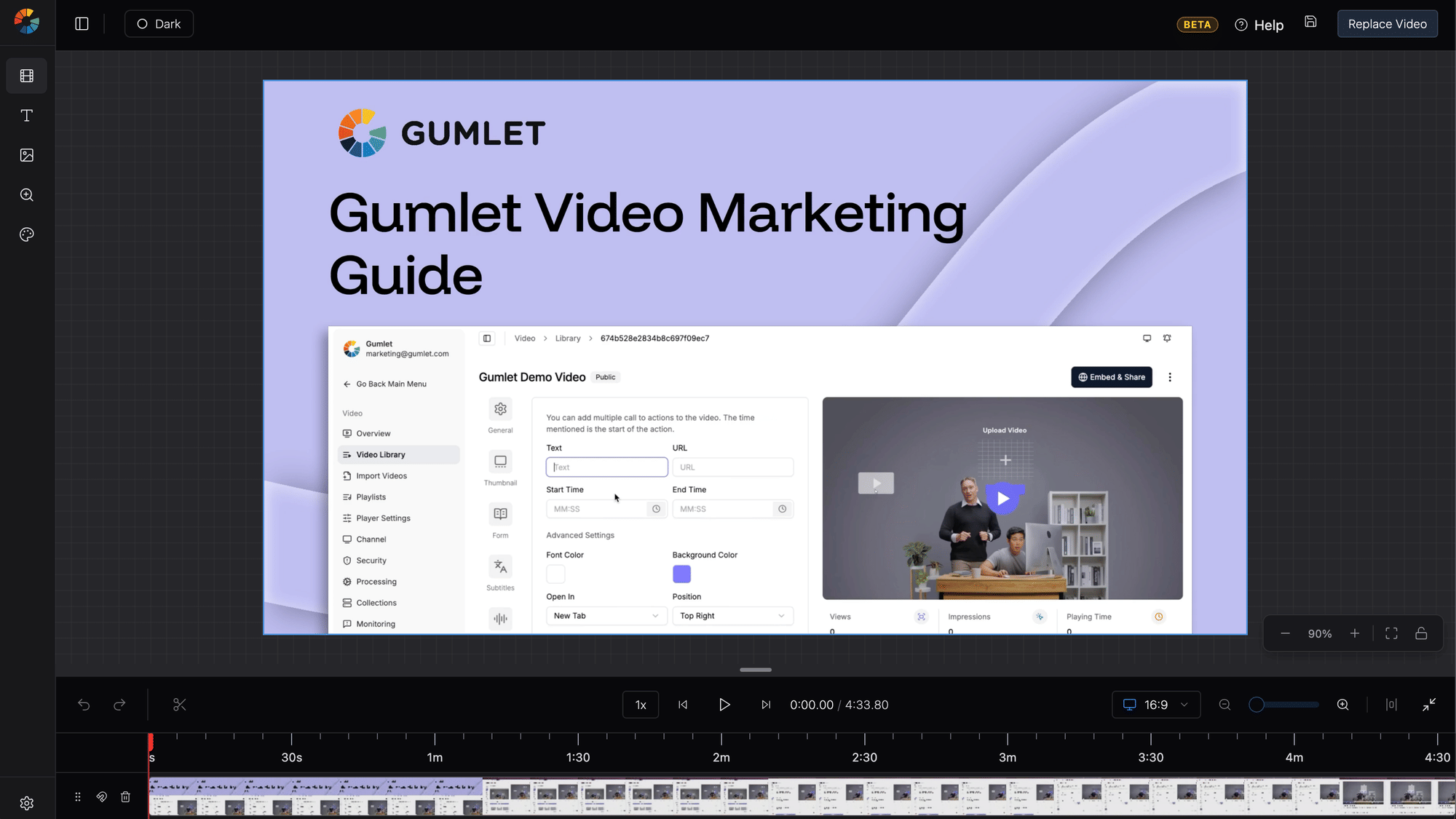
A new in-app Video Editor, making it easier than ever to edit videos with just a click. This update streamlines the workflow for creators and teams by bringing quick video editing directly into the Gumlet dashboard, eliminating the need to switch to external tools.
Review Links
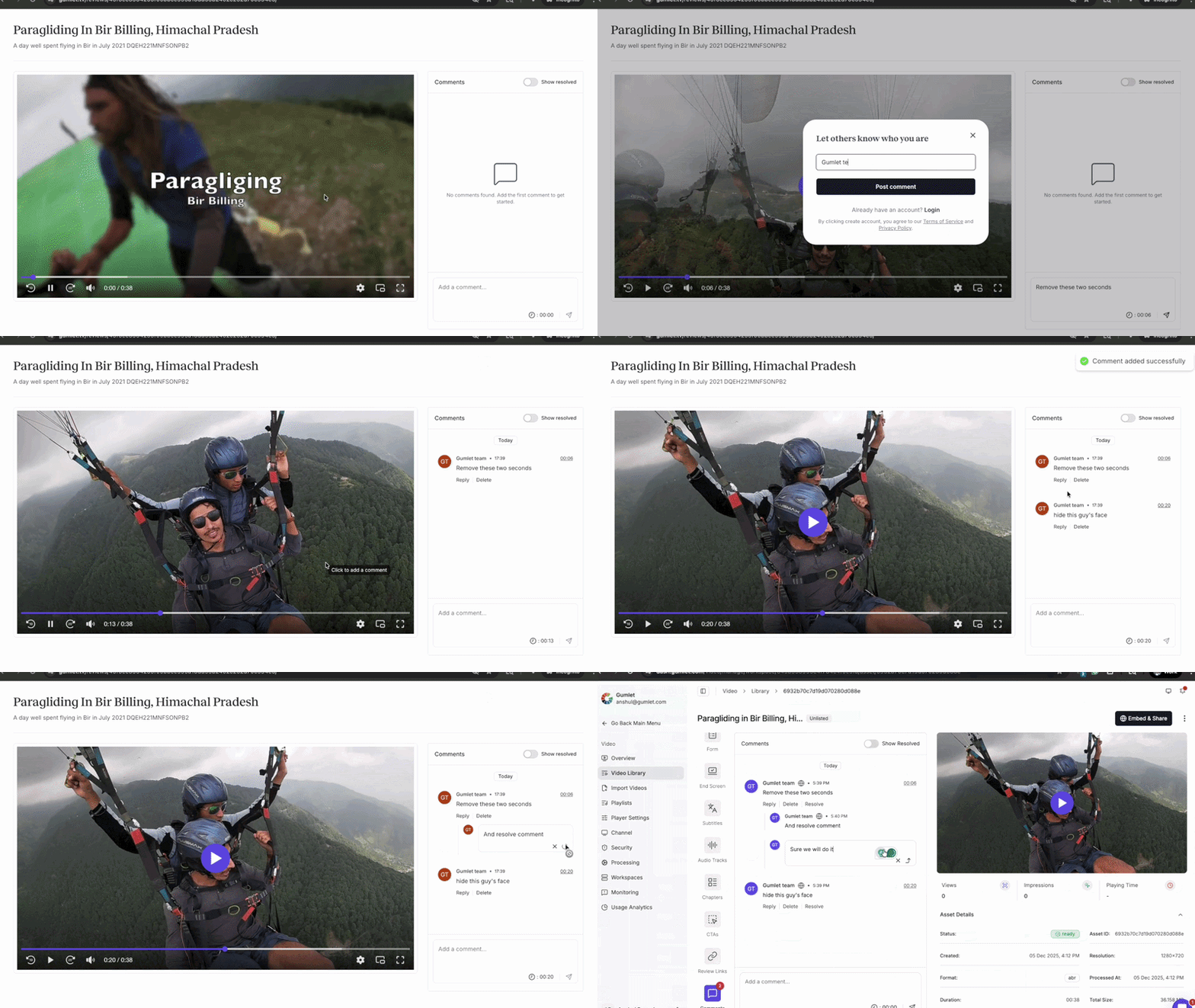
Review videos collaboratively in Gumlet, or share external review links to collect client feedback with precise, time-based comments. Leave feedback at specific timestamps, reply to comments, and resolve issues before publishing.
Video Sharing and Embeds
Embedding and sharing a video is essential for getting the most out of your hosted content. Gumlet supports playlist embeds, native integration for mobile apps, and customizable channels.
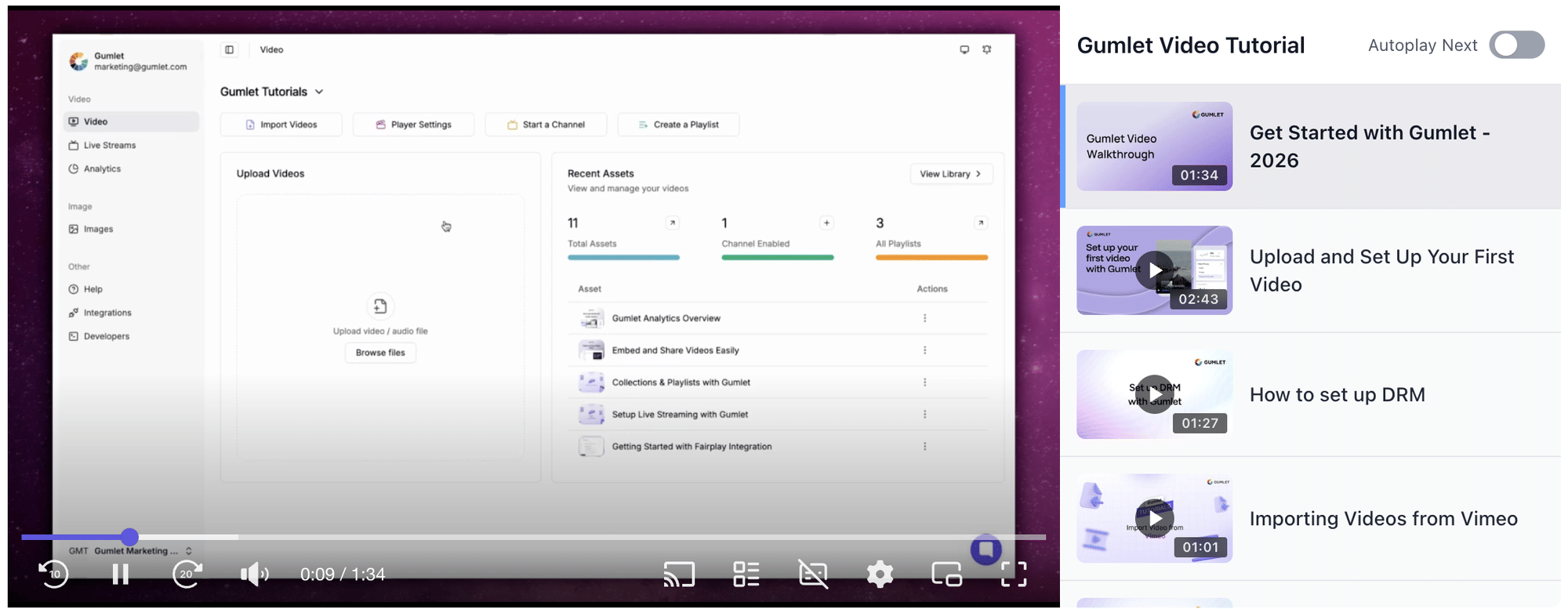
- Playlist embed: Embed a playlist directly to your website, blog, or anywhere else. Give your audience access to ordered videos in a set order so they can stay in sync for continuous learning. You can reorder videos within a playlist from the Gumlet dashboard.
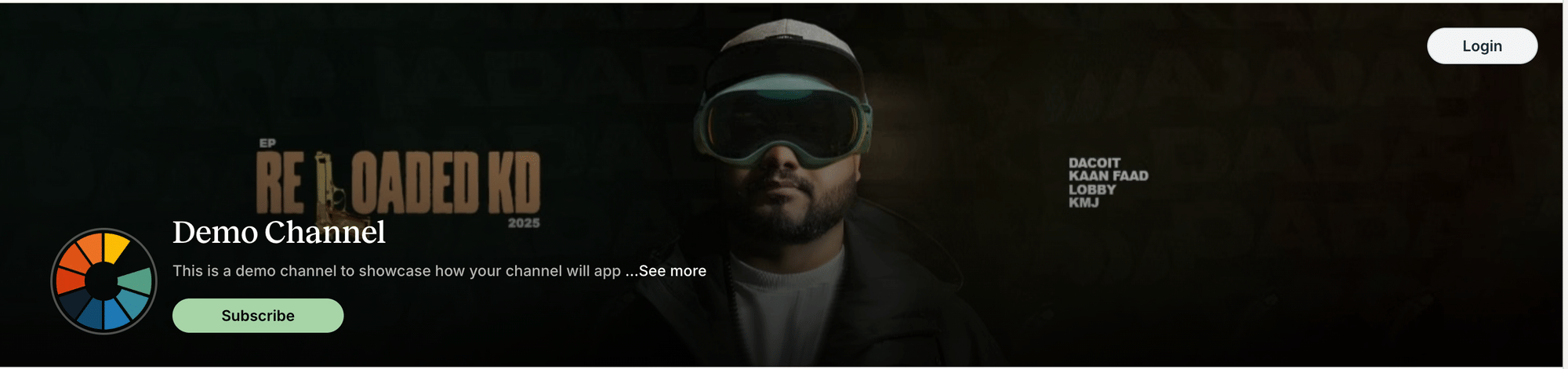
- Customizable channel: Add a branded touch to your Gumlet channels. Customize the favicon, hero image, and button colors, and arrange playlists within the channel.
- Mobile SDKs: For businesses with their custom-built mobile apps, Gumlet offers native SDKs for Android and iOS. Deliver a seamless native experience with Gumlet mobile SDKs.
All-new Gumlet Analytics
Introducing the all-new Video Analytics — faster, cleaner, and real-time.
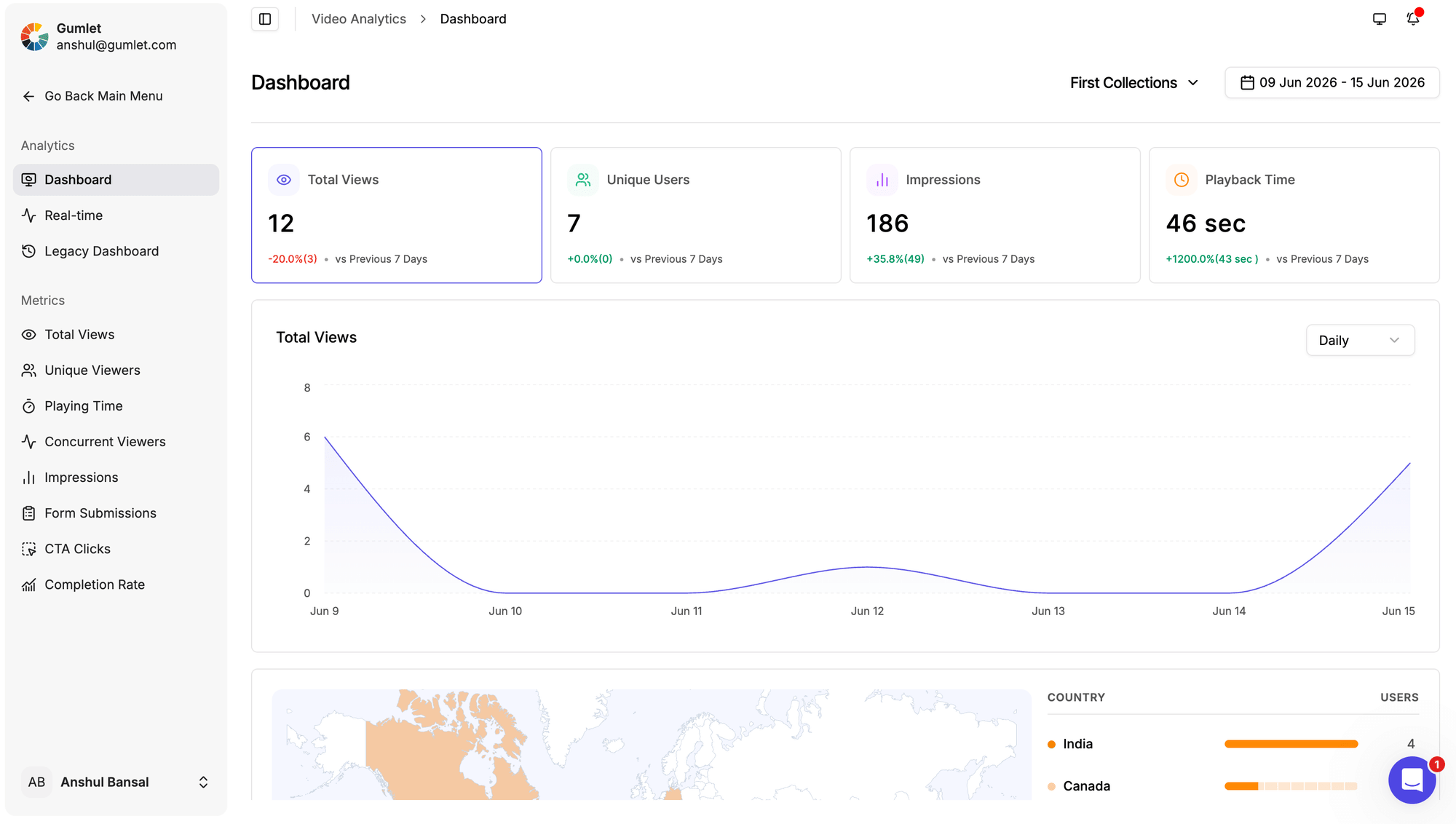
- Blazing fast dashboard performance, even at massive scale.
- Real-time tracking and deeper video/user insights.
- A decluttered UI with saved reports and reliable data
DRM for All
We added DRM support for everyone, including the free plan. With this feature, you can process up to five videos without needing the DRM add-on, ensuring your videos are secure while enjoying the flexibility of our platform.
Faster updates
No one likes slow processes and updates - including us. So we changed that.
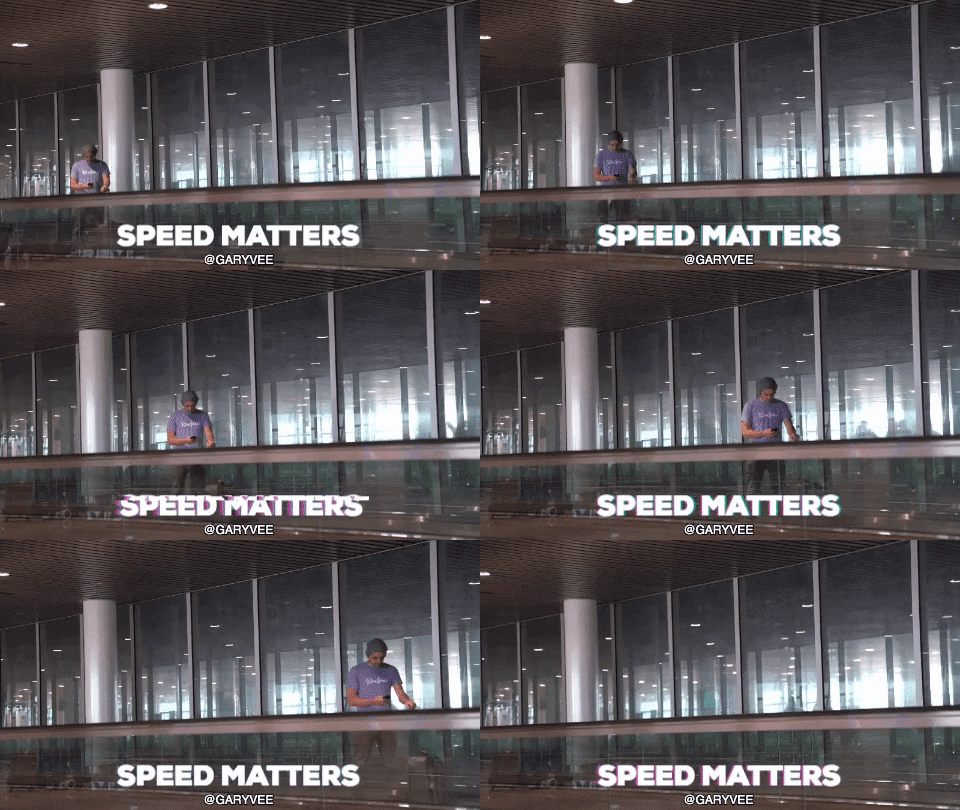
- Faster Video Processing: Your videos now get processed up to 10x faster. We've made significant infrastructure improvements to speed up video processing.
- Fast updates on embeds and preview pages: Changes you make in the dashboard now appear much faster on embed and preview pages. We've also improved caching to boost performance across video embeds, playlists, video preview pages, and channel pages.
Integrations, Plugins & Addons
The plugins and addons make your life easier, and your team can use Gumlet in the easiest possible way. We keep building new plugins, addons, and integrations to keep you moving.
- HubSpot: Capture leads through video forms and automatically sync them to your HubSpot CRM and lists.
- GoHighLevel: Embed Gumlet videos on your GoHighLevel (GHL) website using the Gumlet embed plugin available in the Widget Marketplace.
- Craft CMS: Replace Craft's native image transforms with Gumlet's real-time image processing to unlock advanced optimization and transformation features.
- WordPress Video: Upload videos to Gumlet directly from WordPress, browse workspaces and videos, and embed them directly.
- Bubble: Embed Gumlet-hosted video into your Bubble app with fixed dimensions or a fluid, responsive layout.
- MailChimp: Capture leads through video forms and automatically sync them to your Mailchimp lists to grow your audience for campaigns.
We're building Gumlet to help creators and SMBs stay organized, move faster, and get more from every video. More improvements are on the way, and we'd love to hear what you want to see next.


